Friday, November 28, 2014

Devil's Attorney v1.0.4 APK


Devil's Attorney is a charming and fun turn-based strategy game set in the 80's!

Devil's Attorney is a charming and fun turn-based strategy game set in the 80's.
Devil's Attorney is a turn-based strategy game set in the 80's where you play as Max McMann, a defense attorney that's high on charm but low on moral fiber.

Your objective is to free all of your clients and use the money you earn to buy accessories and new furniture for your apartment; boosting your ego and unlocking new courtroom skills in the process.

What's in this version: (Updated : Nov 27, 2014)
  • Tons of bug fixes and improvements
Required Android O/S : 2.3+

Screenshots :


Download : 344Mb (APK+OBB)

Instructions :
  1. Install APK
  2. Copy 'com.senri.da' folder to 'sdcard/Android/obb'
  3. Launch the Game

Flyhunter Origins v1.0.3 APK


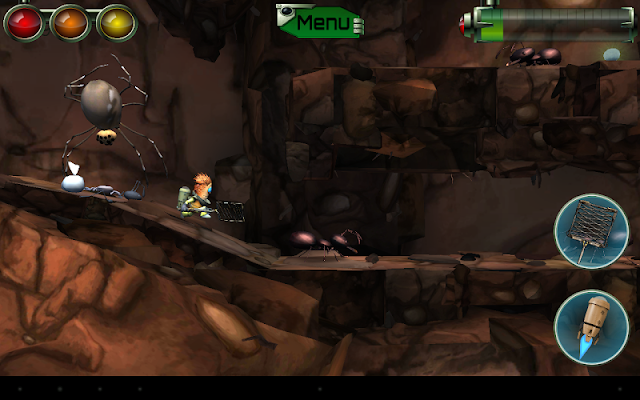
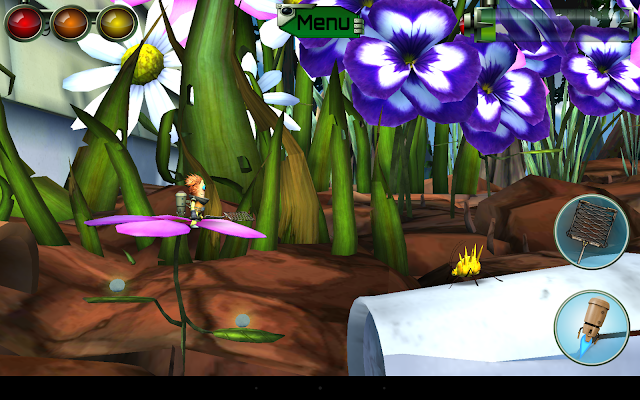
Meet Zak; a bumbling alien spaceship Janitor and wannabe Flyhunter!

Zak is a “Zursk”- one of three alien species from Burgarol 3. He works on board the Flyhunter Crew’s legendary spaceship; ‘The Frog’ but deep down he longs for an exciting adventure of his own.

Somewhere in Earth’s orbit, while the heroic Flyhunters are deep in cryo sleep; The Frog’s cargo of super-important, exotic insects from the latest hunt is mysteriously jettisoned into Space, crash-landing back on planet Earth! It seems that clumsy Janitor Zak is the only one around to save the day.

Can this accidental hero swap his Sweeping Brush for a super-cool Fly Swatter and take on the role of daring Flyhunter? It’s a good job Zak’s is used to cleaning up – because he’s in a huge mess! Hurry! Help this little dude complete his mission, before “The Investors” find out their expensive bugs are missing!
What's new in this version : (Updated : Nov 26, 2014)
  • Fixed invisible Zak in clone-o-matic cutscene
  • Fixed Golden Larvae Hunter achievement
Required Android O/S : Varies with device

Screenshots :
Flyhunter Origins - screenshot

Download : 656Mb (APK+OBB)

Root Explorer v3.3.1 APK


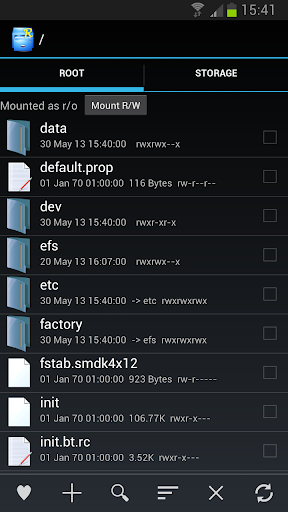
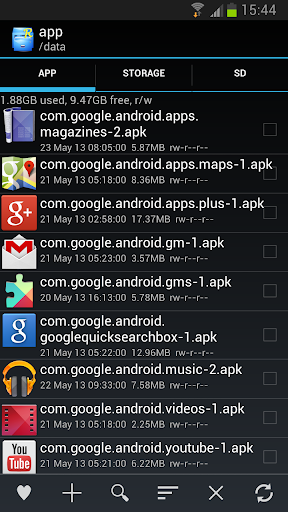
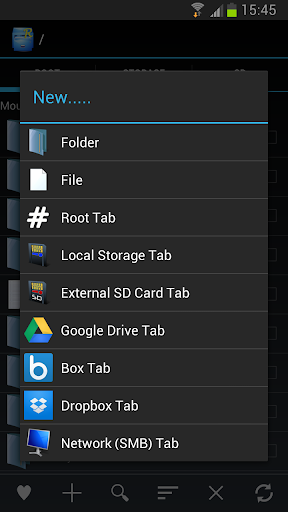
Root Explorer is the ultimate file manager for root users. Access the whole of android's file system !

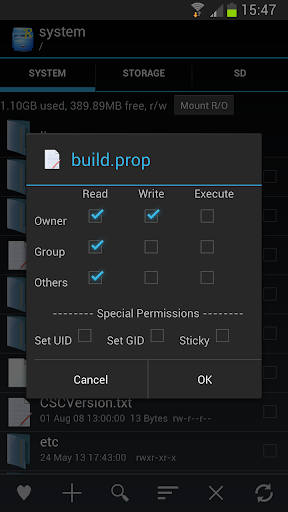
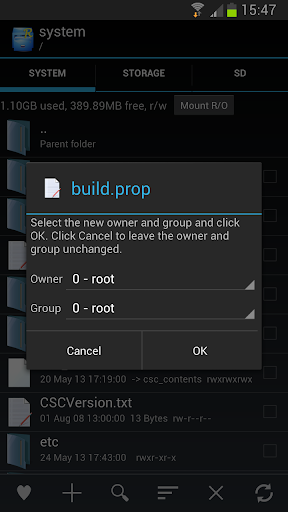
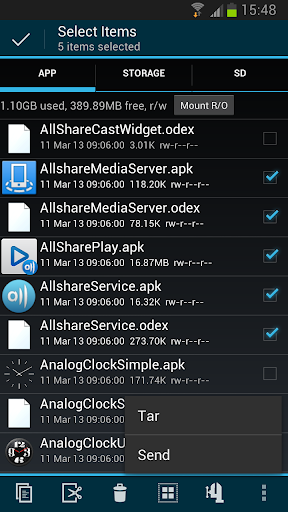
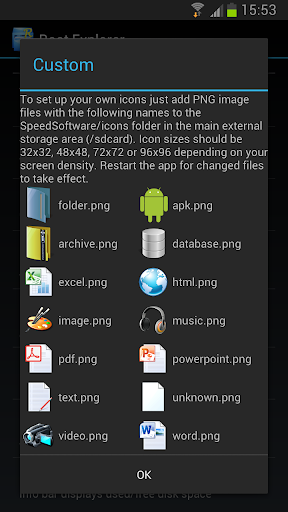
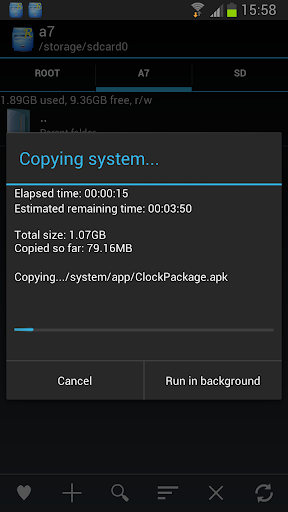
Features include SQLite database viewer, Text Editor, create and extract zip or tar/gzip files, extract rar archives, multi-select, execute scripts, search, remount, permissions, bookmarks, send files (via email, bluetooth etc), image thumbnails, APK binary XML viewer, change file owner/group, create symbolic link, "Open With" facility, MD5.

We will always try to help with any problem you may have with the app. If we can't help then you can have a refund, no questions asked.

Although 11,000+ five star ratings will tell you that most people are very satisfied customers. Make sure you read as many comments as possible to get a good idea of what most people think of the app.

We still respect the old 24 hour refund policy. So if you're not happy with the app just email us within 24 hours and you can have a refund. We'll need to know the order number, which you can find on the emails sent to you by Google when you downloaded.

Why compromise? Get the original and the best!

What's in this version : (Updated : Nov 27, 2014)
  • Hotfix for new Lollipop SD write code
  • Allow write to external SD without root in Android 5.0 Lollipop
  • Display SE Linux context in file/folder properties (Android 4.3+)
  • Change SE context menu option (Android 4.3+)
Required Android O/S : 3.0+

Screenshots :


Download : 1.3Mb APK

Android 3.0+  http://adf.ly/ukES2

Android 2.3 http://adf.ly/ukEVw


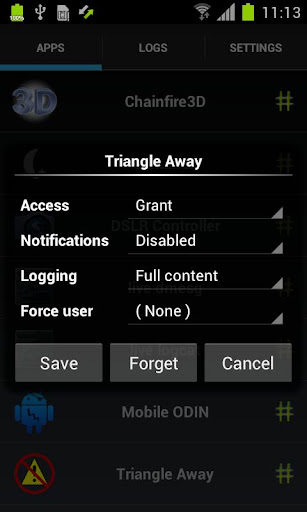
SuperSU Pro 2.36 APK


SuperSU is the Superuser access management tool of the future!

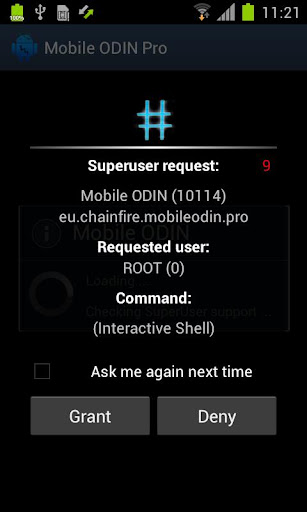
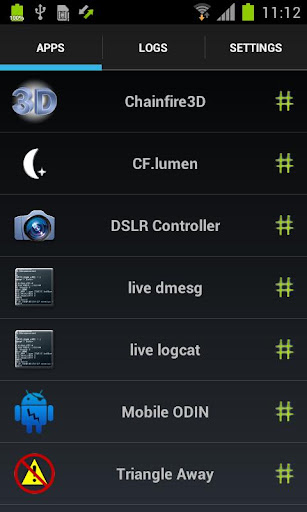
SuperSU allows for advanced management of Superuser access rights for all the apps on your device that need root. SuperSU has been built from the ground up to counter a number of problems with other Superuser access management tools.

!!! SuperSU requires a rooted device !!!

Features:
  • Superuser access prompt
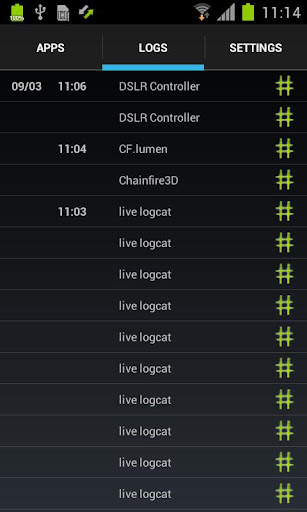
  • Superuser access logging
  • Superuser access notifications
  • Per-app notification configuration
  • Temporary unroot
  • Deep process detection (no more unknowns)
  • Works in recovery (no more segfaulting)
  • Works when Android isn't properly booted
  • Works with non-standard shell locations
  • Trusts ADB connection
  • Always runs in ghost mode
  • Wake on prompt
The Pro version additionally offers:
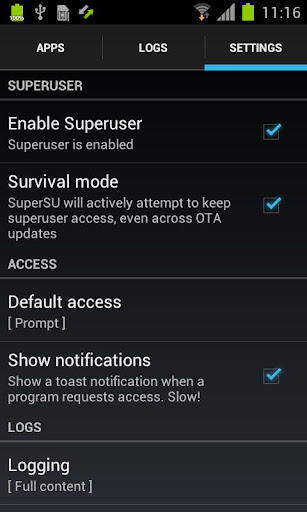
  • OTA survival mode (no guarantees)
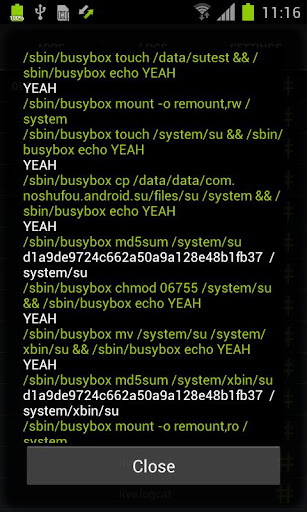
  • Full color-coded command content logging (input/output/error)
  • Per-app logging configuration
  • Per-app user override
  •  PIN protection
SUPERUSER
This is meant to replace Superuser (if installed), you use either one or the other. You cannot combine them. Statements that this breaks Superuser are therefore completely nonsensical.

NOTICE: 
A SPECIAL PROCEDURE IS NEEDED FOR UNINSTALLATION. IF YOU DO NOT LIKE THE APP, DO *NOT* JUST UNINSTALL IT, YOU *WILL* LOSE ROOT.

What's in this version : (Updated : Nov 28, 2014) 
  • Use material theme on 5.0 when launched from settings
  • Fixed crash on 2.x and 3.x devices
  • Fixed TWRP installer issue for 4.2- Updated language files
  • Fix mount namespace separation somtimes being disabled
  • Donations via IAPs (user request)
  • Layout adjustments for Nexus Player
  • Installer adjustments for latest TWRPs
  • Hiding icon now also hides from Leanback launcher
  • Icon replacements
  • ACCESS_SUPERUSER permission is gone
Required Android O/S : 2.1+

Screenshots :


Download : 2Mb APK

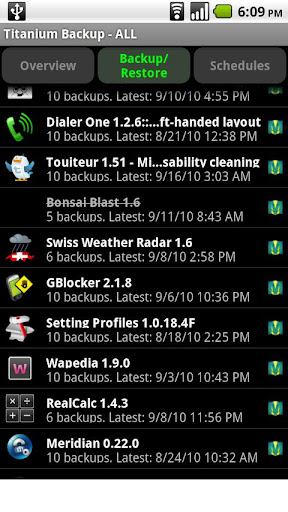
Titanium Backup Pro v6.2.0.1 APK


EXTREMELY powerful tool. Backup ALL apps, Market links, remove bloatware & MORE!

Titanium Backup is the most powerful backup tool on Android, and then some.
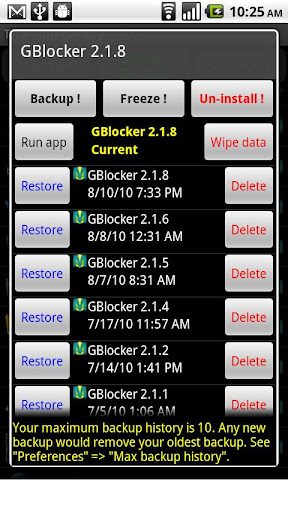
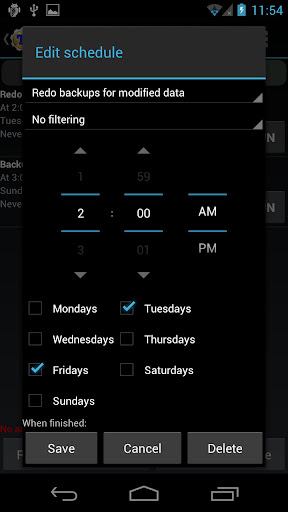
You can backup, restore, freeze (with Pro) your apps + data + Market links. This includes all protected apps & system apps, plus external data on your SD card. You can do 0-click batch & scheduled backups.

Backups will operate without closing any apps (with Pro). You can move any app (or app data) to/from the SD card. You can browse any app's data and even query the Market to see detailed information about the app.

PRO FEATURES ADDED:
  • Multiple backups per app
  • 0-click batch restore
  • Multi-user support for some apps! (eg: games)
  • Batch verification
  • Backup apps without closing them!
  • Restore individual apps+data from CWM backups!
  • Restore individual apps+data from TWRP backups!
  • Hypershell speed
  • Migrate system data across different ROMs
  • Market Doctor (relink apps to Market)
  • "Destroy all Market links" feature
  • Apps freezer (incl. batch support)
  • Market "auto updating" manager
  • Convert user apps <=> system apps
  • Encryption
  • Unlimited schedules
  • Sync to/from Dropbox (manual/scheduled)
  • Sync to/from Box (manual/scheduled)
  • Sync to/from Google Drive (manual/scheduled)
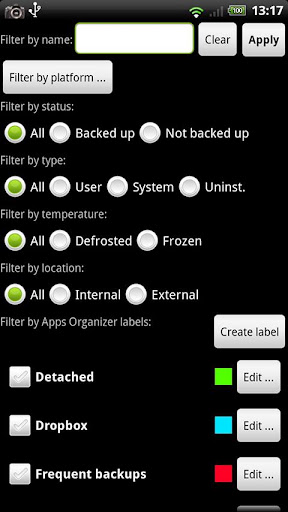
  • Load/Save a Filter and use it in Widgets/Schedules
  • Protect backup against deletion
  • Send backup by e-mail
  • Backup→Verify→Un-install an app in one shot
  • Freeze/defrost/launch apps in a single click
  • CSV export any app DB (e-mail or Google Docs)
  • Brand the app with your name
  • Bloatware Melter (experimental)
  • Convert app data to/from faster WAL DB format
MORE MEMORY:
  • Dalvik cache cleaner
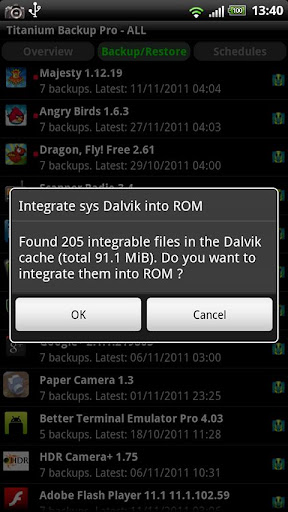
  • Integrate system app updates into ROM
  • Move apps into ROM
  • Integrate Dalvik cache system elements into ROM
What's in this version : (Updated : Nov 21, 2014)
  • Display a warning if using SuperSU with the "mount namespace separation" setting enabled, which caused "Insufficient free storage space" errors for many users.
  • Minor fixes.
  • Updated translations.
Required Android O/S : 1.6+

Screenshots :


Download : 6.2Mb APK

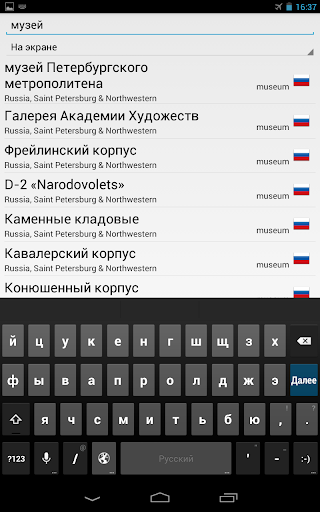
MAPS.ME Pro— offline maps v4.0.4 APK


Try the fastest offline maps ever! All countries of the Globe, detailed!

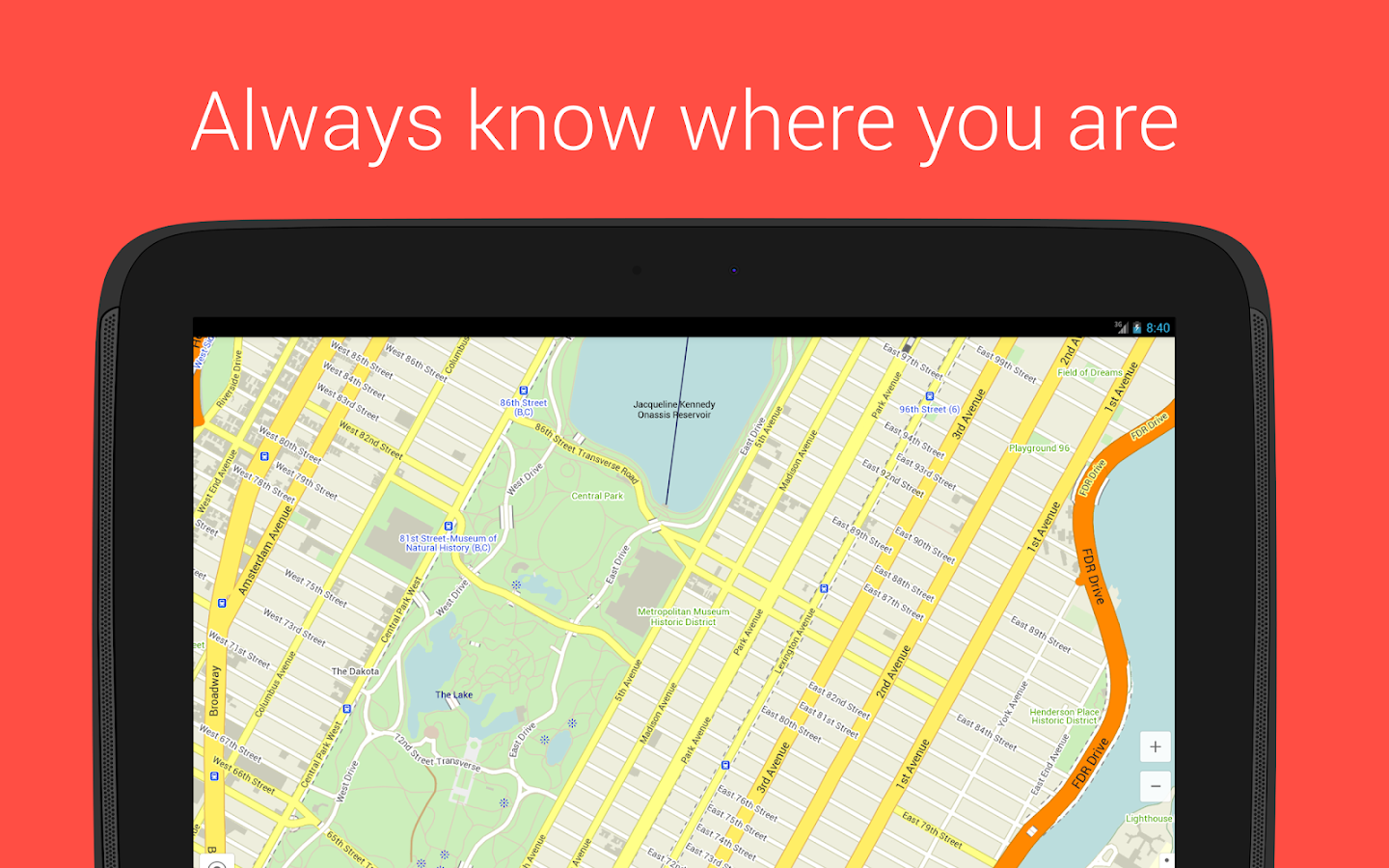
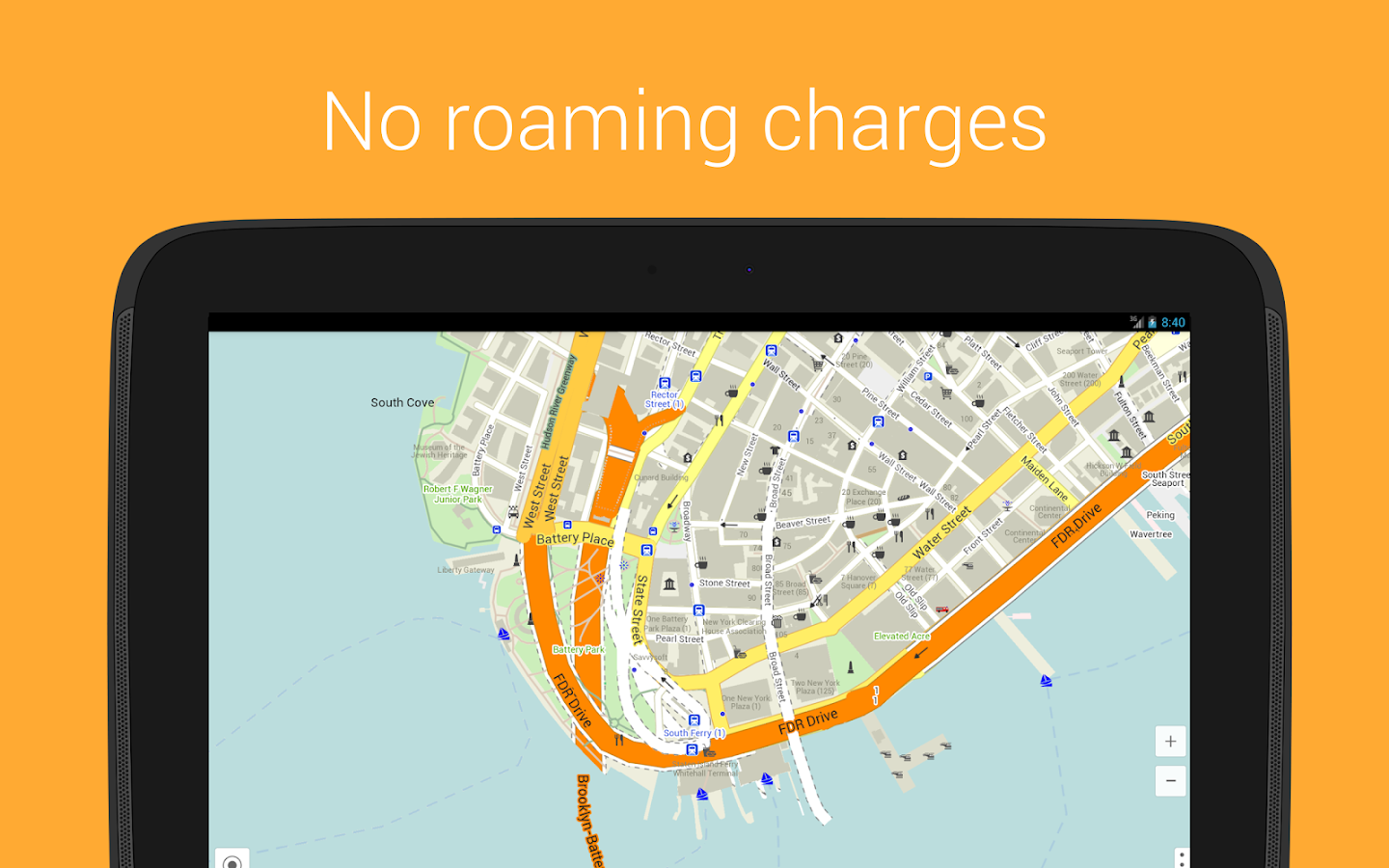
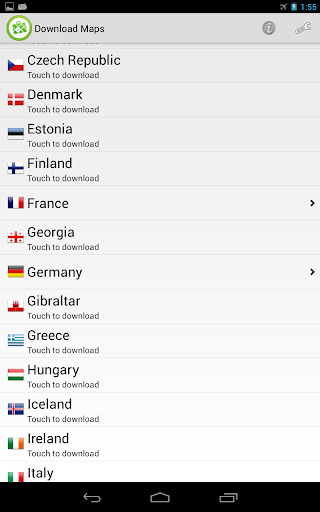
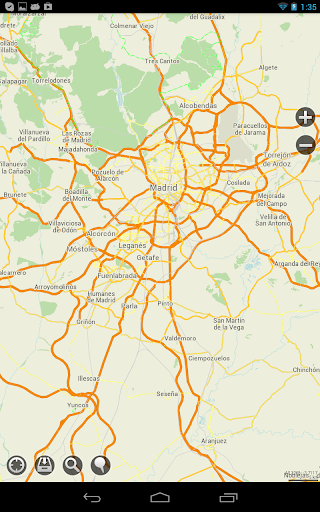
Feel confident in your travels with MapsWithMe Pro! You will always know where you are, where the nearest restaurant or ATM, shop or bus stop is. And you won't need Internet access, because maps and search work totally offline.

Features:
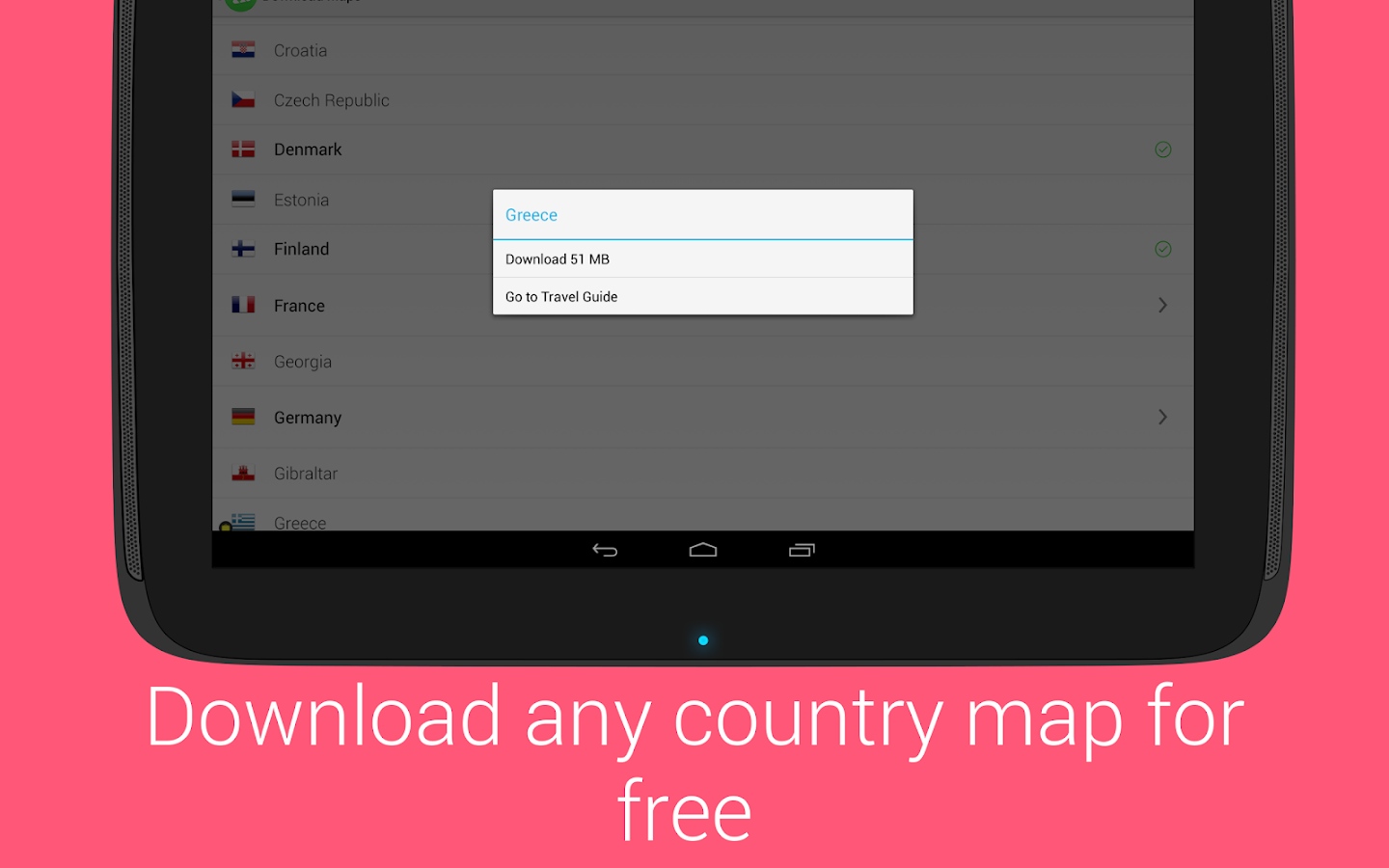
  • COMPLETELY OFFLINE. Download the maps and work with them when no Internet connection is available. Now you won’t need to worry about high roaming charges when using the maps during your travels.
  • GPS POSITIONING. You will always be able to locate where you are with the GPS positioning and compass.
  • OFFLINE SEARCH. Find everything you need of all the objects available on the map in a second! The auto-suggestion feature makes the search faster and easier.
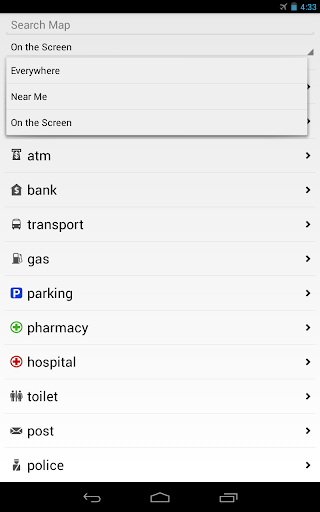
  • SEARCH BY CATEGORIES. You may search by the most popular categories such as Food, Sights, Shops, Transport etc., which makes map navigation much easier. Just tap the category icon and get the list of restaurants sorted by distance and with direction to each indicated for your convenience.
Advantages:
  • REALLY FAST. No grey squares anymore! The trick is in a special map data compression method. Download maps in seconds, navigate through them smoothly and, what is not less important, save phone’s memory.
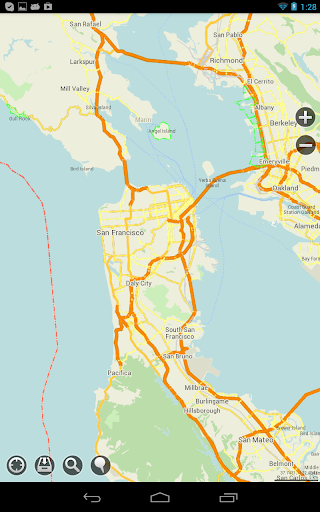
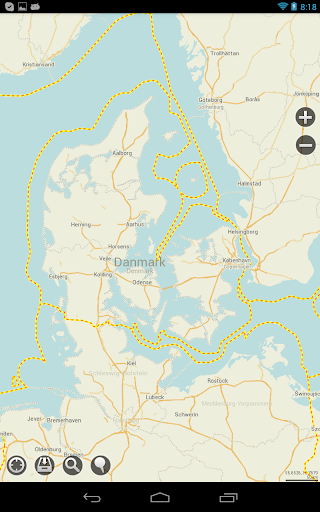
  • ALL COUNTRIES, ALL CITIES. If you get the MapsWithMe Pro, all the World is in your pocket. Even the smallest islands!
  • FRESH DATA. The map data comes from the open source initiative OpenStreetMap where the maps are being updated daily by hundreds of thousands of users worldwide. So, you can be sure that the information you received is up-to-date.
We are always working on new features and would love to hear from you on what you think we could improve.

What's in this version : (Updated : Nov 27, 2014)
  • Optimized for tablets.
  • Updated design, which follows Google’s Material Design guidelines.
  • The MAPS.ME team is getting closer and closer to achieving its main goal - navigation. That's why we are expecting your suggestions what can be changed or added. Leave your suggestion as a comment or send us an e-mail.
Required Android O/S : 2.1+

Screenshots :
Maps With Me Pro, Offline Map - screenshot


Download : 30Mb (APK+OBB)

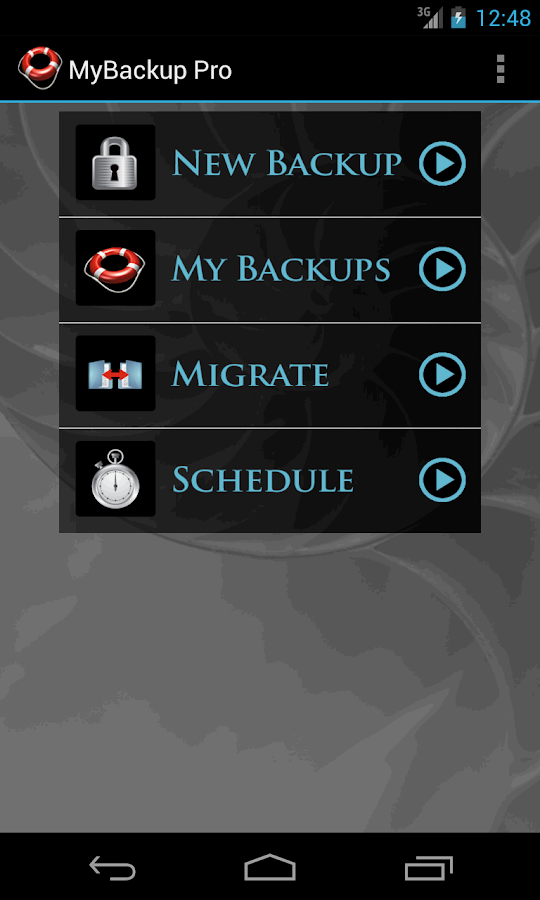
MyBackup Pro v4.2.5 APK


The easiest backup for Android !

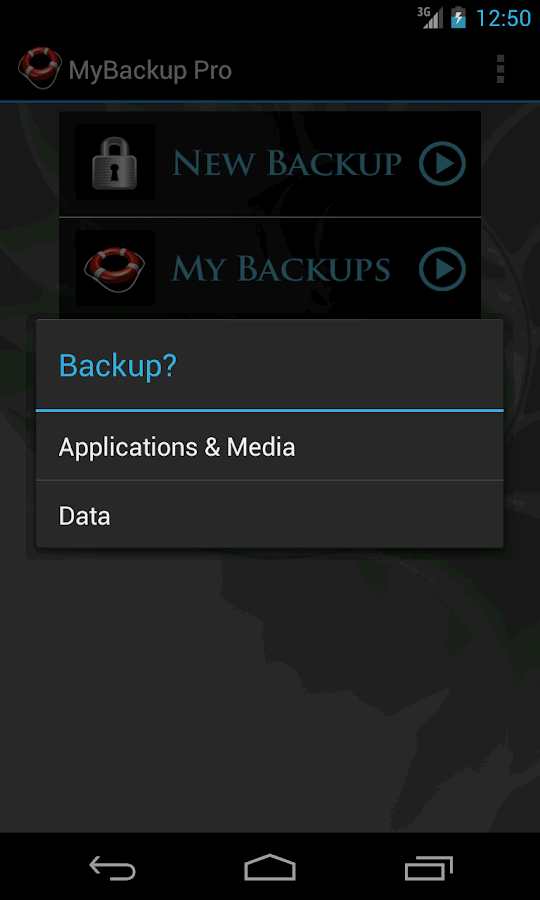
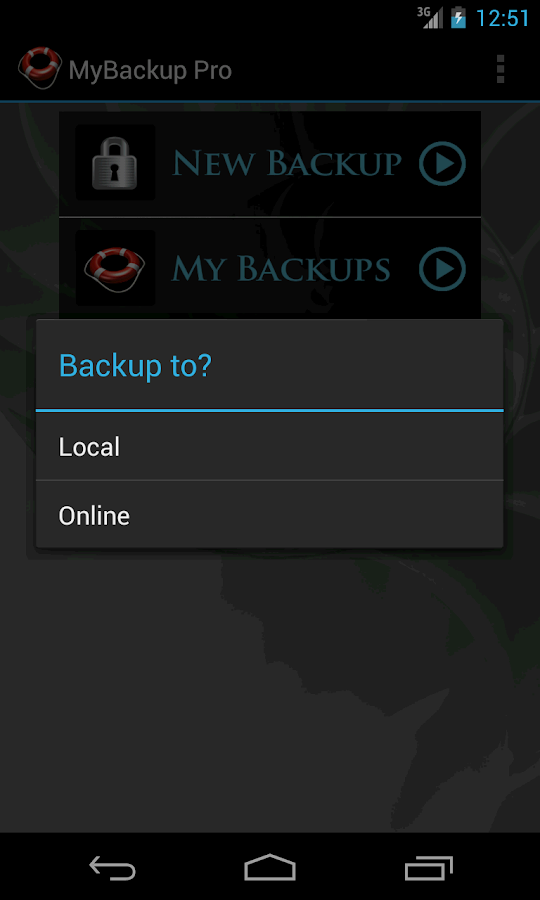
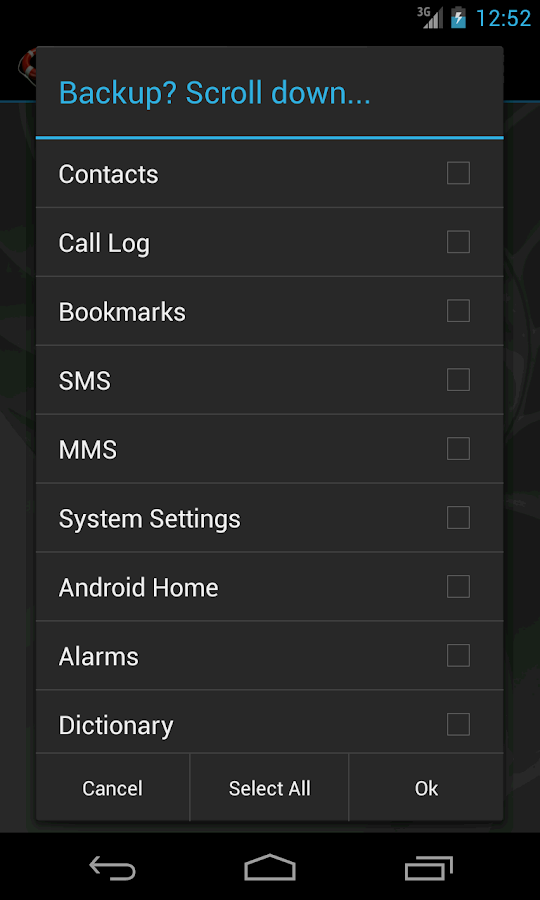
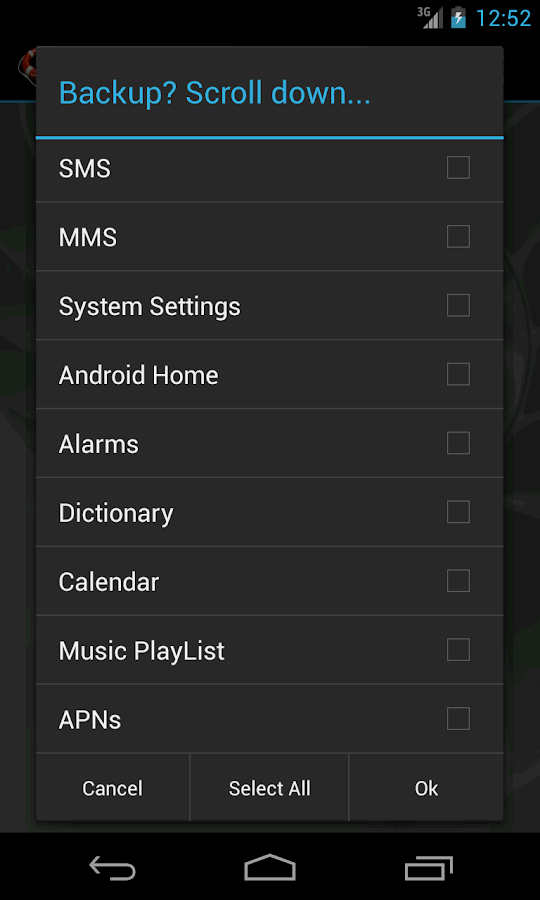
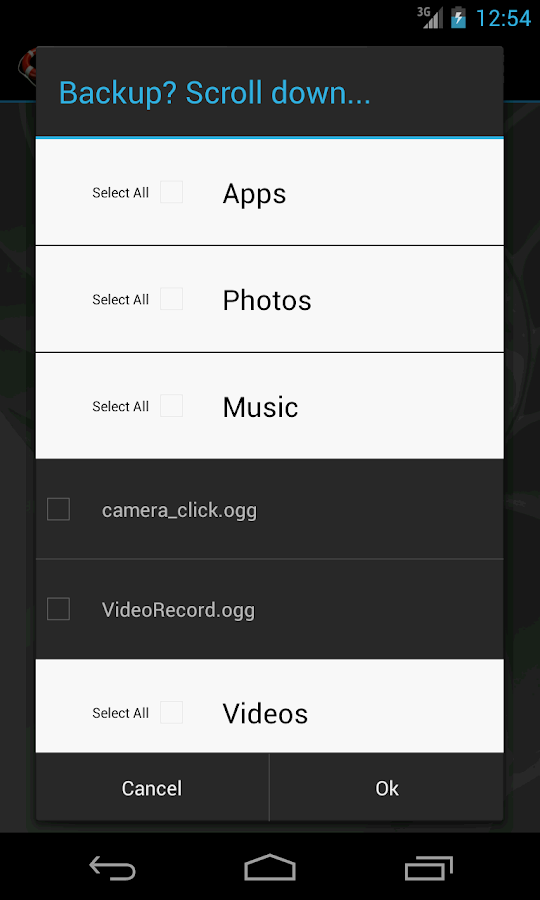
Backup (with schedule option) to our online secure servers, or SD card, your Applications, Photos, Contacts, Call log, Browser Bookmarks, SMS (text messages), MMS (message attachments), Calendar, System Settings, Home Screens (including shortcut positions), Alarms, Dictionary, Music Playlists, and more...

MyBackup Pro is the easiest backup for Android. Supporting the most content, and the most Android devices. 
Restore your backups on your existing or new phone.
View your data and application backups online, by logging into the Web Viewer at www.RerWare.com
MyBackup Pro will work on all Android mobile devices, regardless if they have root access or not.
Users who have a rooted phone: You can backup apk+data as well as market links!

NOTE: Data/setting of applications can only be supported if you have a rooted phone, or if the application integrates with us.

Features: 
  • Freeze bloatware, system apps 
  • UnFreeze frozen applications 
  • Wipe Cache of applications 
  • Wipe Data of applications 
  • Uninstall applications 
  • Break the Android Market Link to Apps 
  • Link Apps to the Android Market 
  • Force Close applications 
What's in this version: (Updated : Nov 28, 2014)
  • Android 5+ Lollipop support (including external SD card support).
  • Enhanced Contact icon photo support.
  • Fix for music playlist support.
  • Remote backup updated.
  • Misc bug fixes.
Required Android O/S : 1.5+

Screenshots :
My Backup Pro - screenshot My Backup Pro - screenshot
Download : 2.4Mb APK

 
Design by Free WordPress Themes | Bloggerized by Mespah - Premium Blogger Themes samples without surveys