Monday, November 17, 2014

Notification Toggle Premium v3.3 APK


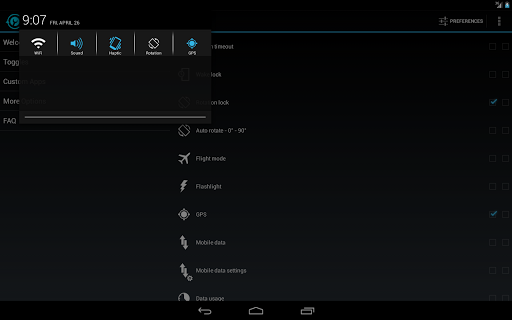
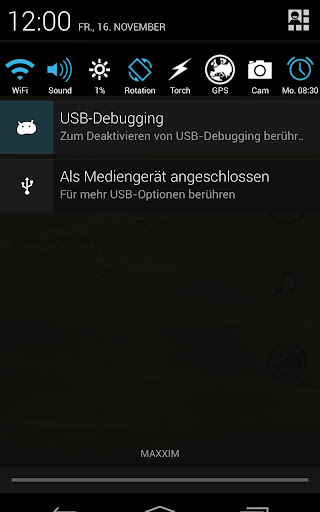
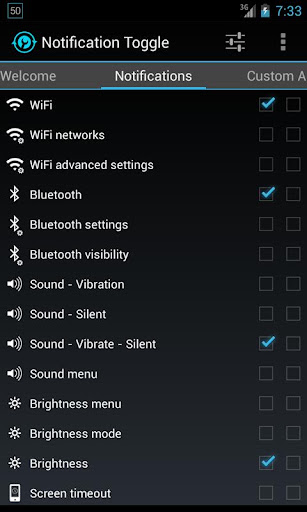
Notification Toggle creates notifications in the Android status bar to let you quickly switch!

Notification Toggle creates notifications in the Android status bar to let you quickly switch WiFi, Bluetooth, Silent mode, Screen rotation and Flight mode on and off or to adjust the screen brigthness (and many more...)

You can also add shortcut to your own apps into the notification bar!

In the settings, you can choose which notifications should be active. All icons & colors can easily be changed through the app for full customization!
Notes:
  • not every toggle will work on every device
  • some settings aren't changeable by user apps, so it will bring you directly to the android settings
  • exclude from task-killers!
  • if your device is rooted, you can install the app in /system/app for direct GPS toggle even on Android 2.3+ and more
  • on Galaxy Note it seems to work only with the stylus on Android 2.x!
Available toggles & shortcuts:
  • WiFi
  • Bluetooth
  • Sound / Vibration, Sound / Silent, Sound menu
  • Brightness mode / menu / 5 predefined stages
  • Screen timeout dialog
  • Wake lock
  • Rotation
  • Flight mode
  • Mobile data
  • NFC
  • Flashlight (might require TeslaLED)
  • Sync & Sync now
  • WiFi- & USB-Tethering
  • Music: previous / next / pause
  • WiFi settings / advanced settings
  • Bluetooth settings, Bluetooth visbility
  • GPS
  • Mobile data settings
  • Data usage
  • Battery
  • Camera
  • next Wallpaper (requires WallpaperChanger)
  • Lockscreen (requires DelayedLock)
  • Shutdown & Reboot (requires root)
  • own apps & shortcuts
What's in this version : (Updated : Nov 17, 2014)
  • fix: blank extra line when limiting number of toggles per line
  • silent mode = "priority mode" on 5.0
  • hiding the notification from lockscreen is only possible in "hide sensitive content" mode (Android setting)
  • fixed second line not shown on Android 5.0
  • fixed wrong icon size on toggles with text and icon size set to "2"
  • fixed "mobile data" toggle opening wrong setting on Android 5.0added "show on lockscreen" option on Android 5.0
Required Android O/S : 2.1+

Screenshots :


Download : 800Kb APK

Flyhunter Origins v1.0.0 build 1001 APK


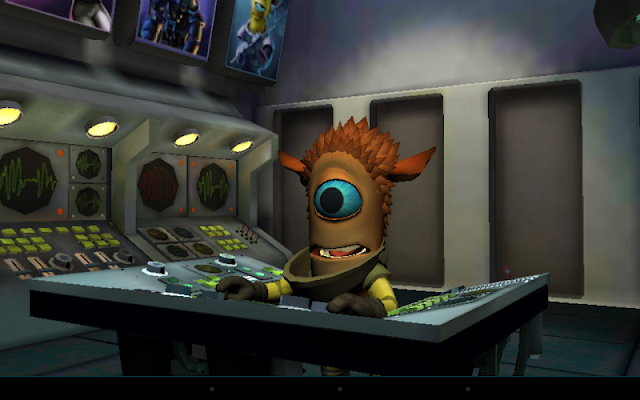
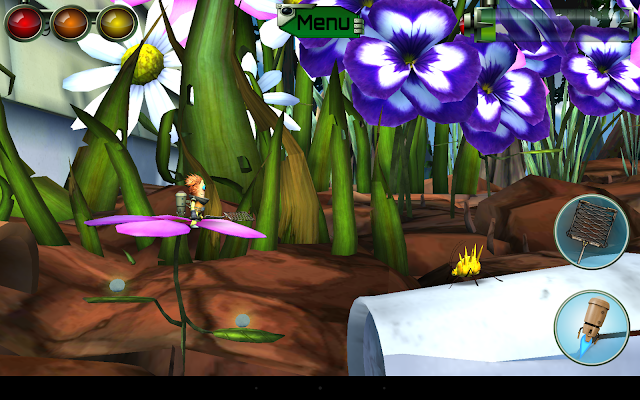
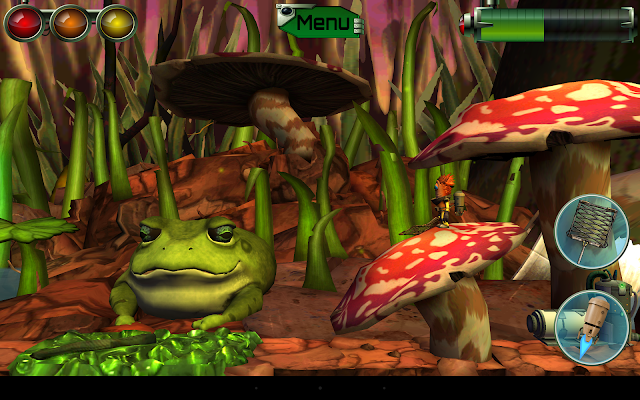
Meet Zak; a bumbling alien spaceship Janitor and wannabe Flyhunter!

Zak is a “Zursk”- one of three alien species from Burgarol 3. He works on board the Flyhunter Crew’s legendary spaceship; ‘The Frog’ but deep down he longs for an exciting adventure of his own.

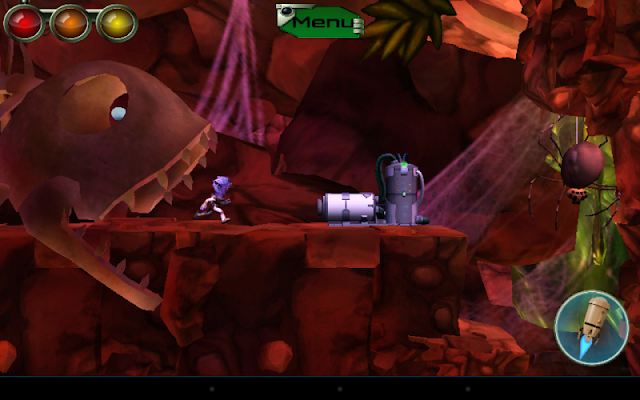
Somewhere in Earth’s orbit, while the heroic Flyhunters are deep in cryo sleep; The Frog’s cargo of super-important, exotic insects from the latest hunt is mysteriously jettisoned into Space, crash-landing back on planet Earth! It seems that clumsy Janitor Zak is the only one around to save the day.

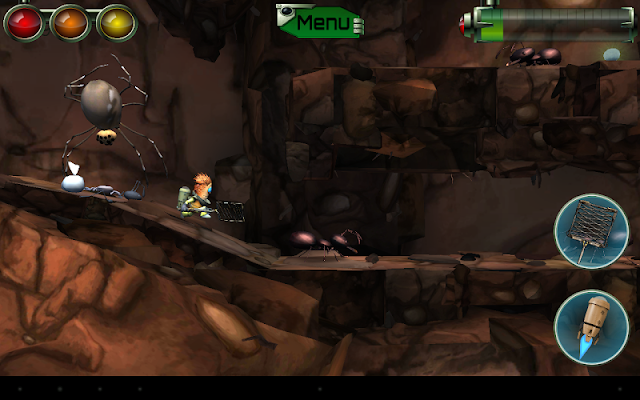
Can this accidental hero swap his Sweeping Brush for a super-cool Fly Swatter and take on the role of daring Flyhunter? It’s a good job Zak’s is used to cleaning up – because he’s in a huge mess! Hurry! Help this little dude complete his mission, before “The Investors” find out their expensive bugs are missing!
What's new in this version : (Updated : Nov 13, 2014)
  • Play Games login and achievements fixed
  • Home button pauses the game
  • Android back button presses back/exit buttons in menus
  • Fixed Depth of Field for Tegra4 devices
  • Icon updated
Required Android O/S : Varies with device

Screenshots :
Flyhunter Origins - screenshot

Download : 656Mb (APK+OBB)

Lollipop Material Design Theme v3 APK


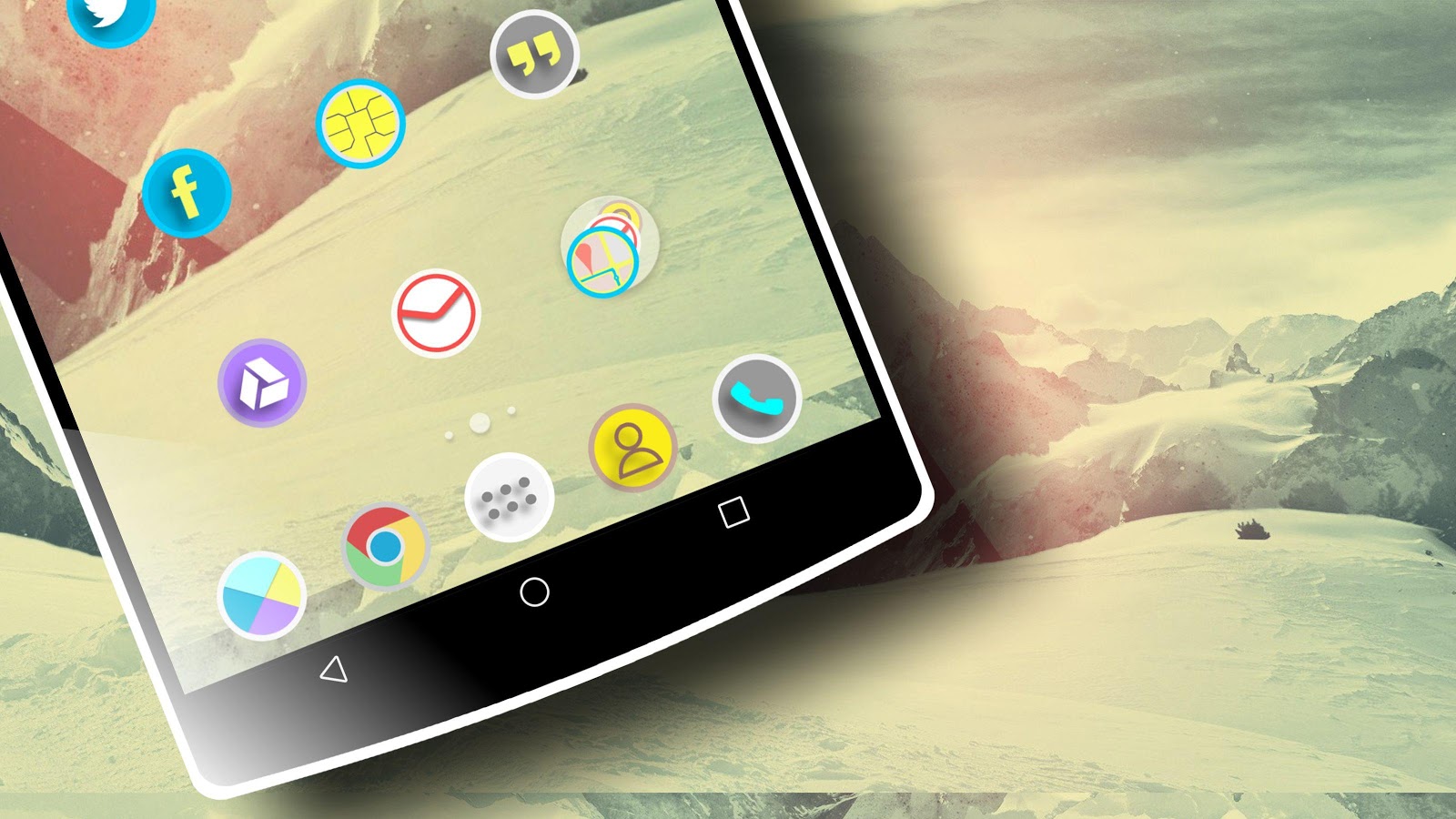
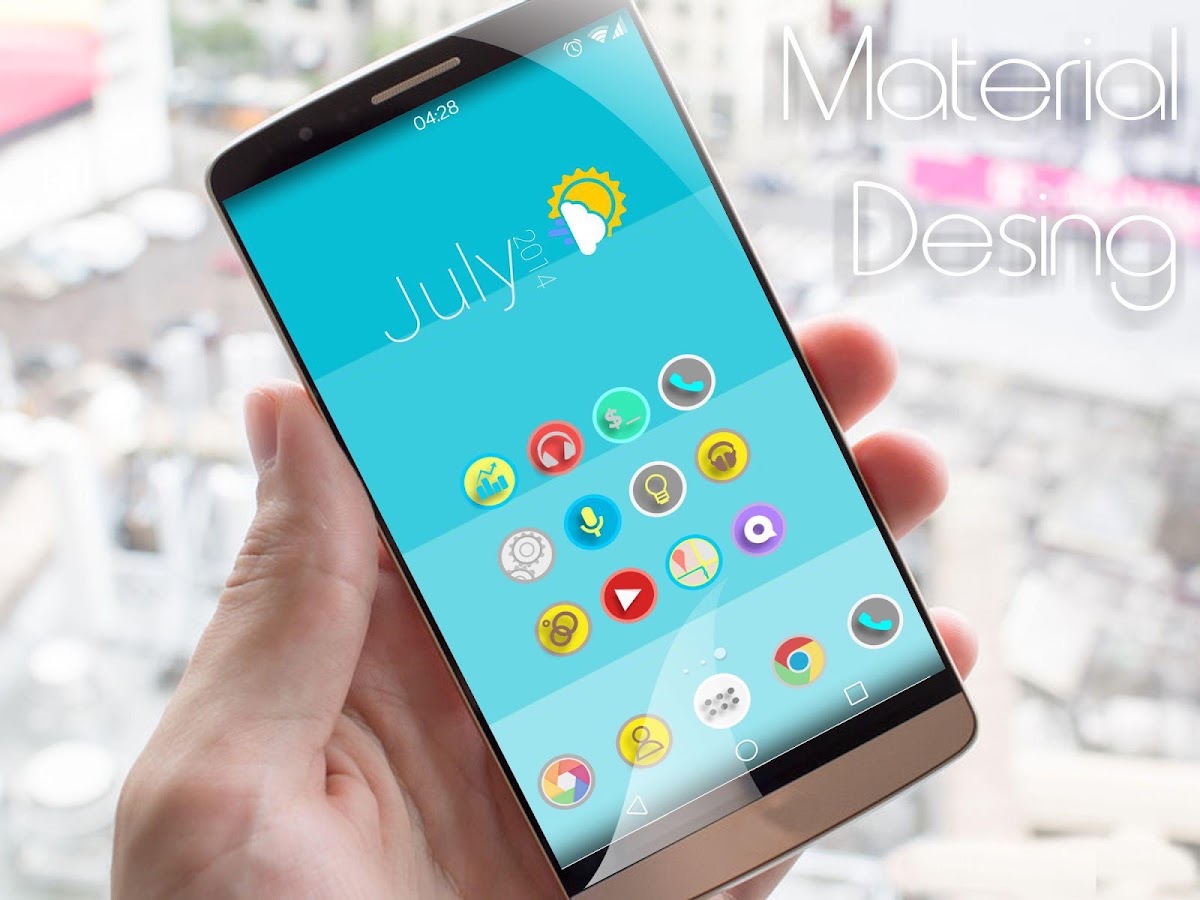
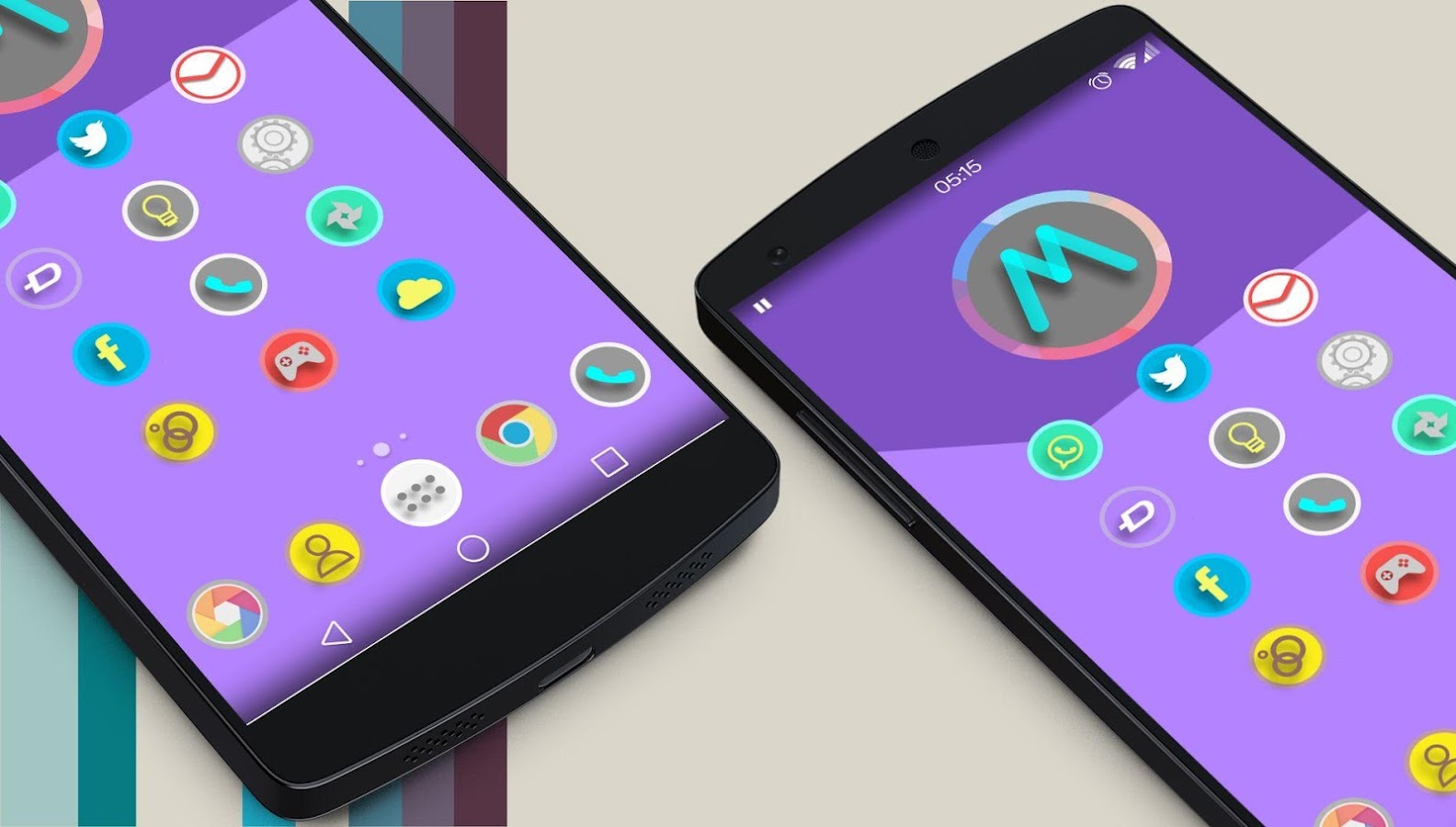
Magterial is a subtle, minimalistic & elegant theme created after months of hard work!

1900+ Icons
Magterial is a subtle, minimalistic & elegant theme created after months of hard work.
It adds the liveliness of icons back to your device.

PLEASE
READ THIS BEFORE DOWNLOADING!
This is Theme Material Design icon Pack HD. This is an icon pack for many Populars Launcher . As Apex Launcher, Nova Launcher, ADW, Holo, Go launcher, Action Launcher, and others. Also compatible.

Works with Launcher:
  • Nova
  • Apex
  • ADW
  • Inspire
  • Smart
  • Atom
  • Aviate
  • Solo
  • S Launcher
  • Slide
  • Winterboard
  • KK Launcher
  • Mini Launcher
  • Holo Launcher
  • Action Launcher Pro
  • Go Launcher (icons only)
  • Unicon only Icon
  • Walpaper design and resolution
What's in this version : (Updated : Nov 14, 2014)
  • New wallpaper hd
  • 35 icons more nawo 1935 icons hd
  • fix icons nexus 5 galaxy s5
Required Android O/S : 2.2+

Screenshots :
Lollipop Material Design Theme - screenshot


Download : 25Mb APK

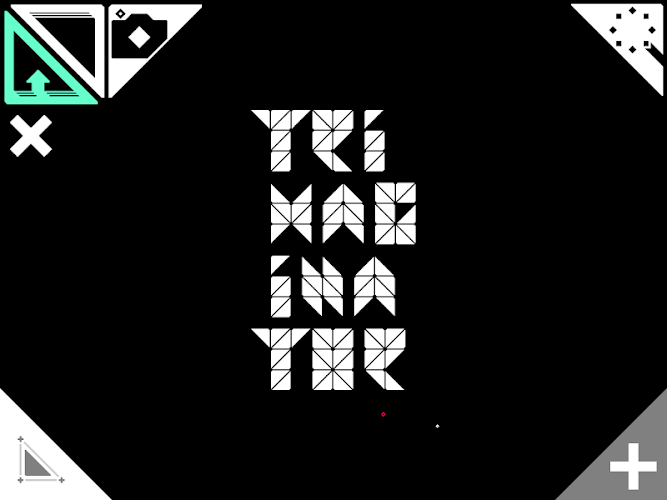
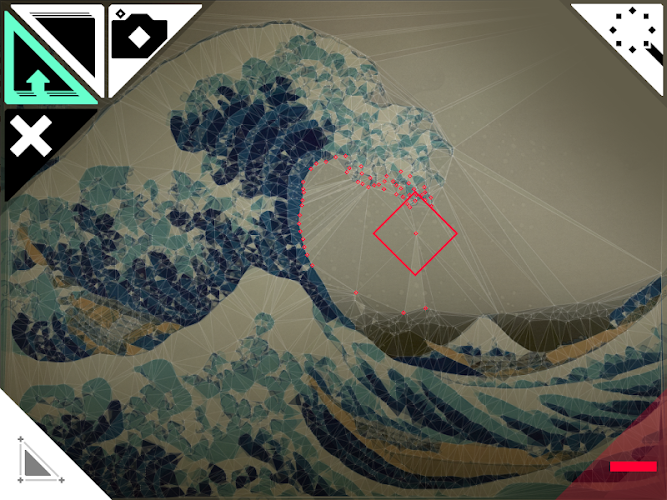
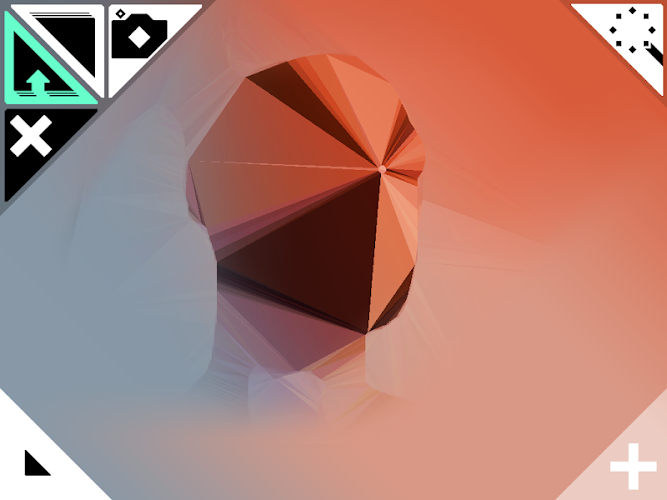
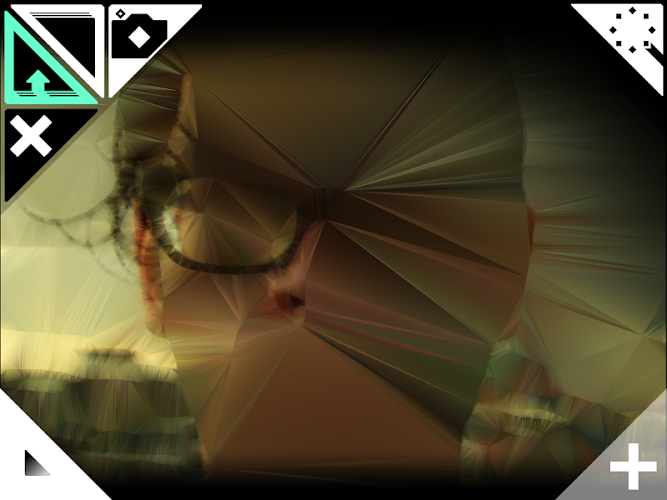
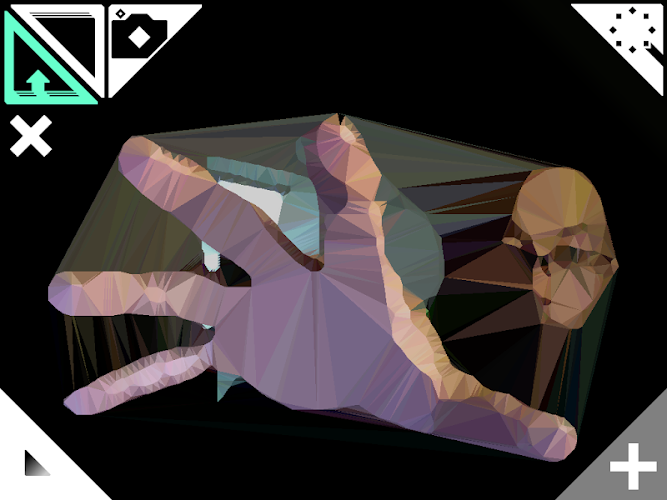
Trimaginator ▲ v1.4.9 APK


Make your pictures stand out from the same old thing that you typically post or share!

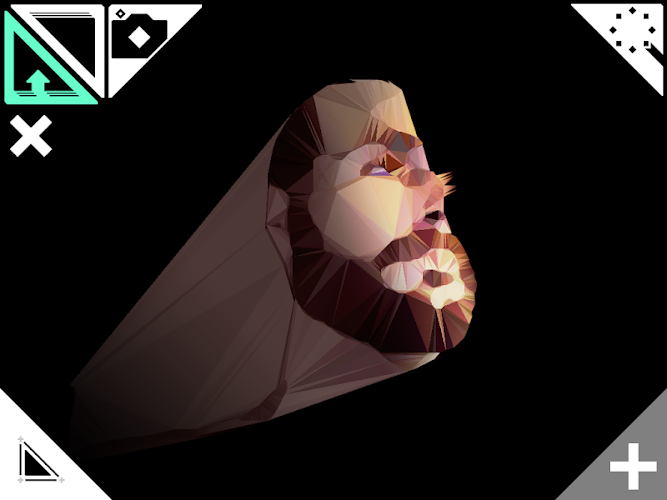
Trimaginator allows you to unleash your creativity and turn your photos into unique works of art!

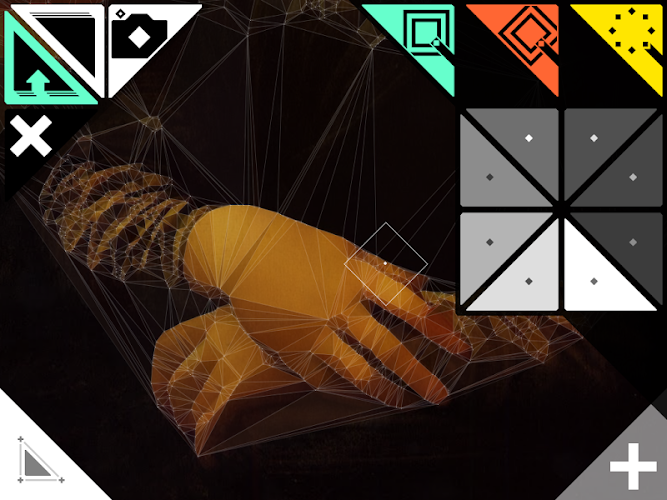
Trimaginator is inspired by the Triangulation invented by the mathematician Boris Delaunay in 1934. While the process behind is complicated, the image is reduced to its essentials and turned into a triangle mesh.

Open the top right drawer and select one of the point generators to instantly turn your picture into a triangle mesh, then tweak the result with your fingers by adding [ + ] or removing [ − ] points, or start drawing from scratch [ × ] if you're feeling wild!

Trimaginator also features different rendering styles that change the look of your triangles : how cool is that?

So what are you waiting for? Just play around and see what you can come up with!

Features:
  • Select within a range of 11 automatic point generators! 
  • Toggle between 12 rendering styles!
  • Import any picture from your library 
  • Take a new photo from within the app 
  • Draw, Erase points
  • Save image in high resolution
  • Share with Instagram
  • Portrait and landscape modes are supported
What's in this version : (Updated : Nov 16, 2014)
  • App icon tweaked with smooth~ish corners, enjoy!
Required Android O/S : 2.2+

Screenshots :
Trimaginator ▲ - screenshot

Download : 10Mb APK

Link2SD Plus v3.5.3 APK


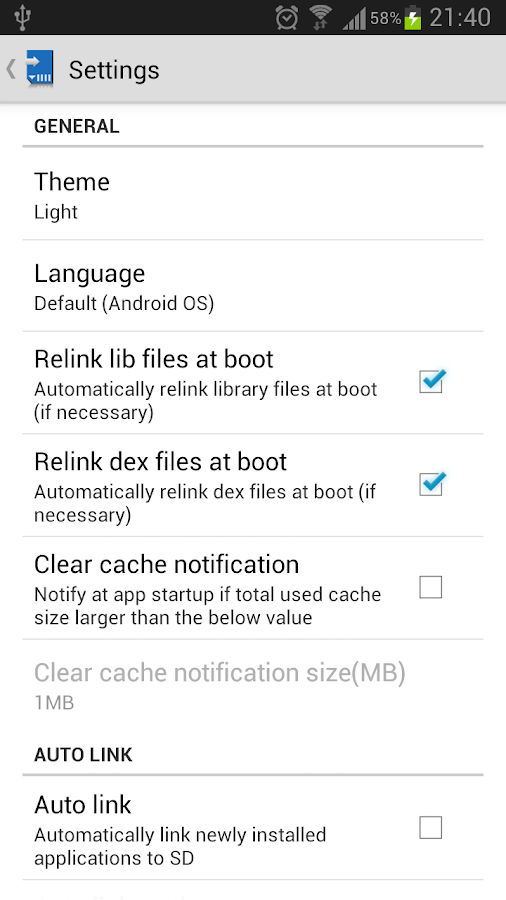
ink2SD is an application manager that makes it easy for Android 2.0+ users to move applications to the SD card!

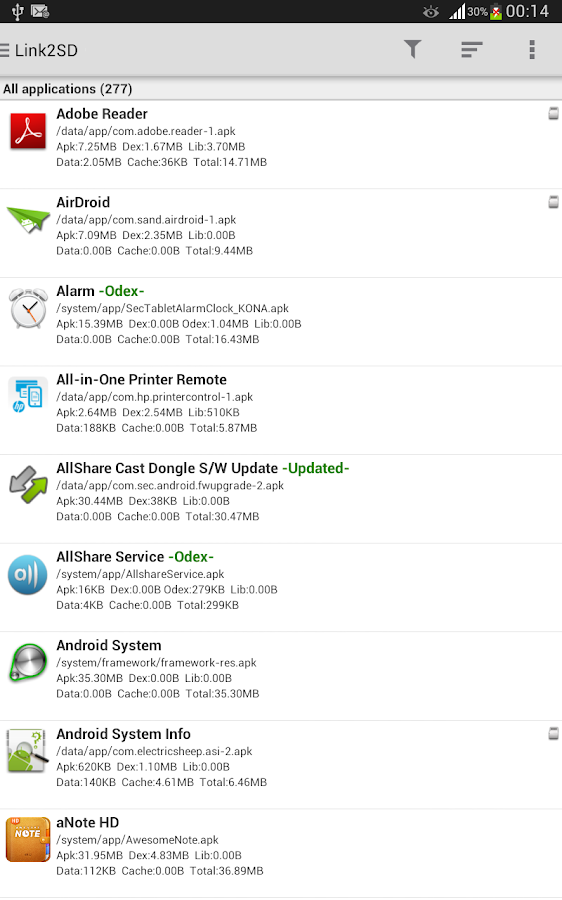
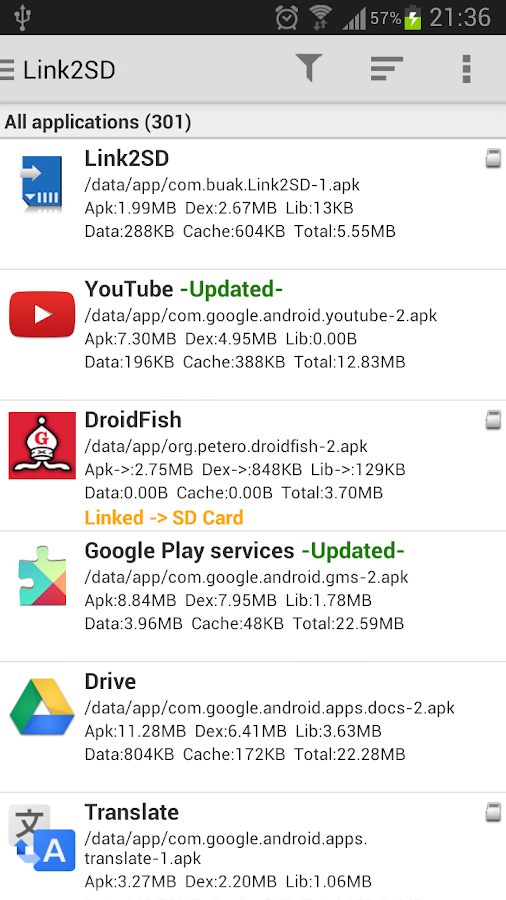
Link2SD is an application manager that makes it easy for Android 2.0+ users to move applications to the SD card, to clean all cache files of the apps. It enables you to manage your apps and storage easily.

The idea behind is same with apps2sd scripts, linking applications to SD card's second partition but differs in two ways.

One, instead of linking /data/app folder (that means moving all applications), you can select applications that you want to move. 
Two, it's an application which means has a user interface. You can manage your applications with few clicks.

It also provides native app to SD (app2sd) features on Android 2.2 and higher. It can move any non-protected user apps to SD card (force move), with batch moving capability.
That feature uses Android's standard SD-card installation feature and does not require a second partition.

Cache cleaner function clears all your cache and free up space with a single tap. Also cache cleaner widget displays total cache size and enables "one tap cache cleaning" without opening the app.

Features:
  • App manager
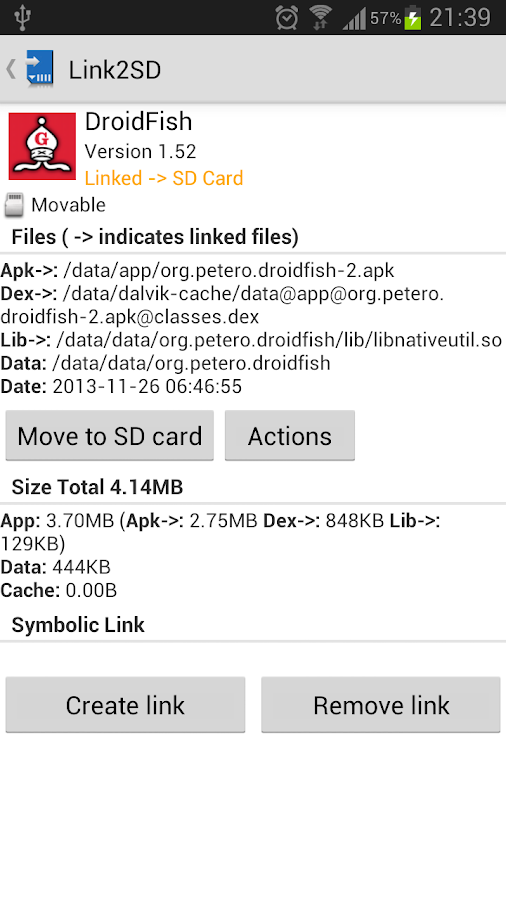
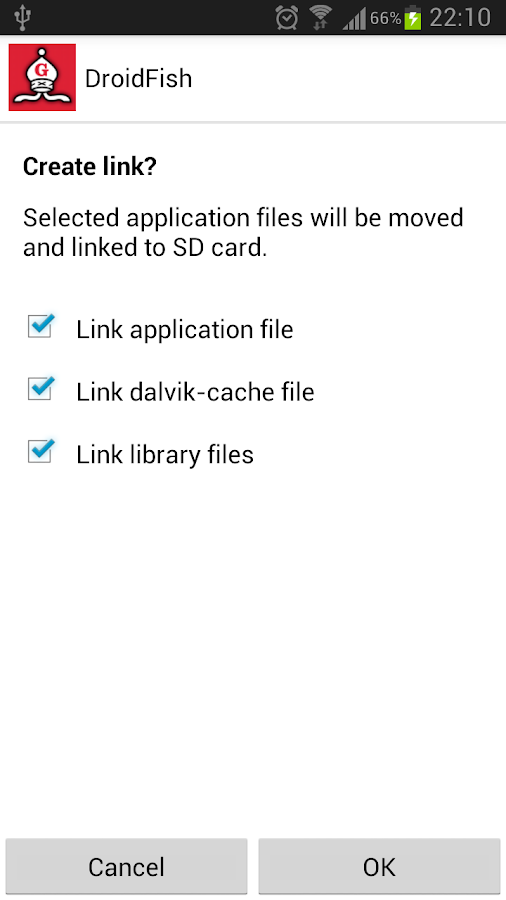
  • Create and remove link for apk, dex and lib files of the applications you select
  • Automatically link newly installed apps (optional)
  • Move any user apps to SD even though the app does not support moving to SD (a.k.a. "force move", for Android 2.2 and higher)
  • Shows the apps that support moving to SD with native apps2sd 
  • Set the default install location of the apps; auto, internal, or external 
  • Batch link, unlink, reinstall, uninstall, "move to SD", "move to phone" functions 
  • Notify when movable apps installed 
  • Uninstall system applications (bloatware removal) 
  • Freeze and un-freeze system and users applications 
  • Convert system apps into user apps 
  • Convert user apps into system apps 
  • Integrate "Updated" system apps into system (ROM) 
  • Clear data and cache of the application 
  • Clear all apps cache at once (1-tap cache cleaner without being root)
  • Clear cache widget (1-tap cache cleaner without being root) 
  • Notify if total cache size exceeds specified size 
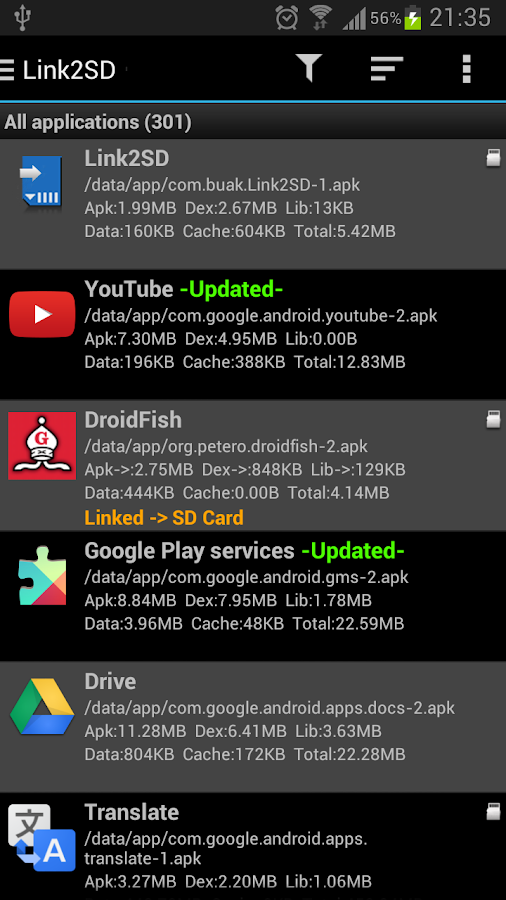
  • List applications, show detailed size information and link status 
  • Wide variety of options to sort and filter apps 
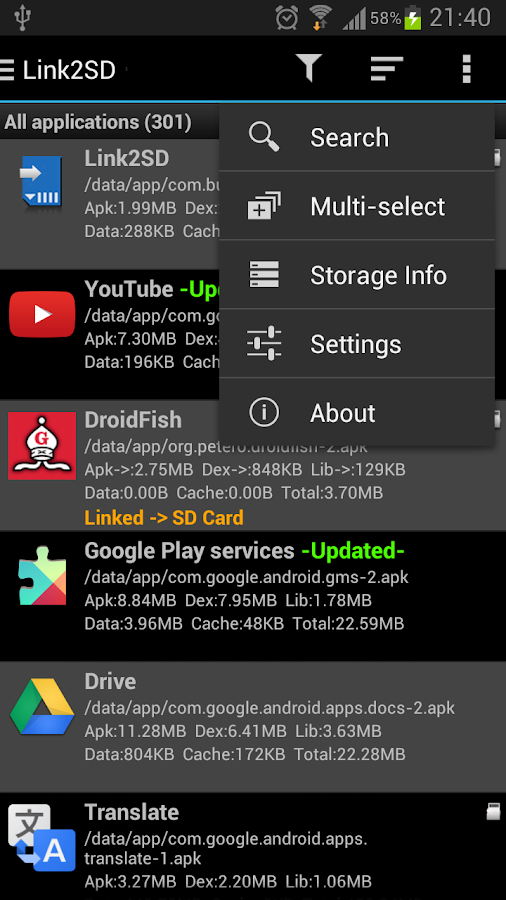
  • Search applications by name 
  • Display available space information of internal storage, SD card and SD card 2nd partition 
  • Share the link of an app
  • Support 35+ languages
Plus features:
  • Removes ads
  • Auto clear cache service
What you need for linking apps:
  • root permission. 
  • a second partition on your SD card.
You should have two partitions on SD card and both should be primary.
The first FAT partition is your standard SD card storage. The second partition is used for application files and can be ext2, ext3, ext4 or FAT32.
Some phones lack the ext2, ext3 or ext4 file system support and you may get mount errors like "no such device", "invalid argument". These phones need ext2.ko or ext3.ko modules and even some additional modules to be able to mount. Using FAT32 on the second partition will eleminate such problems, because FAT32 is supported on all phones.

Link2SD does not create the second partition, you need to create it yourself. You can use any partition manager such as Minitool, Paragon, Easeus etc. for this.

Some points:
  •  System applications should not be linked to SD card. Link2SD does not allow these applications to be linked.
  • When you connect your phone to PC as mass storage, Android unmounts the first FAT partition but the second partition remains mounted. Therefore linked applications are not affected and can be run without problems.
  • Link2SD does not move application's private data files; it moves apk, dex (dalvik-cache) and lib files.
DISCLAIMER: It is made available for use at your own risk with no warranty of any kind.

What's in this version : (Updated : Nov 15, 2014)
  • added support for Android Lollipop (5.0)
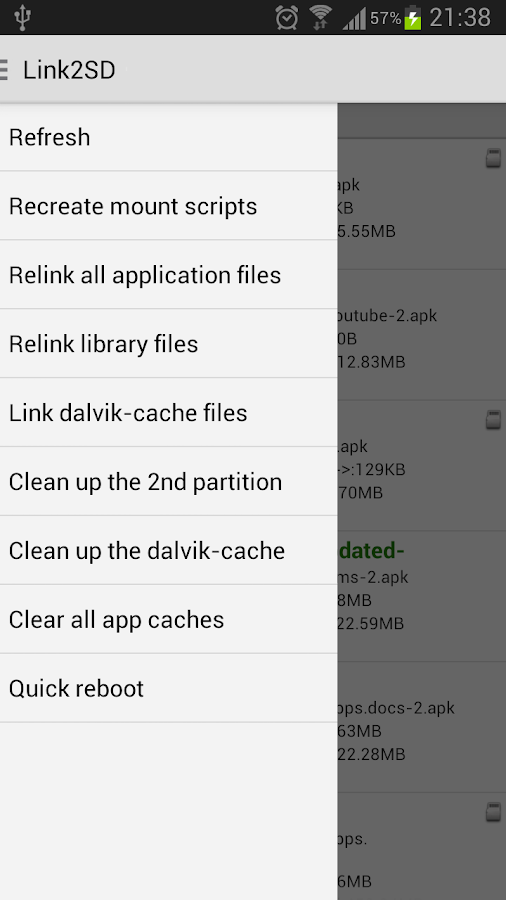
  • if you have issues on Lollipop run "Recreate mount scripts" and reboot
  • added Tamil translation
  • some minor bug fixes
Required Android O/S : 2.0+

Screenshots :
Link2SD - screenshotLink2SD - screenshot
Download : 2Mb APK

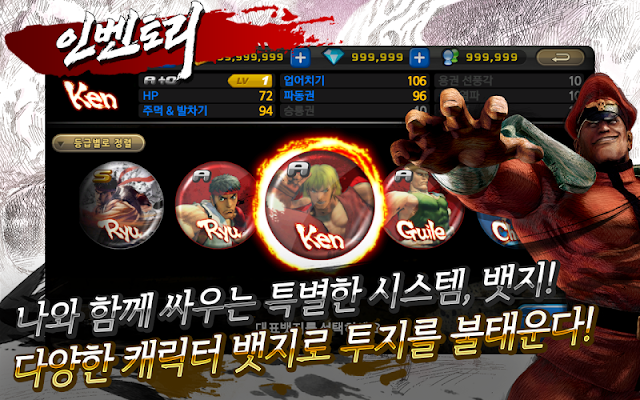
Street Fighter IV Arena v2.6 APK


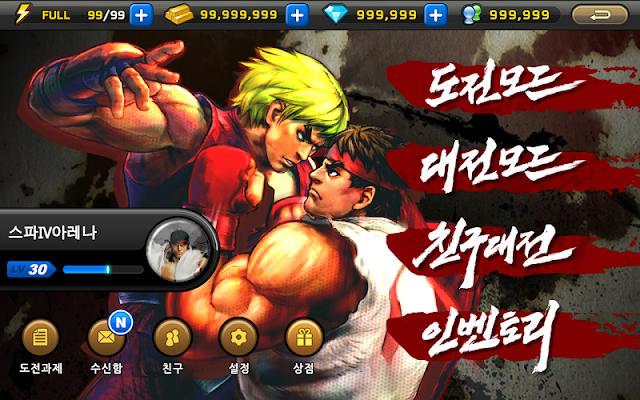
Try fighting powerhouse in a huge challenge in the mobile arena league!

NEXON Festival Events
  • Duration: 11.12 (Wed) 11:00 to 11.18 (Tue) 23:59
  • 20% of the total additional payments paid by Gem!
  • Add various items in accordance with the payment paid!
  • (Reinforcing success ticket, S-class badge box, seal the box, and so on ...)
climbing film of a true fighting !! 
War real-time network support !! 
Try fighting powerhouse in a huge challenge in the mobile arena league!

▣ Opening Season 2 (9/22 ~ ??) ▣ 
Bronze> Silver> Gold> Platinum> Diamond> Master
War is exciting to hand mode, start again from the beginning!
All the user has to start from bronze,
accumulated points through victory can be traced to a higher grade
defeat to point to a lower grade loses spark that starts splashing League relegation.

Features:
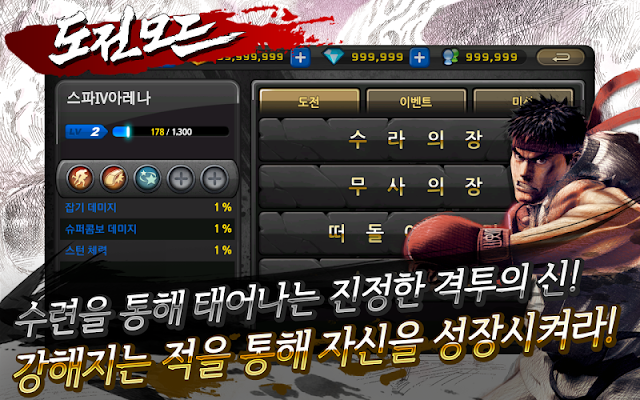
  • best selection and adherence of their viewing features breathtaking master league season with first! 
  • In wandering through gwonwang, challenge mode that grow your skills!
  • Thrilling match-up mode with real-time network war!
  • Blow to challenge your friends to compete War proficient friend!
For Galaxy Note 1 model, smooth gameplay, it can be difficult.
User deurimyeo ask your patience, so that the game uses the hassles we will do our best.

What's in this version : (Updated : Nov 3, 2014)
  • If the Viper Heavy Thunder Thunder Knuckle Knuckle is to strengthen Fixed an issue that is not reinforced
Required Android O/S : 2.3+

Screenshots :
스트리트파이터 IV 아레나 - screenshot

Download : 35Mb APK

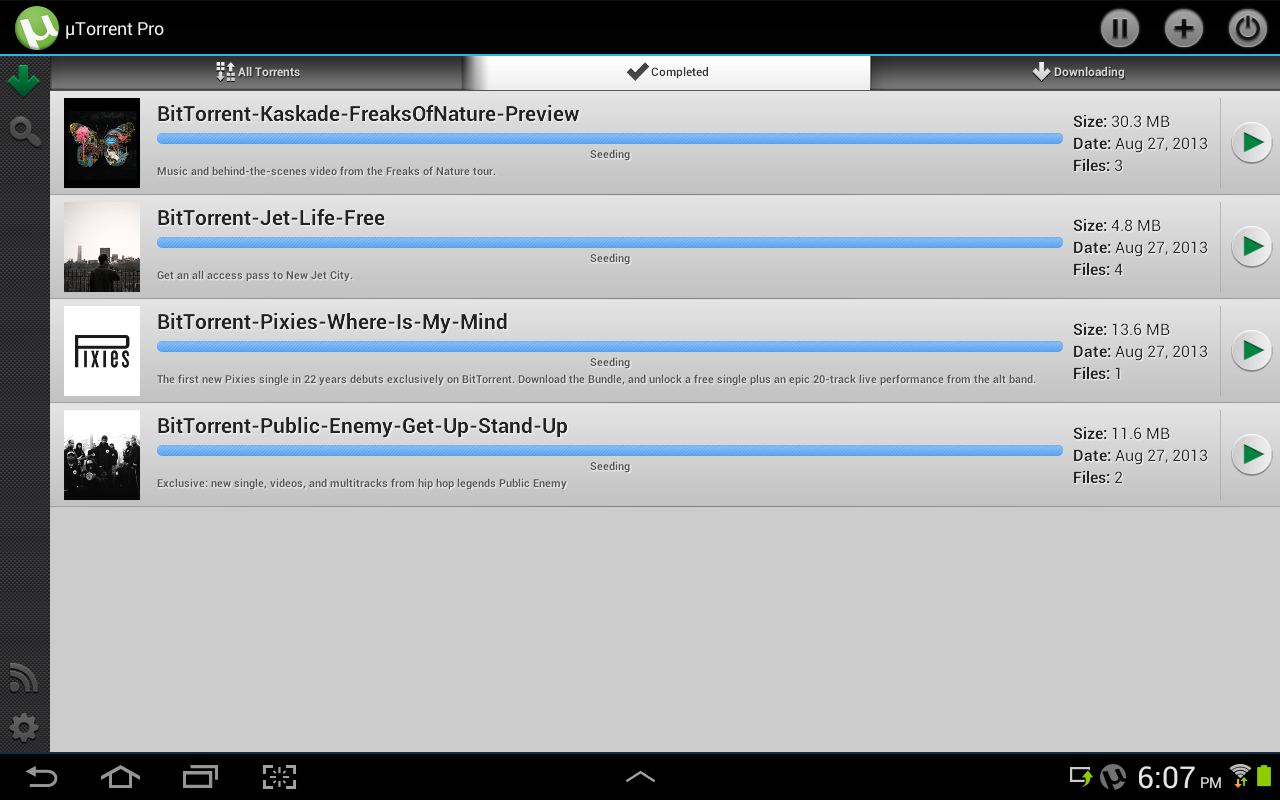
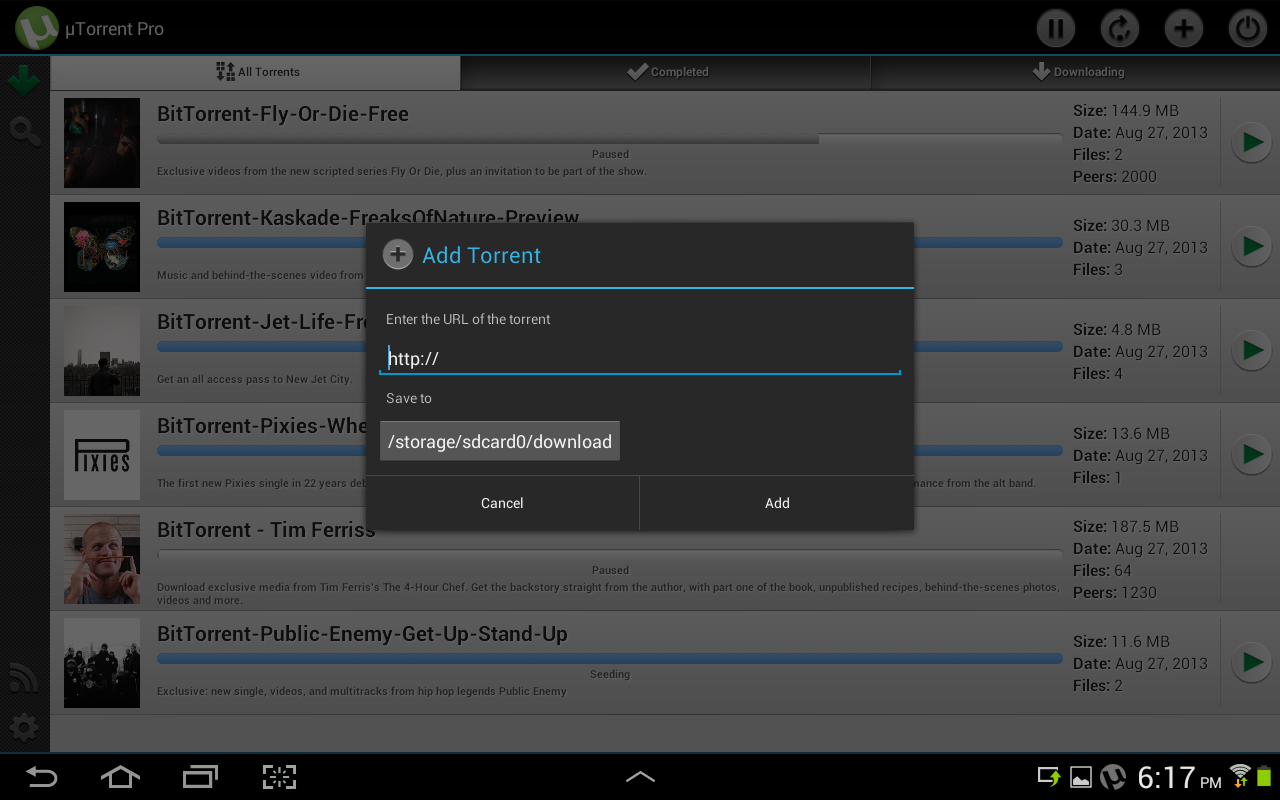
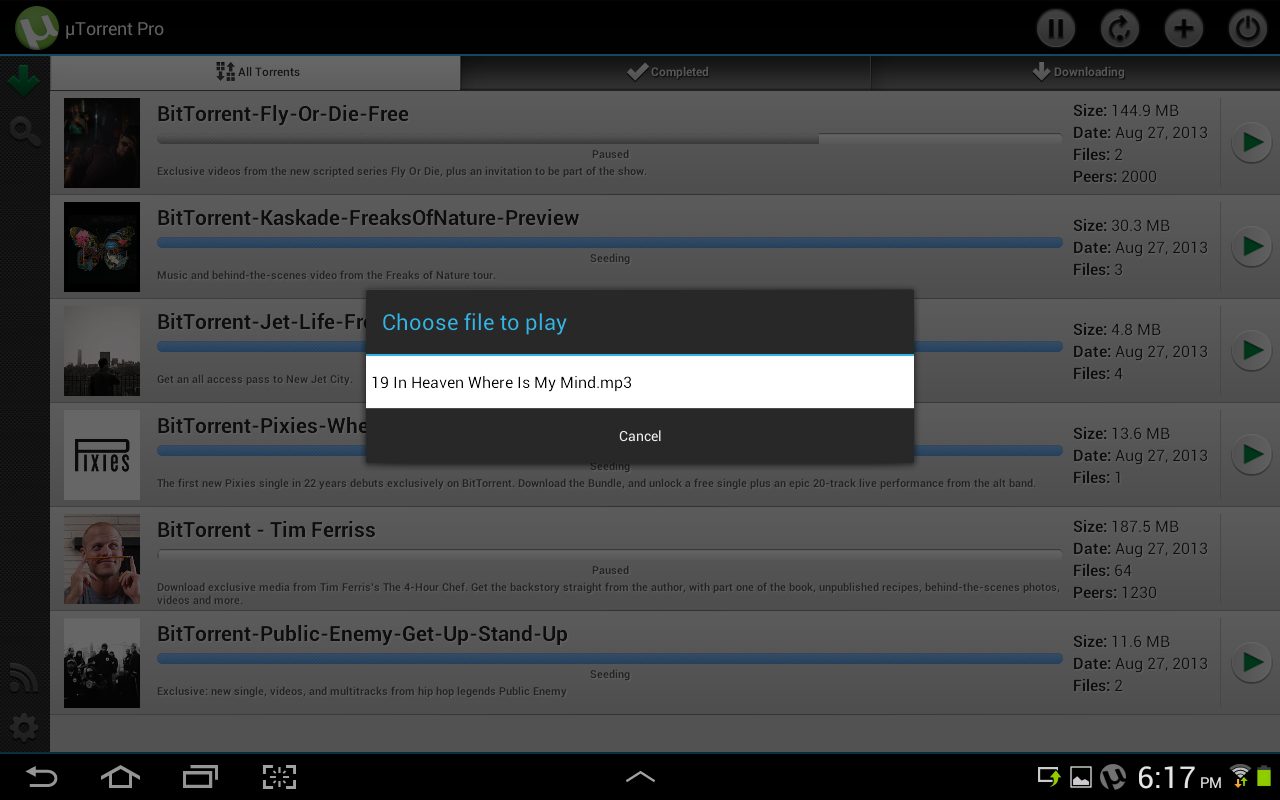
µTorrent® Pro - Torrent App v2.23 APK


Upgrade to AD-FREE μTorrent® Pro, from the developers of the #1 torrent app in the Google Play Store, and the #1 bittorrent client on desktops worldwide!

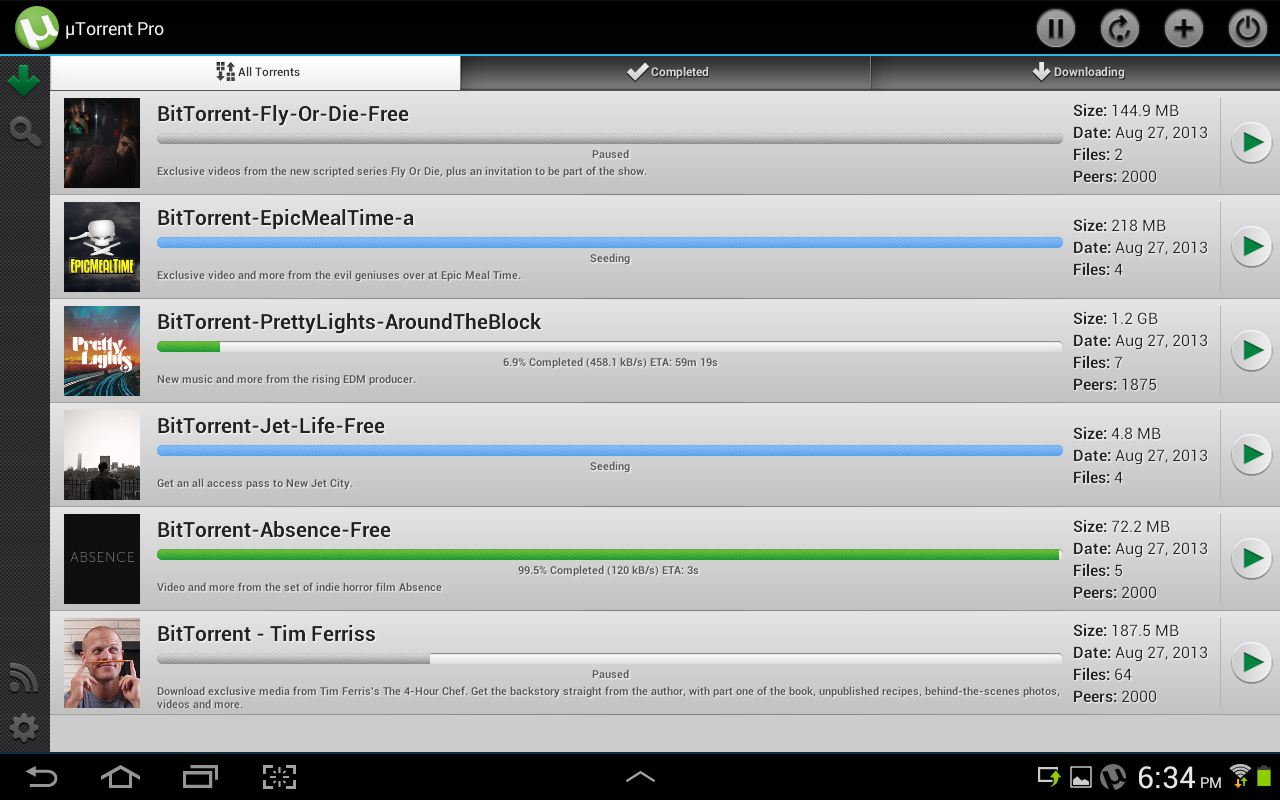
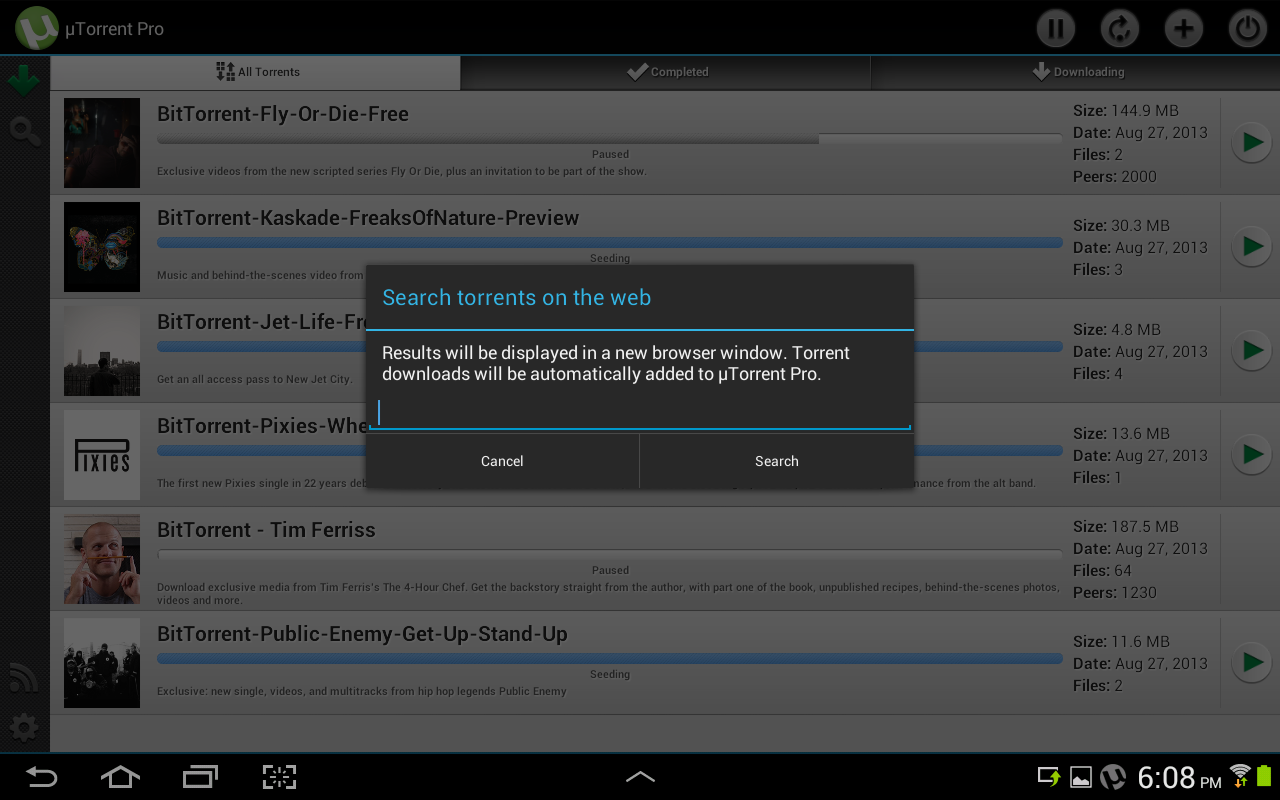
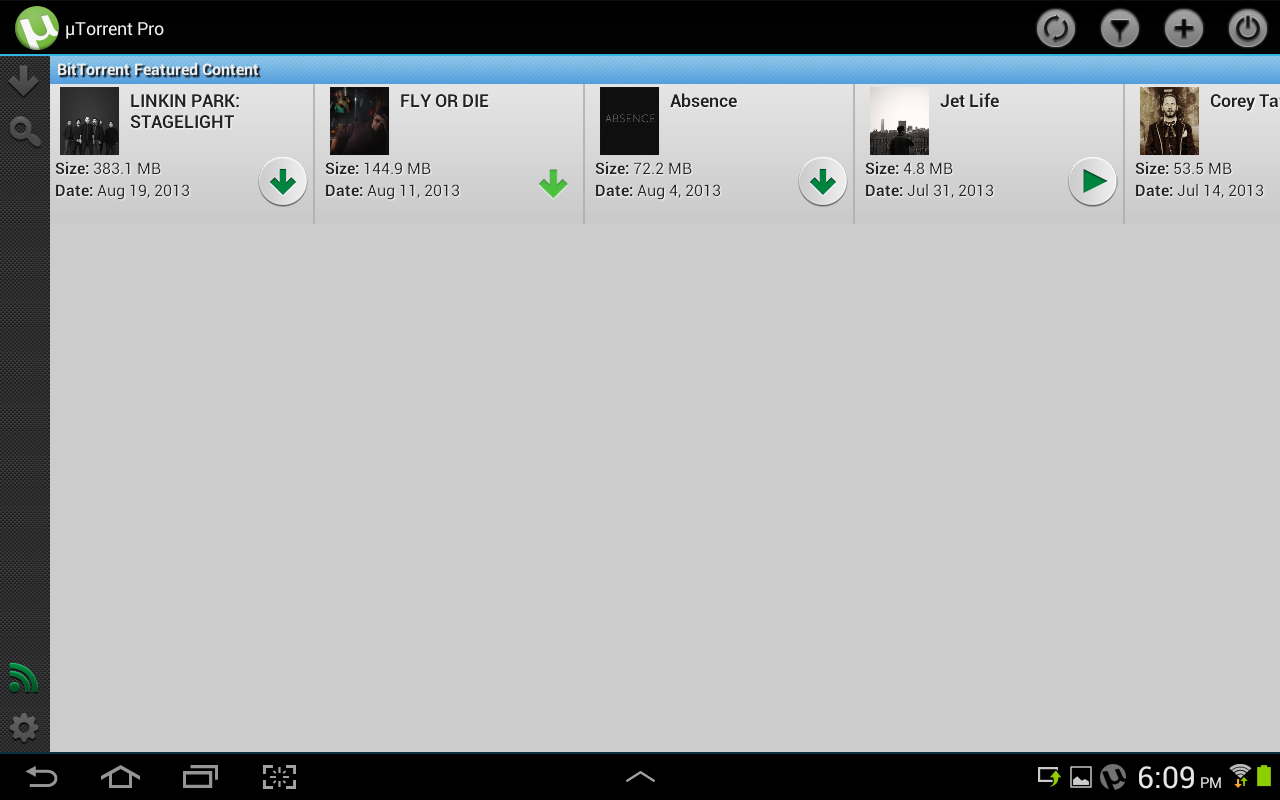
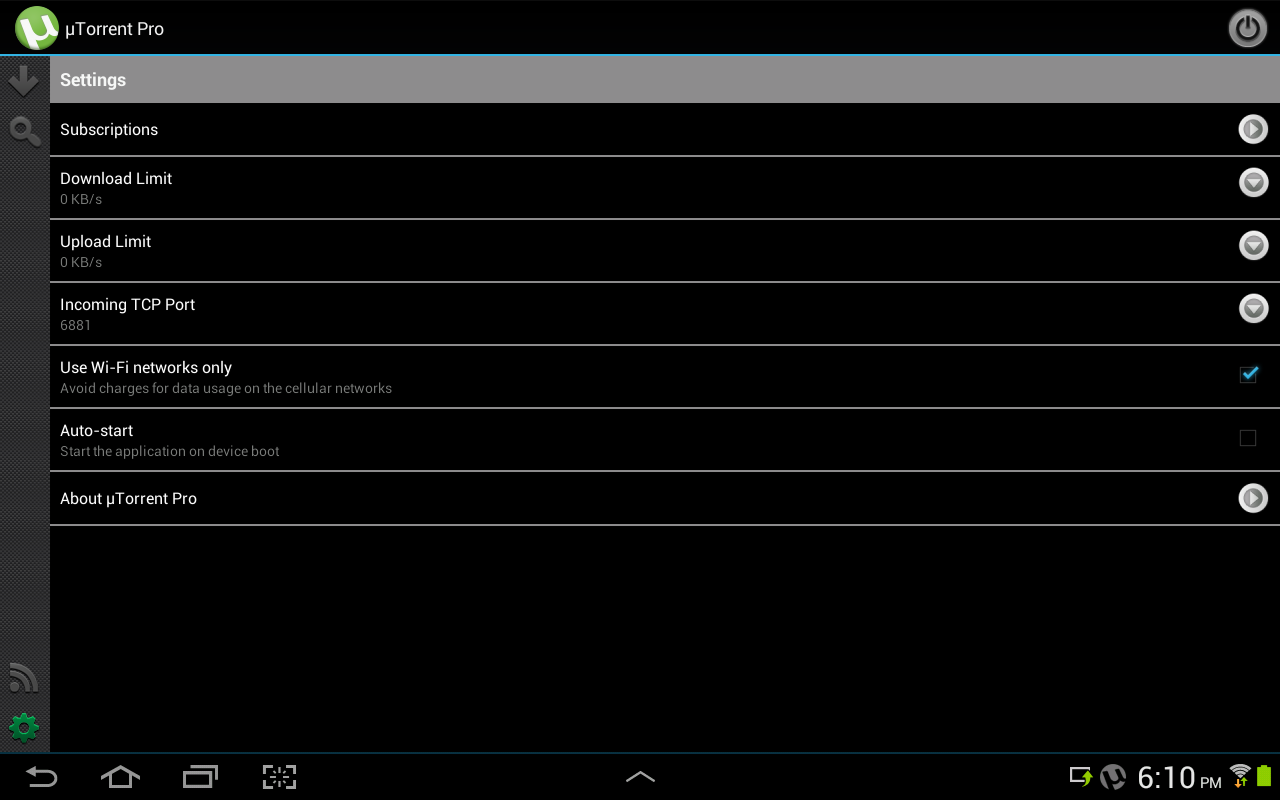
µTorrent Pro (uTorrent Pro) is a light, powerful, AD-FREE app to help you download the stuff you love, directly to your phone or tablet. If you like the µTorrent desktop client or the μTorrent (uTorrent) app for Android, you’ll love µTorrent Pro. And, because this edition of the µTorrent Android app is new to the Google Play store, you can upgrade to µTorrent Pro at a special introductory price.

Included in the Pro app:
  • ✔ No in-app ads
  • ✔ Introductory pricing
  • ✔ Personal support from our devs at utandroidpro@bittorrent.com. If we can‘t get the app to work for you, we’ll refund your money.
Features:
  • No speed or size limits
  • The very latest in core torrenting technology (continuously updated by dedicated core engineers to maximize performance)
  • For Android phones and tablets
  • Wifi-only mode (choose to run when only when connected to wi-fi)
  • Search for content
  • Download torrents
  • Manage torrent downloads
  • Play media
  • Make your Android device so much more fun
What's in this version : (Updated : Nov 15, 2014)
  • minor fixes
Required Android O/S : 2.1+

Screenshots :
µTorrent® Pro - Torrent App - screenshot

Download : 4.2Mb APK

 
Design by Free WordPress Themes | Bloggerized by Mespah - Premium Blogger Themes samples without surveys