Sunday, October 19, 2014

Smart Launcher Pro 2 v2.10 build 209 APK


Simple, Light, Fast!
 
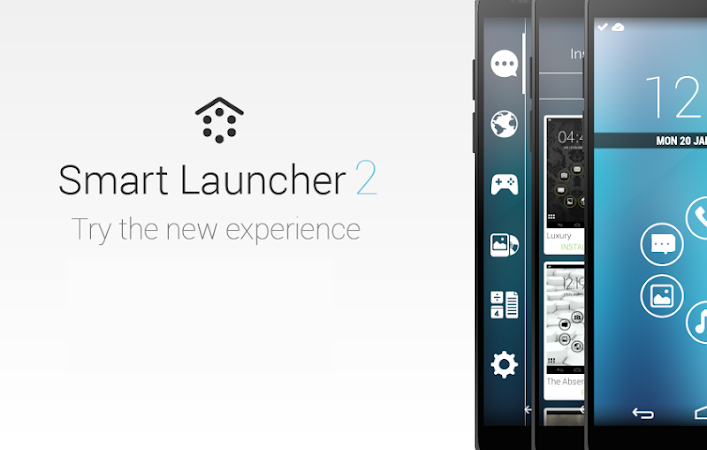
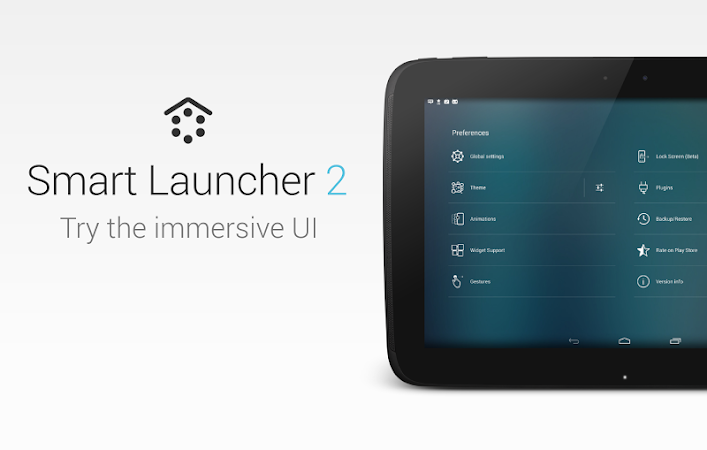
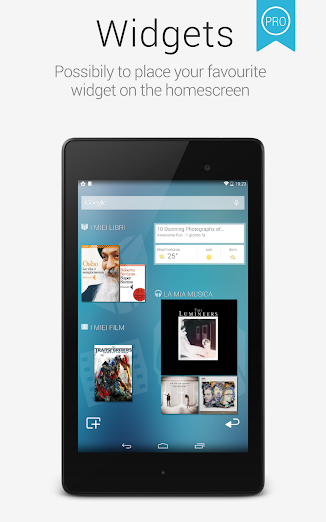
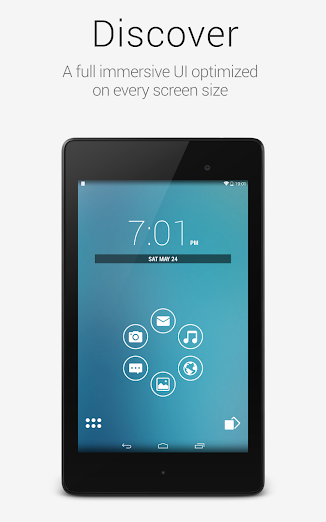
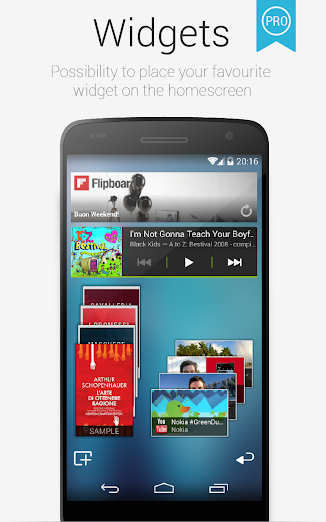
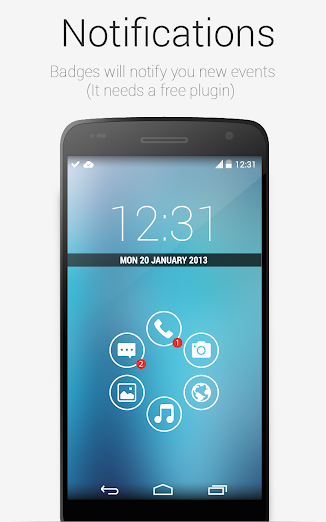
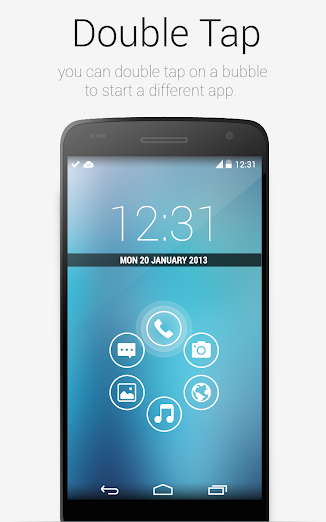
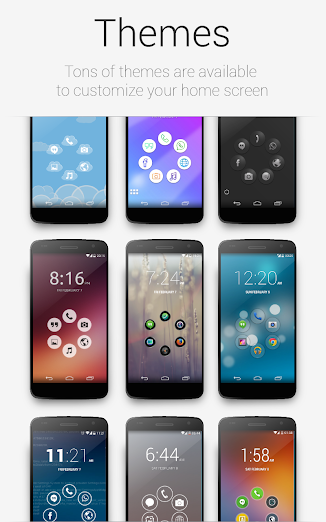
Smart Launcher is an innovative launcher characterized by a minimalist design, low memory usage and an user-friendly UI that let you start any application with a few taps.
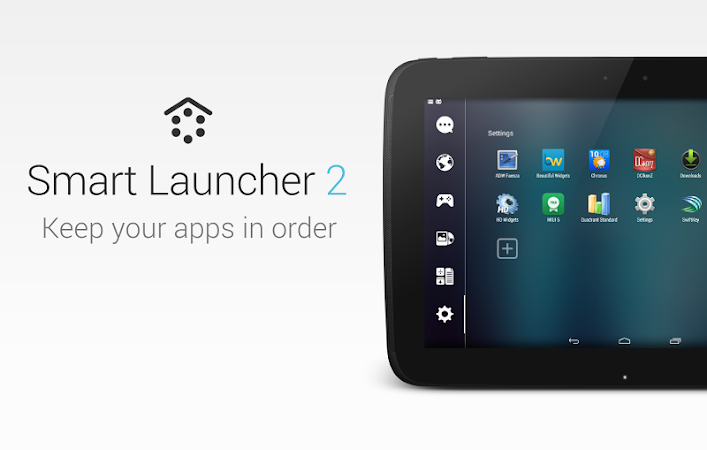
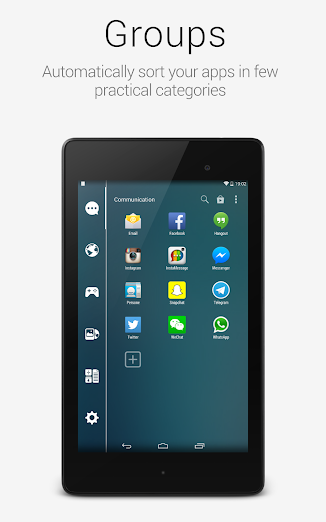
It is currently the only launcher on the store to features automatic cataloging of installed apps!

Features:
  • Main screen with Quick Start
  • Drawer organized by categories
  • Ready to use without special configurations.
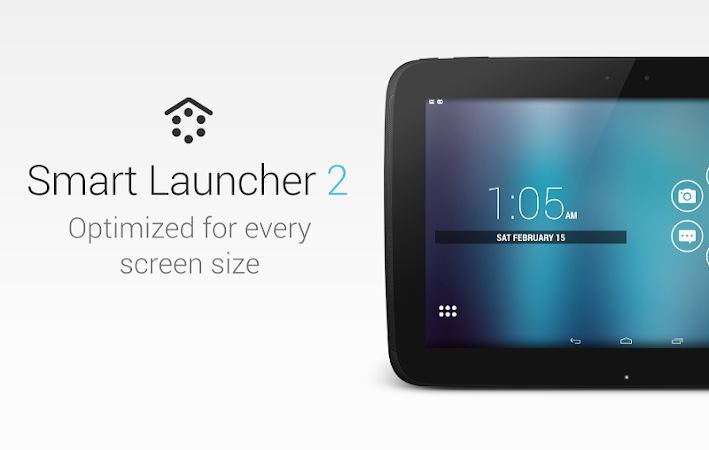
  • Support for Live Wallpaper and screens of different sizes.
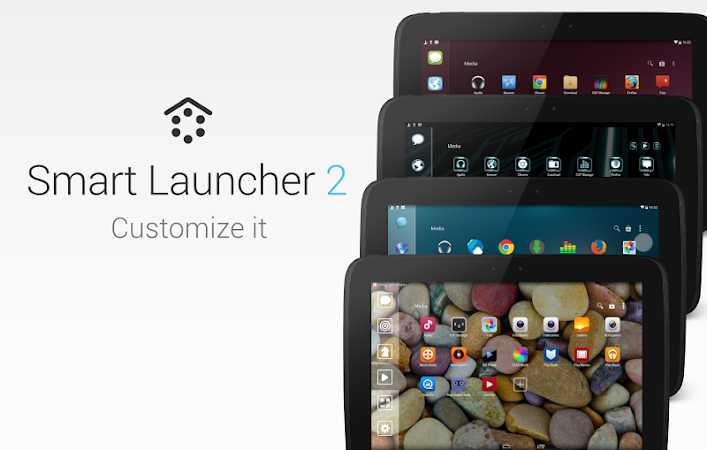
  • Support of set of icons for Launcher Pro and ADW Launcher
What's in this version : (Updated : Oct 18, 2014)
  • A lot of minor UI changes (more materialist!)
  • added searchbar in the drawer
  • added searchbar to iconpicker
  • Notifications blacklist
  • New smart category: Wearable (only pro)
  • Performance improvements
  • Previous versions
Required Android O/S : 2.1+

Screenshots :
Smart Launcher Pro 2 - screenshot Smart Launcher Pro 2 - screenshot Smart Launcher Pro 2 - screenshot Smart Launcher Pro 2 - screenshot Smart Launcher Pro 2 - screenshot Smart Launcher Pro 2 - screenshotSmart Launcher Pro 2 - screenshot Smart Launcher Pro 2 - screenshotSmart Launcher Pro 2 - screenshot Smart Launcher Pro 2 - screenshotSmart Launcher Pro 2 - screenshot Smart Launcher Pro 2 - screenshotSmart Launcher Pro 2 - screenshot Smart Launcher Pro 2 - screenshotSmart Launcher Pro 2 - screenshot
Download : 1.8Mb APK
 

Animated Photo Frame Widget + v5.4.1 APK


The most gorgeous, the most powerful photo player application!
 
The best Photo Widget with lots of elegant photo frames on Google Play.
Animated Photo Frame Widget + can help you to create your own unique photo widget.
It differs from other photo widgets and offers up to 30 picture frames and 7 transition modes during slideshow process.

Pro Features:
  • Slideshow interval can be chosen.
  • One click shuffle all your photos.
  • 4 in 1 photo frame widget.
  • Future update functions and more than 30 kinds of different design photo frame.
  • New rich design sense of the time panel. (Show/Hide)
  • 10 kinds of rich design sense fonts.
  • Simultaneously select multiple albums playback.
  • Gallery Click Function.
  • No ads.
It can enhance the diversity of your desktop and make your album choosing more conveniently by its' photo selector.
Main Features: Smooth in passing to next slide with wonderful transition effects:
  • 7 options available
  • No Animation, Fade in/out, slide, scale, rotate, page down, page turning
Zooms in and out without damaging the image quality:
Any size can be supported by Animated Photo Frame Widget.
Free adjustment and place of your frame Personalization (2*2 minimum , no restriction on maximum )

Quick speed on selecting the whole album or photos :
  • No need to assign specific path/route or to select photos by other tools.
  • Built-in album selector can list all of your photos in an easy way.
Considerate power-saving design:
  • It would automatically stop updating when you close the screen without consuming the electricity of device.
  • It will automatically launch update function when you open the screen.
  • After comparison test of all photo widgets on Google Play.
  • Animated Photo Frame Widget + is the most energy-efficient photo widget.
  • So don't worry about it.
Console panel :
Easily stop the auto-play function anytime and skim photos manually by widget.

Random play / Shuffle :
You can play any album in shuffle or directly play all photos saved in the device.

Independent Widget :
You can place some widgets on the desktop. Each of them works independently.

Image Observer :
You can edit/crop、add or delete photos in albums, image observer will auto rescan the photo list.

Attention:
  • After install app, you must start with few steps.
  • (It doesn’t exist in app list.)
  • Home -> Widget -> Animated Photo Frame Widget + -> Drag it to home
Or
  • Long click home -> Widget -> Animated Photo Frame Widget + -> Drag it to home
  • Notice ! It will check google play license at first start, 
  • make sure your network connection is on.
What's in this version : (Updated : Oct 18, 2014)
  • Add new Very sense of design fonts !
  • New album picker layout
Required Android O/S : 3.0+
Download : 12Mb APK
 

Helium Premium - App Sync and Backup v1.1.3.0 APK


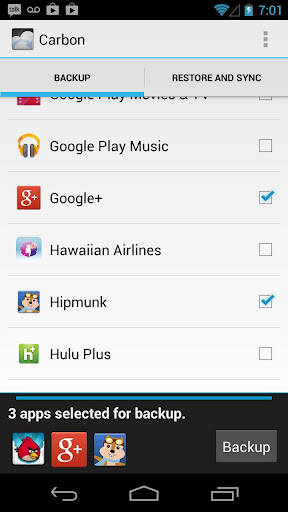
Carbon is the missing app sync and backup solution for Android!
 
Carbon does NOT require root. All Android users can use Carbon to backup and sync Android applications.

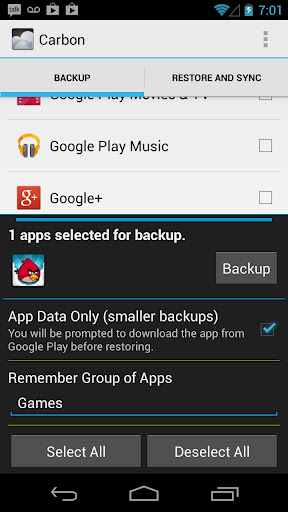
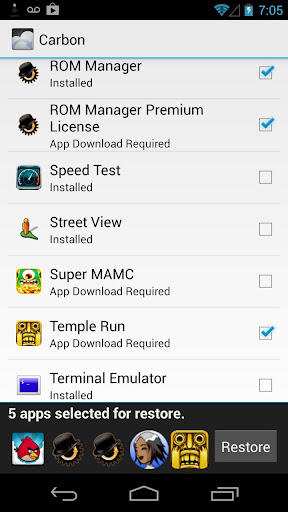
Carbon lets you backup your apps and data to your SD card or cloud storage. With Carbon, you can sync app data from your other Android devices-- even if they are not on the same network. Set up backup schedules with Carbon, and never lose data again.

Carbon Setup
  • Install Carbon on Android
    • Root user? You're done!
  • Install and run Carbon Desktop (link below)
    • Windows users must install their Android drivers as well
  • Connect Android to computer.
    • You may need to set your USB Connection Mode to "PTP". (Nexus 7, Nexus 10, etc)
  • Carbon on Android should now be enabled.
Carbon (Free) features:
  • Backup and restore to SD card
  • Backup and restore from PC
Carbon (Premium) features:
  • No ads
  • Automatic Backup schedules
  • Android to Android sync
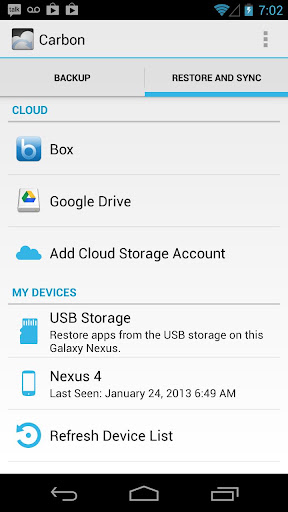
  • Cloud backup and restore
    • Dropbox
    • Box
    • Google Drive
Note:
Carbon is NOT available to Motorola devices. This is because Motorola phones have a bug that break Android's backup mechanism. Until this is fixed by Motorola, Carbon will not work on those Androids.

What's in this version : (Updated : Oct 18, 2013)
  • Crash fixes for Android Lollipop! If you're running the Android Lollipop preview, please make sure you are on the latest version released on October 16th!
  • Lollipop, lollipop
  • Oh lolli, lolli, lolli, lollipop, lollipop
  • Call my baby lollipop, tell you why
  • His kiss is sweeter than an apple pie
  • And when he does his shaky rockin' dance
  • Man, I haven't got a chance
Required Android O/S : 4.0+

Screenshots :
   
Download : 3Mb APK
 

LED Blinker Notifications v6.1.1 APK


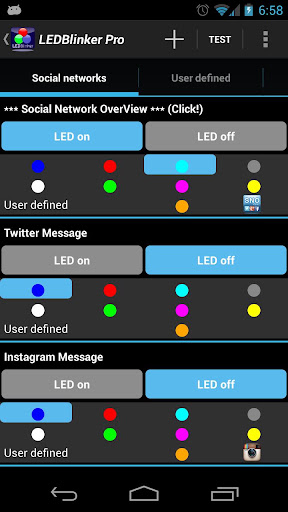
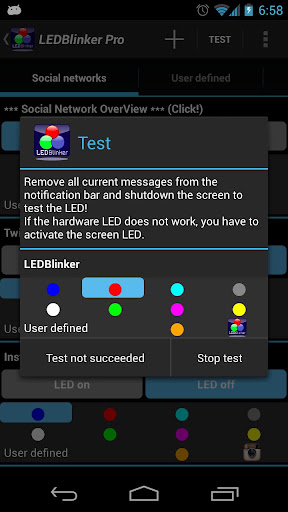
Let your LED show your missed calls, SMS, Facebook and Whatsapp messages!
 
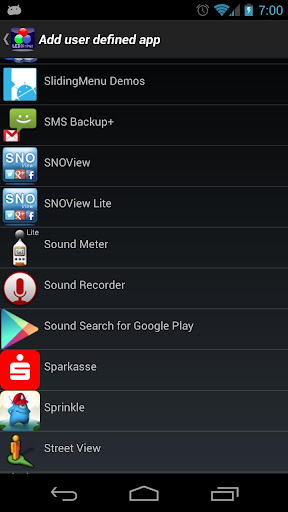
ALL apps are now supported, click on the + button on top
This app is very simple to use and not much configuration is needed!
Warning: Unlike other apps in this category you don't need 'ROOT' access to use LEDBlinker and this app is very battery friendly!

Hint:
If you have problems please do a full re-install and/or reboot your phone. Otherwise contact me over the in-app function or look for solutions here:
Warning:
If your phone speaks after install (Samsung S4, S3, S3 Mini, S2, Note1, Note2, LG Nexus 4) you have to disable Samsung TTS (text-to-speech) under settings -> apps manager -> all (on the right) and Google TTS (text-to-speech).
Only needed when you use the accessiblity service!

Another solution to fix talkback issue:
  • You can change the launcher by using another one from the Google Play Store. For example, Nova Launcher or Go Launcher (maybe Holo launcher). These launchers will not exhibit this bug.
  • For Samsung S4 users: If your phone speaks when opening your browser you have to use another browser like Chrome or Firefox.
  • Hint HTC users: Your phone is NOT supported, you have to use the on screen led!
  • And this app doesn't use internet permission, your data is SAFE!!!
  • Please try the lite version first to test the hardware led (on screen led is always working).
Functions:
  • ALL apps are now supported, click on the + button on top!!!
  • Let your LED show your missed calls and sms 
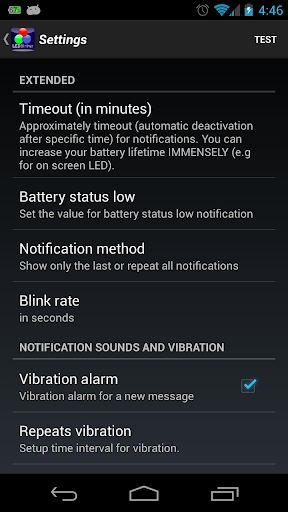
  • Battery status (LED notification for low battery, < 10%)
  • Google Mail 
  • Calendar reminder notifications
  • Google Talk/Google Hangouts
  • Standard Android EMail App now supported
  • Hike messages
  • SNOView - Social Network Overview notification
  • The Developer Checkout Manager (DCM)
  • Facebook messages 
  • WhatsApp messages 
  • Skype messages 
  • gReader messages 
  • Bluetooth messages 
  • Alternative On-Screen-LED 
  • Autostart function after device reboot
Other supported apps:
  • Web.de
  • Gmx.de
  • TapaTalk
  • Xing
  • AndLytics
  • Facebook Messenger
  • Twitter
  • Instagram
  • Web.de
  • Gmx.de
  • Tango
  • Handcent SMS
  • Kontakte+
  • AquaMail
  • GroupMe
  • FotMob
  • HeyTell
  • textPlus Free Text +
  • ChatOn
  • Kik Messenger
  • K9 Mail
  • Touch Messenger
  • mysms - SMS anywhere
  • Yahoo! Messenger
  • Viber : Free Calls + Messages
  • Gmail Priority Inbox
  • Any.DO Todo | Aufgabenliste
  • n-tv
  • N24
  • Yahoo Mail
  • Hotmail (Microsoft + SEVEN)
  • Wordfeud Pro/Lite
  • Business Calender
  • Ebay
  • MailDroid
  • Pakete
  • ColorNote
  • Blackboard
  • Geburtstage
  • CalenGoo
  • Notify My Android
  • ICQ
  • IM+
  • COL Reminder
  • TouchDown NitroDesk
  • comp SMS
  • K10 Mail
  • MailDroid Pro
  • Ruzzle
  • 1&1 Mail
  • Voxer
  • Forfone
Let your led blink with different lights!

What's in this version : (Updated : Oct 11, 2014)
  • Android Lollipop 5.0 Bug fixes
  • Rate my app if you like! Thanks!
  • mega large LED added (on screen LED)
Required Android O/S : 2.1+

Screenshots :
   
Download : 1Mb APK
 

Saturday, October 18, 2014

Sentinel 4: Dark Star v1.0.7 APK


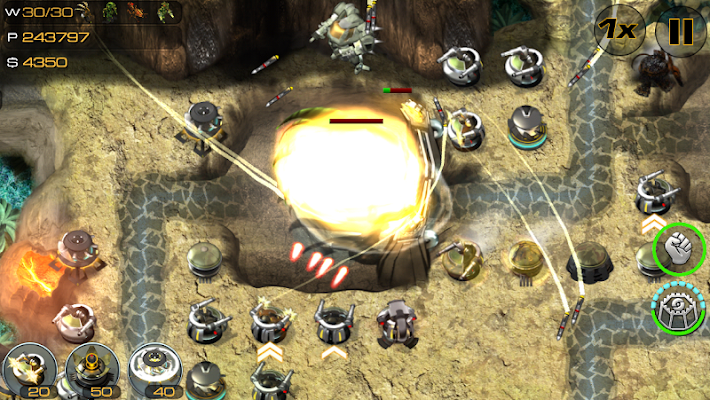
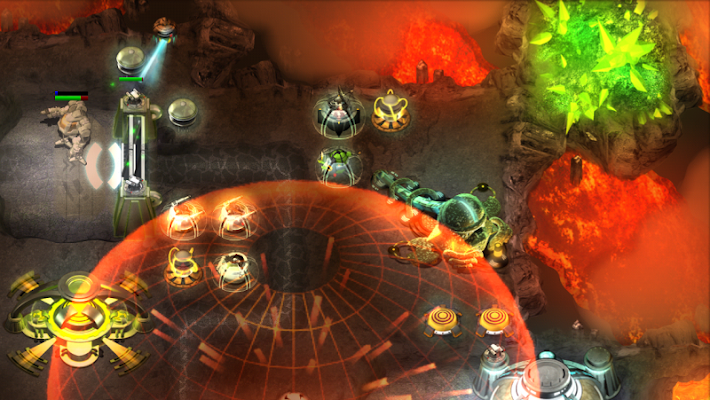
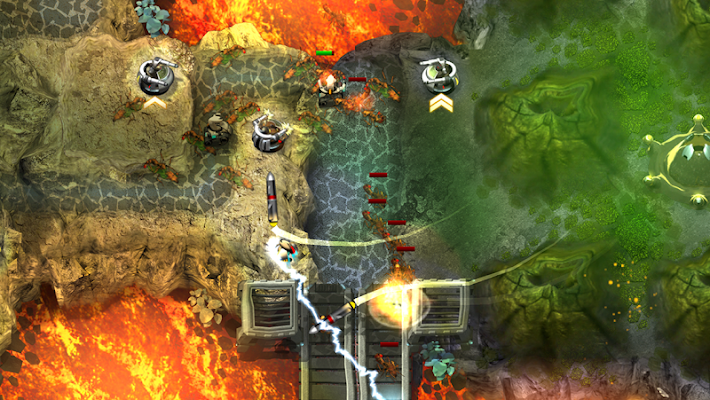
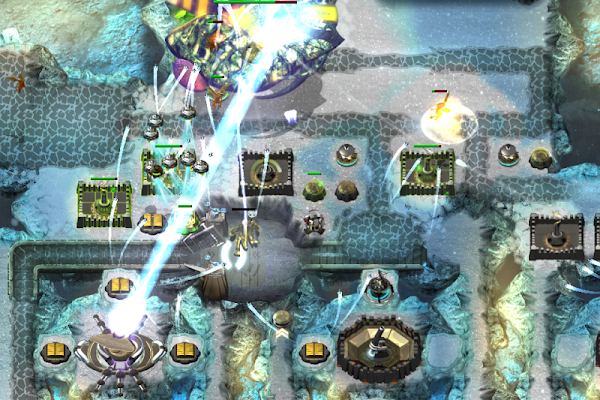
The galaxy's finest tower defense series returns with an epic new installment!
 
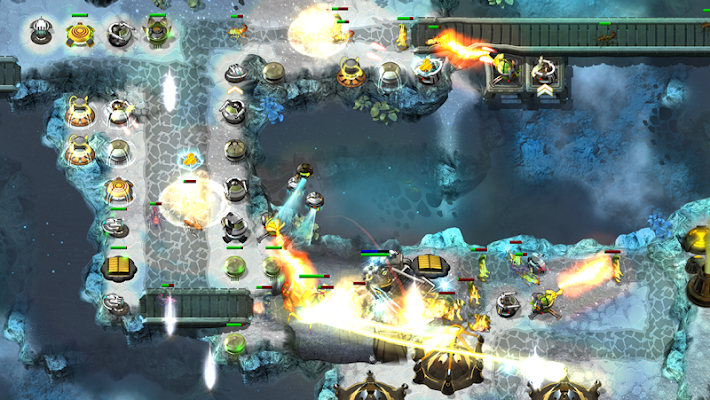
Sentinel's award-winning strategy gameplay expands explosively as the interstellar war moves to a mysterious alien world. Deploy devastating new towers and technology against an enemy that's smarter and more deadly than ever before. Battle across vast landscapes and earn a wealth of upgrades as you explore the mystery of the Dark Star.

CONQUER
  • A huge campaign across 26 unique maps, each also playable in Endless mode.
  • Defend massive, multi-screen landscapes and marathon paths.
DESTROY
  • A bestiary full of new and returning enemies. Their special abilities and varied behaviour will keep even veteran players on their toes.
  • The aliens fight back with the ability to damage, disable and destroy towers. How will you choose to counter them?
LOCK'N LOAD
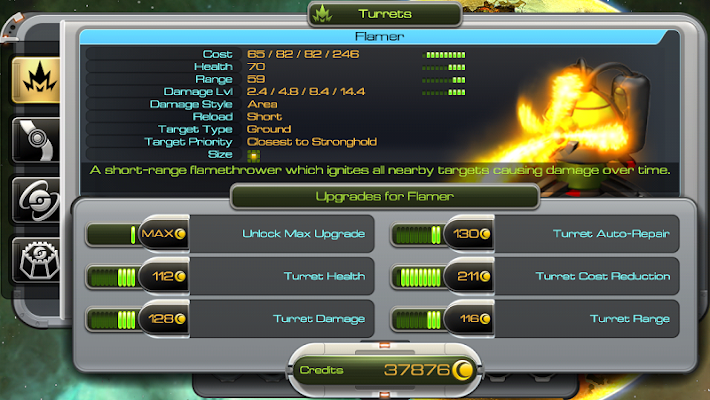
  • Pick your loadout from an extensive assortment of weaponry. Unlock Uber Towers that pack power to match their size.
  • Deploy your own units onto the path to hinder attackers.
  • Call in support from the skies with the Sentinel's trademark ship weapons.
  • Unleash drones, nukes and more from your new improved Stronghold.
  • Control Commander heroes to back up your defenses. Earn experience and level up to gain powerful new abilities.
TECH
  • Real-time dynamic lighting and shader effects bring atmosphere to the alien landscape for the best Sentinel experience yet.
  • Google Play Saving enabled.
  • Google Play Services for leaderboards and achievements.
REWARD
  • Spend your earnings on a massive selection of persistent upgrades to support your play style and complement your tactics.
  • Upload your score to the Global Nexus and contribute to the worldwide cooperative push for rewards.
What's in this version : (Updated : Oct 16, 2014)
  • Fixed cloud save bugs
  • Improved Shop to show localised store prices
  • added support for armv7, x86 and mips architectures
  •  fixed some minor graphical issues
Required Android O/S : 4.0+

Screenshots :
Sentinel 4: Dark Star - screenshot Sentinel 4: Dark Star - screenshot Sentinel 4: Dark Star - screenshot Sentinel 4: Dark Star - screenshot Sentinel 4: Dark Star - screenshot Sentinel 4: Dark Star - screenshot Sentinel 4: Dark Star - screenshot
Download : 270Mb (APK+OBB)
 

Lollipop Theme Icon Pack v2 APK


This is an icon pack for it to work you need a launcher that accepts change icons!
 
ATTENTION. This is an icon pack for it to work you need a launcher that accepts change icons

Works with Launcher:

☑ Nova
☑ Apex
☑ ADW
☑ Go Launcher ex
☑ Inspire
☑ Smart
☑ Atom
☑ Aviate
☑ Solo
☑ S Launcher
☑ egame launcher
☑ Slide
☑ Winterboard
☑ KK Launcher
☑ Mini Launcher
☑ Holo Launcher
☑ Action Launcher Pro
☑ Go Launcher (icons only)
☑ Unicon only Icon
☑ Walpaper design and resolution

Required Android O/S : 2.0+
Download : 19Mb APK
 

A Better Camera Unlocked v3.25 APK


All-purpose, full featured camera for Android!
 
HDR: vivid colors and rich detail, photos looking like taken with a DSLR and processed with Pro software
  • Panorama: up to 360 degrees, up to 100 MPix
  • Unwanted objects removal: remove objects from the photo with a tap
  • Night mode: capture sharp and noise-free photos in any illumination
  • Group portrait: make everyone smile, fuse faces from series of photos into one
  • Video recording + time lapse
  • Pre-shot: capture what happened before you tap the button
  • Sequence shot: capture the evolution of the dynamic scene
  • Burst and expo-bracketing: Pro functions in your mobile camera
  • Self-timer
  • Zoom
full access to all Camera controls, settings and functions
  • Forget about having dozens of camera apps. A Better Camera does everything you need.
  • A number of top ranked Android camera apps such as HDR Camera+, Night Camera+ and HD Panorama+ have been melted into A Better Camera to provide you with the best, all-purpose, full featured camera app.
  • Video has great features, such as time lapse, and can be used with focus lock, exposure lock and white balance lock!
  • Being open to 3rd party developers, this application aggregates the experience of Android developers community to provide you with the most complete set of the best imaging features ever!
  • Corresponding premium features of A Better Camera are free for users of HDR Camera+, and HD Panorama+.
What's in this version : (Updated : Oct 17, 2014)
  • New:
    • HDR video (for Android 4.3 and higher)
    • pause for video
    • level tool
    • sweep panorama
  • Improved:
    • panorama capture and processing
    • DRO, HDR, Night processing
    • multishots combined in one mode and improved
    • faster processing
  • Bug fixes:
    • video fixed
    • stability fixes
Required Android O/S : 4.0+
Download : 7.4Mb APK


Design by Free WordPress Themes | Bloggerized by Mespah - Premium Blogger Themes samples without surveys