Sunday, November 30, 2014

PlayerPro Music Player v2.94 APK


The ultimate music player for Android.

Key Features:
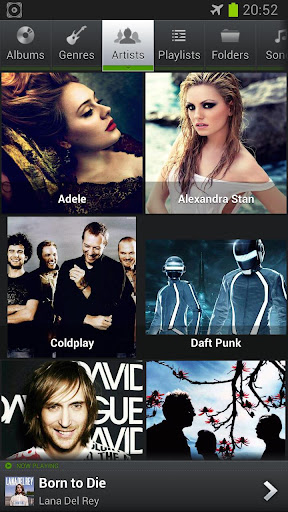
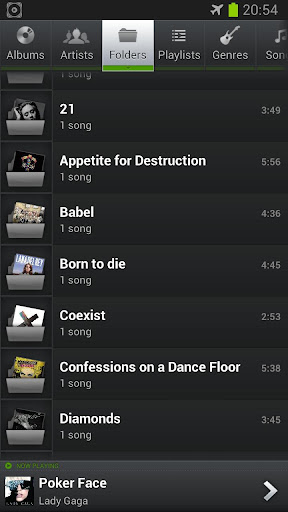
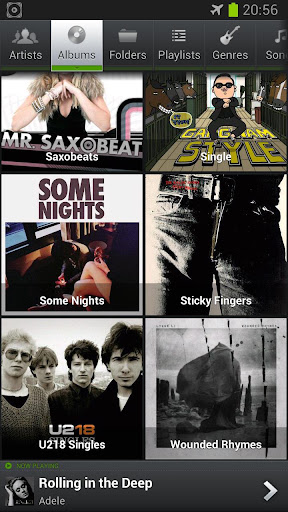
  • Browse and play your music by albums, artists, genres, songs, playlists, folders, and album artists.
  • Video browser and player.
  • Automatically downloads missing album artwork, artist pictures and genre illustrations.
  • Manually pick your preferred album artwork, artist pictures, genre illustrations from the Internet, the Gallery app, ID3 tags, or album folder.
  • Change the user interface of the Player by installing one of the 14 available SKINS, all for free.
  • Customize the layout, chosing between GRID or LIST views.
  • Read album and artist REVIEWS.
  • Download, search and and save LYRICS to your music files using standard ID3 tags.
  • Single and group TAG EDITING: title, album, artist, album artist, track, year, genre, comment. Formats supported: mp3, ogg, flac, wma, wav, m4a, mp4.
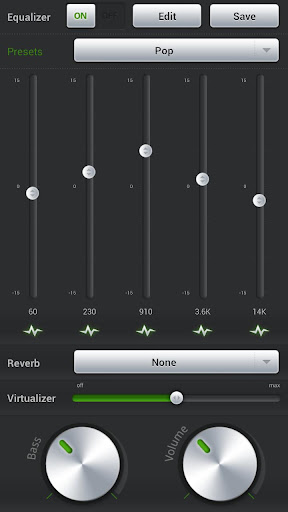
  • Mixable AUDIO EFFECTS for Android >2.3 devices: 5 band graphic EQUALIZER with default/customizable presets (edit, rename, delete), STEREO WIDENING effect (virtualizer), REVERB effects (large hall, medium hall, plate, small room, medium room, large room), BASS BOOST effect, volume control.
  • Free additional DSP PLUGIN for Android <=2.2 or >=2.3 devices: 10 band graphic EQUALIZER with 15 default/customizable presets, PRE-AMP control, BASS BOOST control, volume control. Go to Settings > Audio and select "Download DSP pack" option to install the free plugin.
  • Dolby and SRS sound effects for HTC devices equipped with HTC sound enhancement (HTC desire HD, etc).
  • Music stats and SMART PLAYLISTS: Recently added, Top rated, Most played, Recently played, Least played. Build additional custom playlists using the SMART PLAYLIST EDITOR and the many different criteria it offers: album, artist, title, play/skip count, last played/added, rating, is a podcast, duration, year etc. All smart playlists are AUTO-UPDATED.
  • Import and export music history and ratings from your favorite desktop music player: Songbird, Winamp, Windows Media Player, MediaMonkey ...
  • Music folder selection.
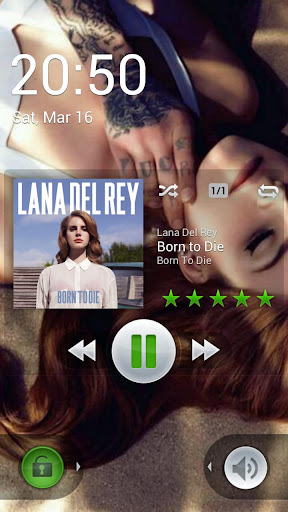
  • Choice of 2 LOCK SCREEN widgets with many customization options: unlock slider, sound toggler, skip tracks using volume buttons, swipe gestures, background selection, controls selection, time display, skin selection ...
  • Choice of 5 different home screen WIDGETS (4x1, 2x2, 3x3, 4x4, 4x2). All widgets are customizable and skinnable: 6 different SKINS available, option to display artist picture instead of album artwork, option to display ratings, shuffle/repeat controls etc.
  • NOTIFICATION STATUS support: display album artwork, title, album and artist, play/pause, skip forward and stop CONTROLS (ICS only) in notification status.
  • Supported SCROBBLERS: Simple Last.fm, Scrobble Droid, Official Last.fm app.
  • SLEEP TIMER with fade out.
  • SHARE text notifications, album/artist artwork on your favorite social networks: Twitter, Facebook, Gmail, Picassa etc.
  • HEADSET support. Customize long press and double/triple press actions.
  • Library wide SEARCH. VOICE search support.
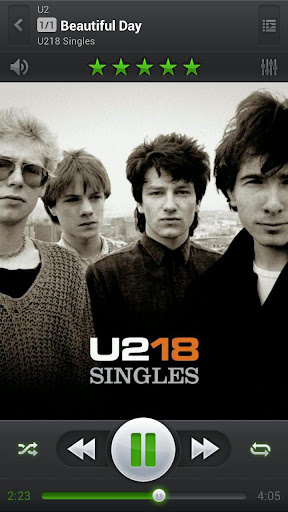
  • SWIPE gestures (player: swipe album art to skip songs, browsers: swipe left to play next, swipe right to play last).
  • SHAKE IT feature: give your phone a shake to play next/previous song (e.g.: shake top to bottom or bottom to top to play next/previous song).
  • Create playlist SHORTCUTS.
  • APP2SD support.
What's in this version: (Updated : Nov 8, 2014)
  • Fixed a bug causing the player to crash when streaming music from a network
  • Fixed a few Android L UI bugs
Required Android O/S : 2.0+

Screenshots :


Download : 5Mb APK

2x Battery Pro - Battery Saver v3.14 APK


Does the phone run out of battery quickly?

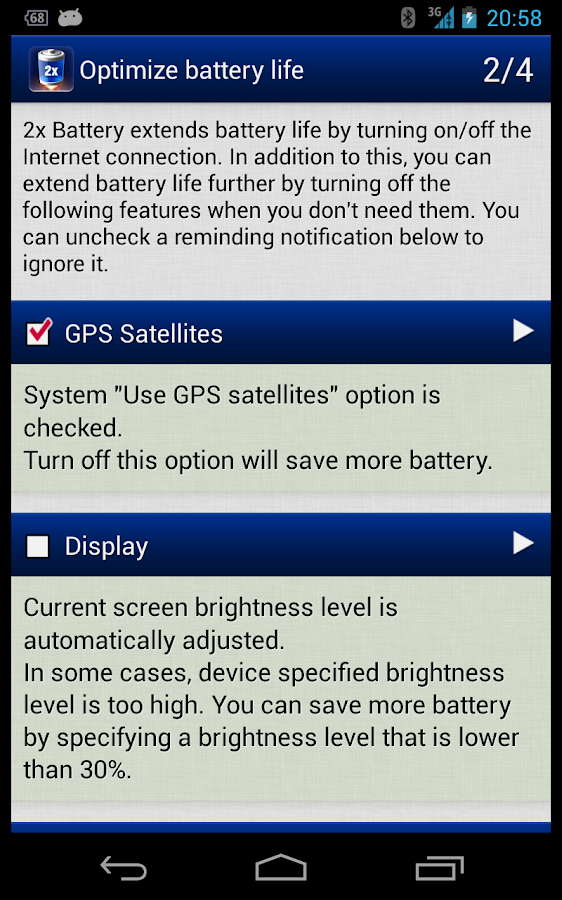
Does the phone always die at crucial moment? This app extends many extra hours to the battery life by managing Internet connection intelligently and in the background.

You don't need to manually turn on/off the Internet connection anymore. This app extends battery life by using a smart algorithm to turn on/off the Internet connection, reduce battery consumption and data usage, but still keep the important background data synchronized.
  • Auto manage 3G/4G/WiFi connection in the background
  • Show battery level and usage in the status bar
  • Efficient & easy to use
Features:
  • Manage Internet connection intelligently in the background
  • Ensure data transmission completeness by keeping the Internet connection up until the transmission is finished
  • Support night mode (PRO-only)
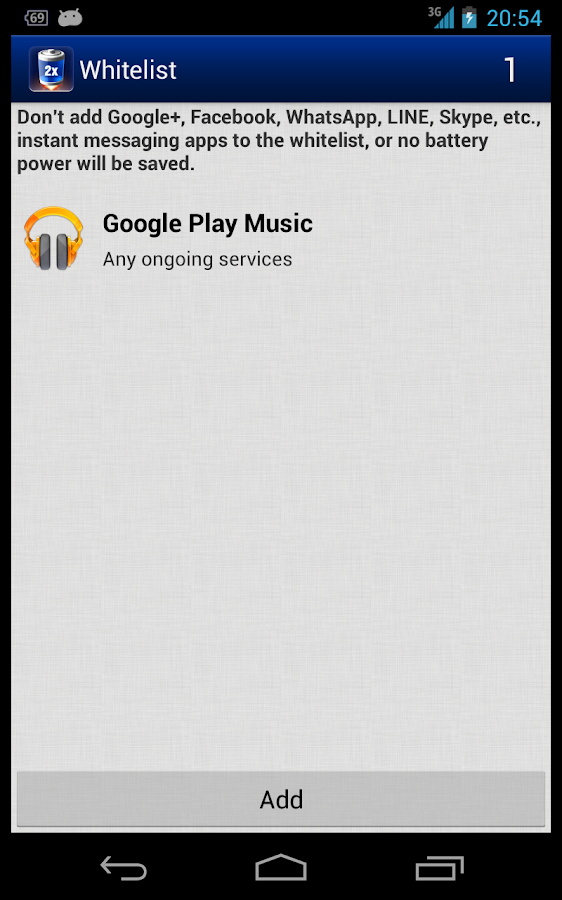
  • Support whitelist. Don't disconnect the connection when whitelisted apps are running
  • Auto turn off the screen when you put the phone upside down on the table or into the pocket
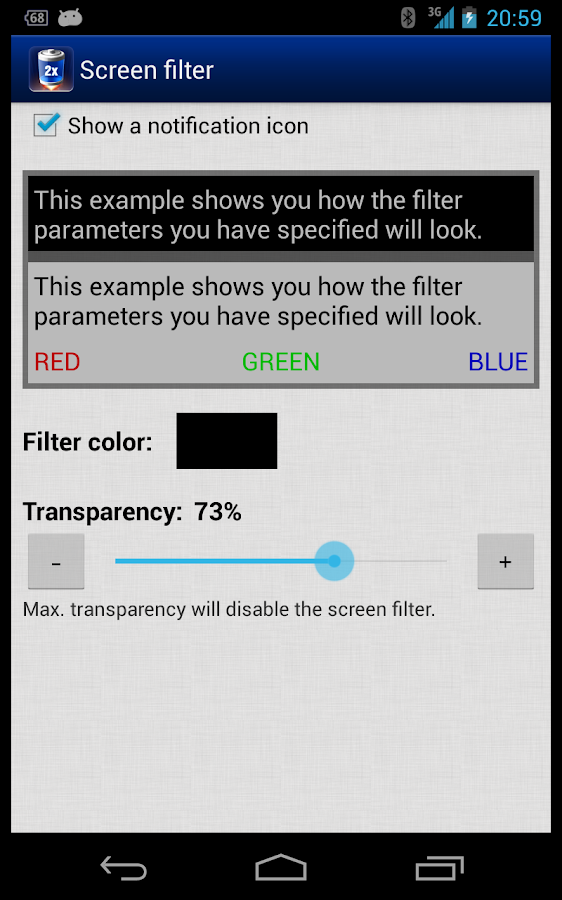
  • Build-in screen filter to further reduce the screen brightness for saving battery
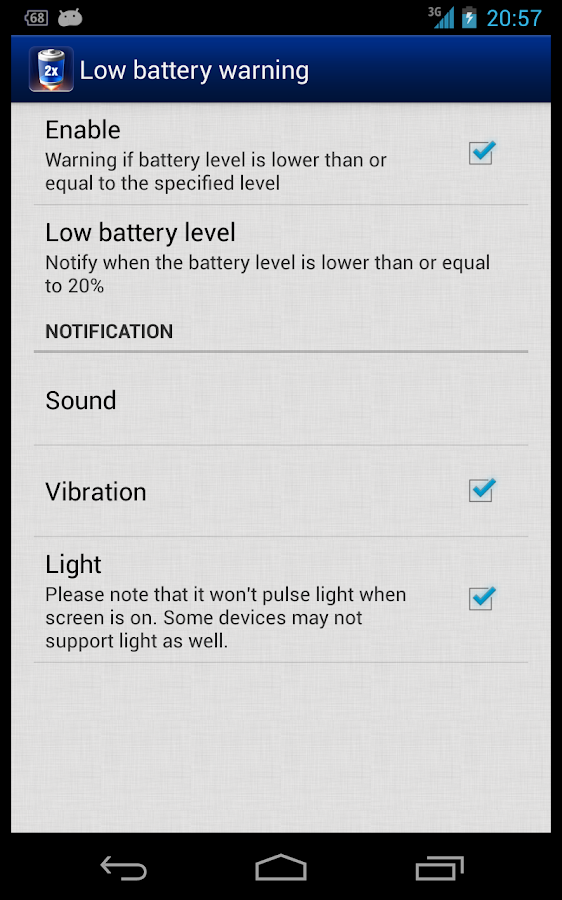
  • Support fully charged notification and low battery warning
  • Battery icon theme is changable
  • Configurable enable intervals and settings
  • Option to keep connection when charging or tethering
  • Option to not enable mobile data when screen unlocked 
  • Respect system settings
  • Play sound after when screen on or off
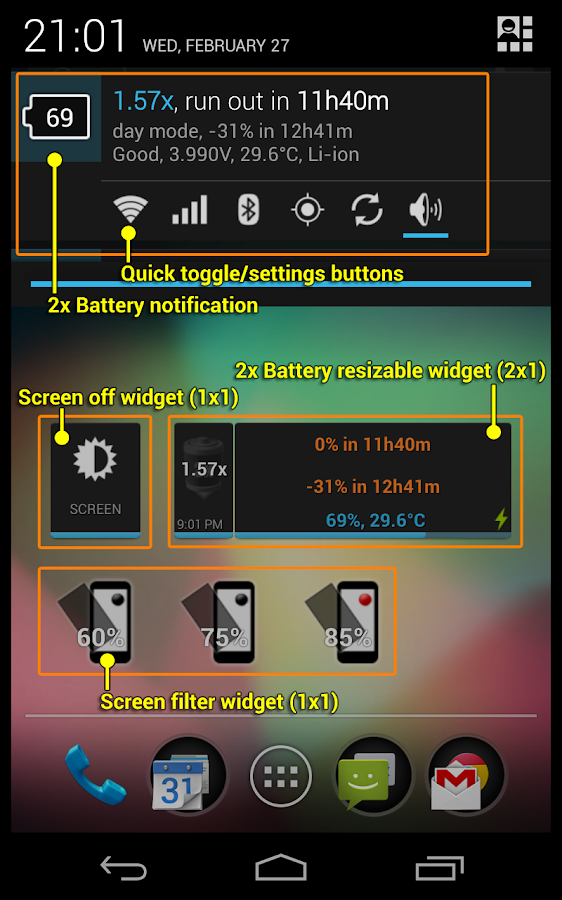
  • Home screen widgets
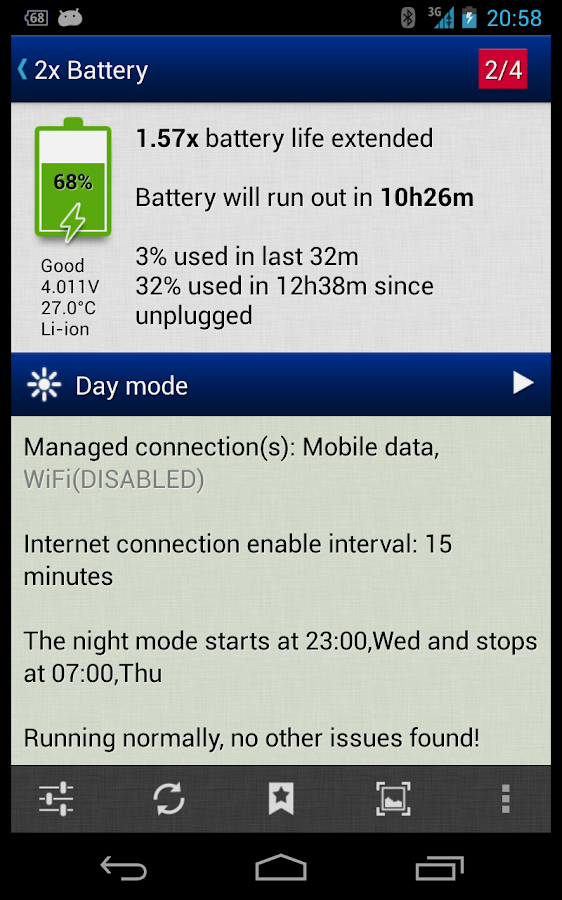
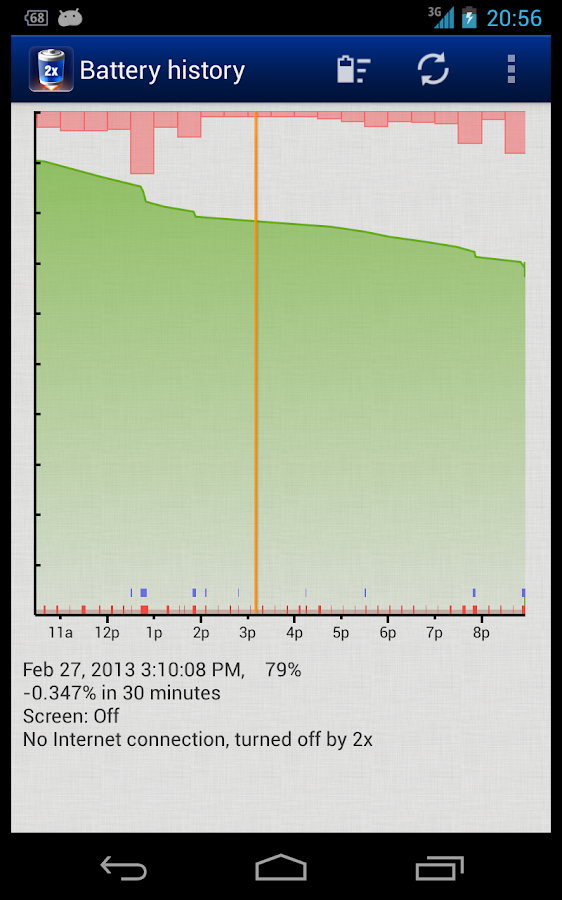
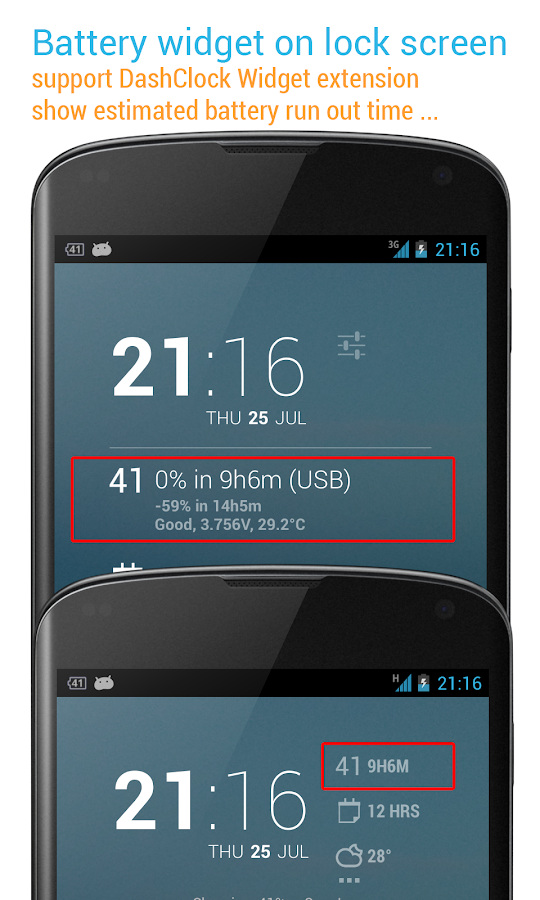
  • Display battery usage and time since last unplugged, estimated battery run out time, battery health status, voltage, temperature, etc. information
DashClock EXTENSION:
  • requires DashClock Widget by Roman Nurik
  • estimated battery run out time
  • detailed battery information
  • battery icon theme (battery icon & level, battery level)
Sony Smart Watch:
  • widget, app shows phone's battery info
  • notify when phone's battery is low
  • LiveWare™ extension for SmartWatch
What's in this version : (Updated : Nov 28, 2013)
  • support Android 5 (Lollipop)
  • fixed: ringer mode quick setting switcher does not work on Android 5
  • toggling mobile data won't work on Android 5 due to the system limitation. We can still help to toggle Wi-Fi or use screen filter for saving the battery
  • fixed: should not enable Notification > Background/Text color options on Android 3.2 or below
  • fixed: battery use window's legend color view does not display correctly on Android 2
  • bugs fixed and optimizations
Required Android O/S : 2.2+

Screenshots :
2x Battery Pro - Battery Saver - screenshot 2x Battery Pro - Battery Saver - screenshot

Download : 3Mb APK

Root Explorer v3.3.2 APK


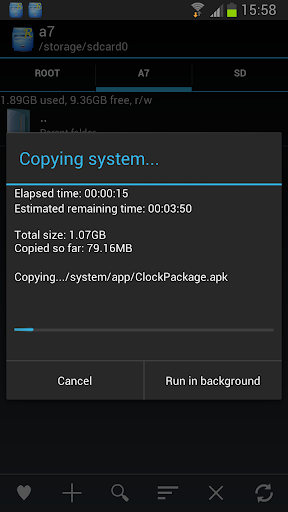
Root Explorer is the ultimate file manager for root users. Access the whole of android's file system !

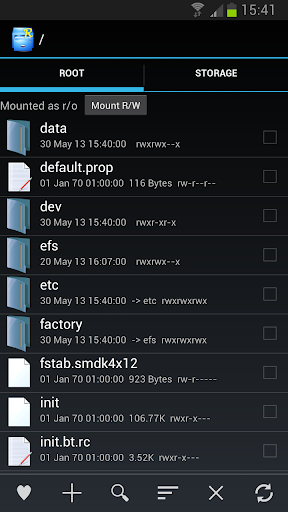
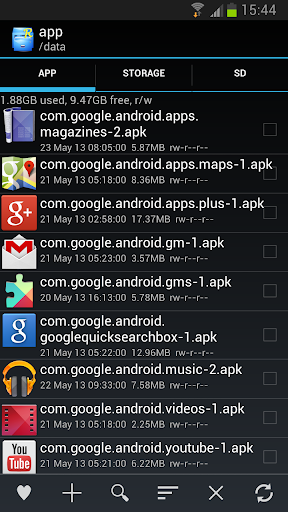
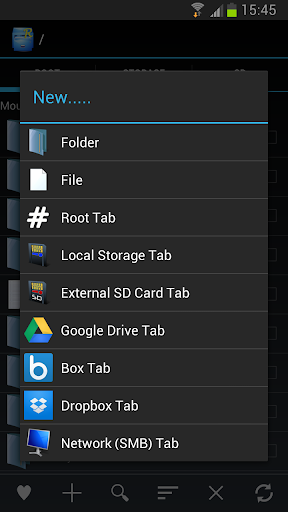
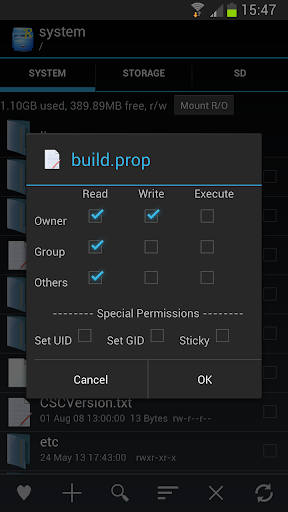
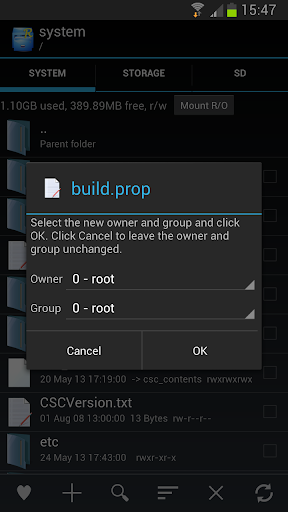
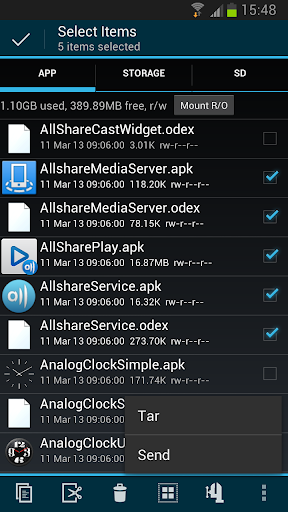
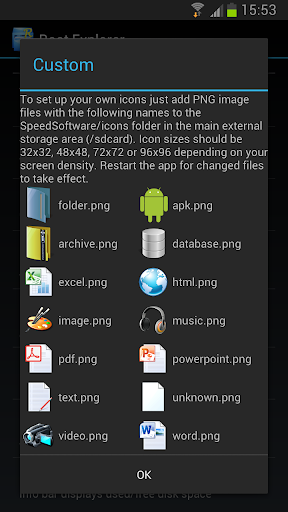
Features include SQLite database viewer, Text Editor, create and extract zip or tar/gzip files, extract rar archives, multi-select, execute scripts, search, remount, permissions, bookmarks, send files (via email, bluetooth etc), image thumbnails, APK binary XML viewer, change file owner/group, create symbolic link, "Open With" facility, MD5.

We will always try to help with any problem you may have with the app. If we can't help then you can have a refund, no questions asked.

Although 11,000+ five star ratings will tell you that most people are very satisfied customers. Make sure you read as many comments as possible to get a good idea of what most people think of the app.

We still respect the old 24 hour refund policy. So if you're not happy with the app just email us within 24 hours and you can have a refund. We'll need to know the order number, which you can find on the emails sent to you by Google when you downloaded.

Why compromise? Get the original and the best!

What's in this version : (Updated : Nov 30, 2014)
  • A few more quick fixes
  • Hotfix for new Lollipop SD write code
  • Allow write to external SD without root in Android 5.0 Lollipop
  • Display SE Linux context in file/folder properties (Android 4.3+)
  • Change SE context menu option (Android 4.3+)
Required Android O/S : 3.0+

Screenshots :


Download : 1.3Mb APK
Android 3.0+
Android 2.3

Let's Create! Pottery v1.59 APK


Free your creativity!

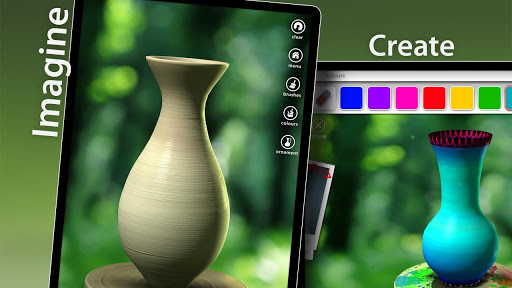
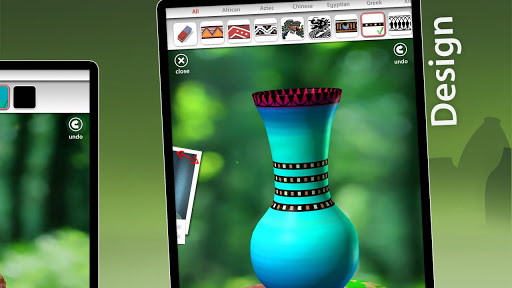
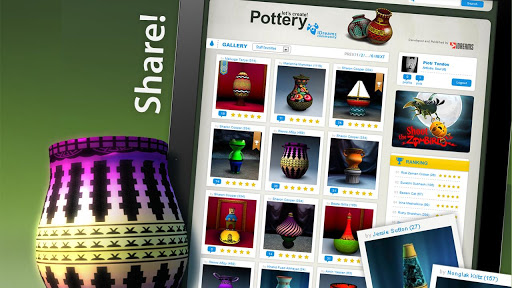
With Let's Create: Pottery making ceramics has never been more simple and fun! Become a true artist and create "one of a kind" pottery items and share them with your friends! Throw the clay on the wheel, release all your artistic talents and take benefit of dozens of materials available in order to create your own design!

Even when you glaze and fire your very first pot you will feel accomplished and relaxed as pottery is the best way to relieve your everyday stress and find your inner peace. An amazing, therapeutic and uplifting experience you can enjoy with your family and friends!

What's in this version : (Updated : Nov 28, 2014)
  • Added native support for x86 devices,
  • Minor bugfixes and improvements.
Required Android O/S : 2.0.1+

Screenshots :


Download : 35Mb APK

Relax Melodies Premium: Sleep & Yoga v3.2 APK


Try Relax Melodies Premium for your Android today!

Relax Melodies Premium, the leader in personalized relaxation and sleep assistance, is now available for your Android Phone!
No more insomnia for you, tension is a thing of the past at any moment!

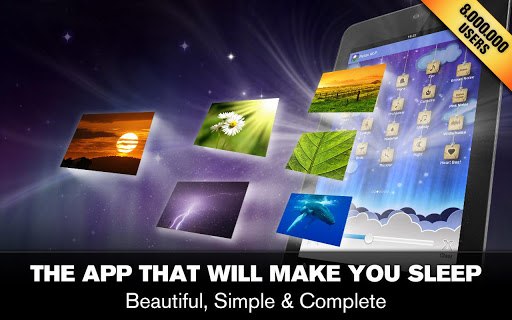
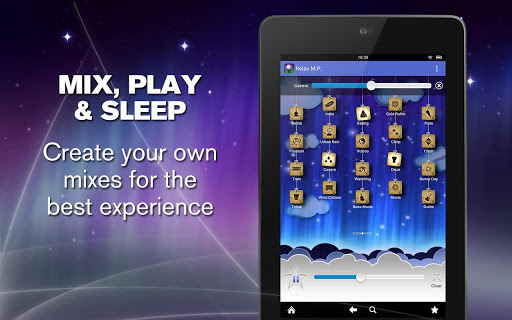
Just custom mix your favorite high quality sounds from a selection of 82, then slip naturally into a relaxed state or a deep, rejuvenating sleep. This is the ultimate relaxation experience and it's super easy to use!

Features:
  • Sound background support. Relax while using other apps! 
  • Mix your favourite sounds together with different volume to create your own personal melodies 
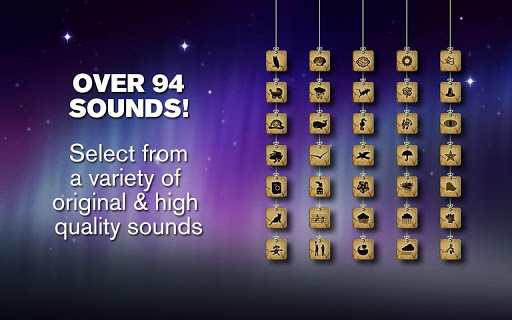
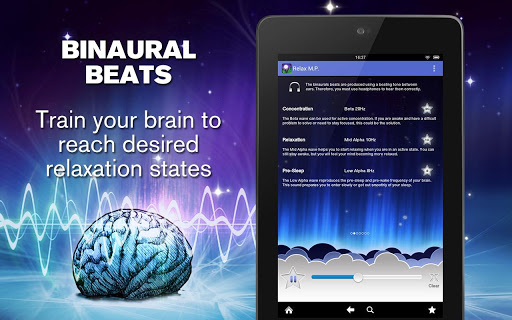
  • 82 High quality ambient sounds including 6 binaural beat frequencies for brainwave entrainment. 
  • Timer system to stop the melodies when you go to sleep
  • Individual sound volume adjustment
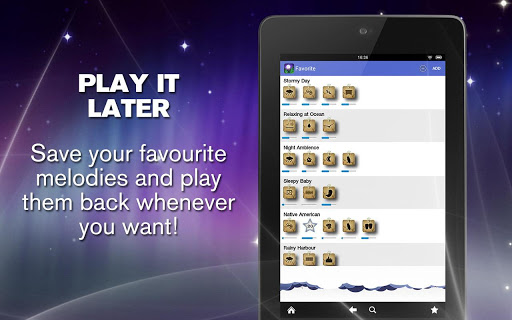
  • Save, name and replay your favorite mixes easily 
  • Complete and easy to follow help screen
Get the most personalized relaxation experience it’s possible to have. With just a few taps, you can create the exact MELODY that resonates perfectly with you. With ambient and binaural selections, you can choose whether to simply relax or tell your brain that it’s time for sleep. It can even help your baby fall asleep faster!

What's in this version : (Updated : Nov 28, 2013)
  • New user interface for menu navigation
  • Added 8 new sounds
  • Added Isochronic tones for brainwaves without earphones
  • Many bugs fixes and improvements
Required Android O/S : 2.2+

Screenshots :


Download : 45Mb APK

Ultimate Guitar Tabs & Chords v3.9.3 [Unlocked] APK


An easy and convenient application for viewing guitar Tablatures on your phone!

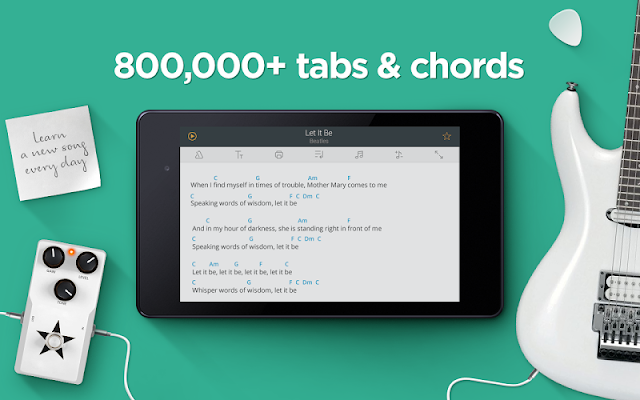
Ultimate Guitar Tabs is an easy and convenient application for viewing guitar Tablatures, bass Tablatures, drum Tablatures and chords. This is the only mobile application giving you UNLIMITED access to the world's largest database of Tabs from Ultimate-Guitar.com!

Use this intuitive viewer to browse the collection of over 400,000 Tabs and then learn or practice your favorite songs wherever you are.

♫ NEW! Tab Tools is now available for in-app purchase. The Tab Tools feature is a must-have extension to Ultimate-Guitar Tabs that adds key features, making it easier to read tabs. Available in-app for $1.99.

♫ NEW! Now with SD Card support.
Q If your device has a limited internal memory, you can now use your SD Card for storing both the application and the Tabs you saved for offline access.

♫ NEW! Tab Pro now available for in-app purchase. Tab Pro is an add-on to Ultimate Guitar Tabs giving you access to over 150,000 interactive Tabs. Playback songs, switch between instruments and learn Tabs using a virtual guitar fretboard. Available in-app for $3.99.

Main features:
  • Quick Search. Find Tabs quickly by entering artist name or song title. 
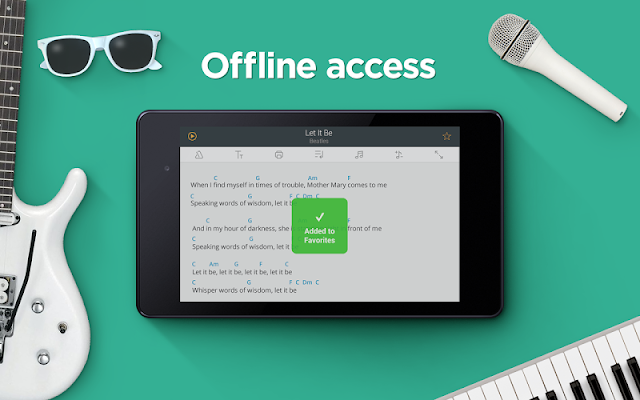
  • Favorites. Add Tabs to your Favorites to make them available for offline browsing. Synchronize Tabs between the app and your online account!
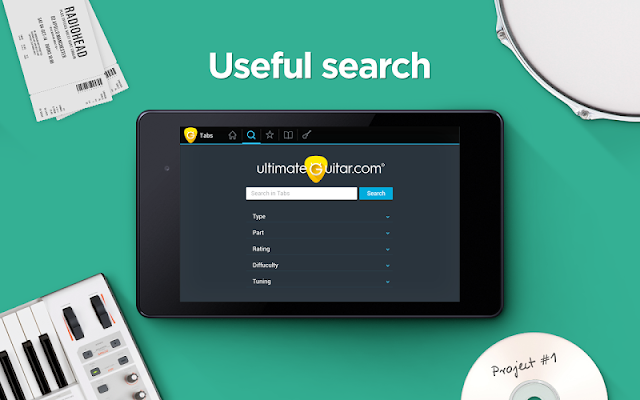
  • Advanced Search tool. You can search for Tabs by specifying Tab type, part of the song, difficulty level, tuning, and rating. 
  • UG Authorization. Sign in with your Ultimate Guitar account, or create a new one directly from the app. 
  • Playlists. Create custom lists of Tabs in your Favorites. 
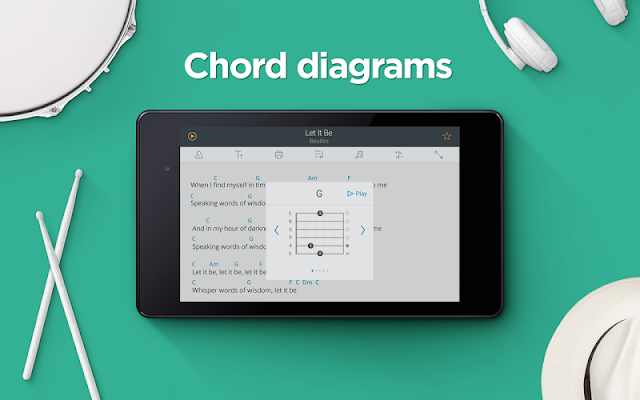
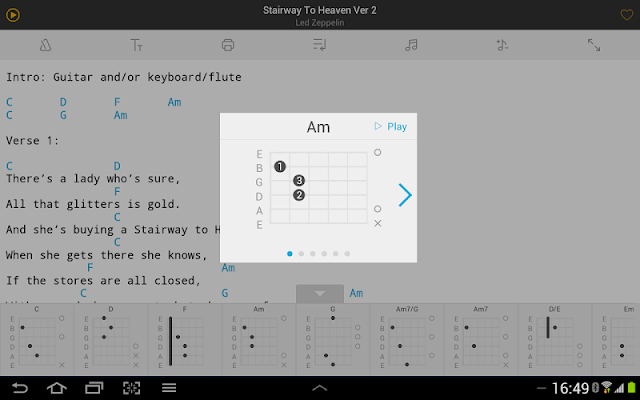
  • Chords. View chord diagrams while reading Chords, transpose chords easily. 
  • Tab Packs. Collections of pre-selected Tabs. Tab Packs are based on skills level, music genres, and special occasions.
  • Top 100 Tabs list for each Tab type (Guitar, Bass, Chords, Drums or overall). 
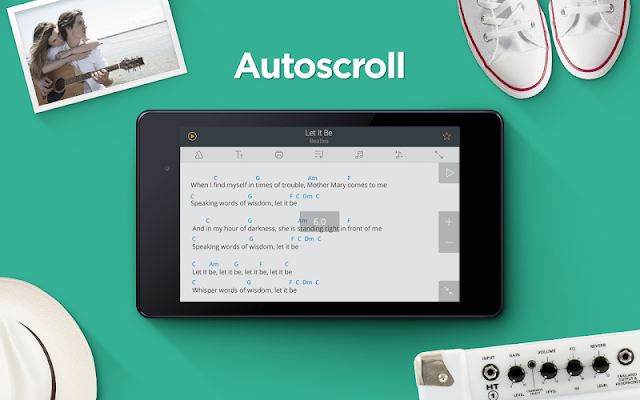
  • Auto-scroll feature. View Tablature in the text viewer using the handy Auto-Scroll functionality - The App will scroll Tabs for you!
  • Changeable fonts. Pick what font to use for displaying Tabs' content. 
  • Random Tab. Load Tab for a random song. 
  • Now playing. Find Tabs for the currently playing song (needs to be technically supported by the device).
  • Portrait and Landscape modes are available. You can scale Tabs too.
Tab Pro* includes:
  • Supports the Tab Pro format, similar to Guitar Pro and Power Tab. 
  • Huge Database. A thorough database with over 150,000 Tabs. 
  • Playback. Instantly playback tabs with real-sounding instruments.
  • Multitrack. Audio mixing is in your hands, change volume on any instrument.
  • Chords. Shown above the corresponding beats for optimum visual cues. 
  • Fretboard display. Get the perfect view of the notes' placement on each fret.
You will get access to Tabs in the Tab Pro format from the app's regular search results after making the in-app purchase.

Tab Tools includes:
  • Fit To Screen" feature, which makes tabs easier to read on your device
  • Font customization capability
  • Print function available (for Cloud Print-compatible devices)
  • Email - send tabs by email with just one tap.
  • Copying to clipboard
Guitar Tools combines a top-quality Guitar Tuner, Metronome and Chords Library together with your Ultimate Guitar Tabs app, giving you the ultimate set of guitar tools:
  • Guitar Tuner. Keep your instrument in tune using your device's built in microphone, or with our accurate Brain Tuner.
  • Metronome. Keep in time with a metronome full of features like fine tempo tuning, ability to set tempo by tapping, adjustable tempo signature, beat subdivision, 5 sound packs, and much more. 
  • Chords Library. Display and playback chords from our beautiful and powerful chord library.
What's in this version : (Updated : Nov 28, 2014)
  • Need additional help when learning a song? Now you can watch the videos!
  • Minor bug fixes
Required Android O/S : 1.6+

Screenshots :
Ultimate Guitar Tabs & Chords - screenshot
Download : 10Mb APK

Notification Toggle Premium v3.3.5 APK


Notification Toggle creates notifications in the Android status bar to let you quickly switch!

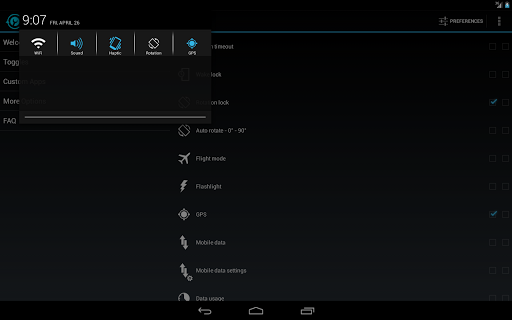
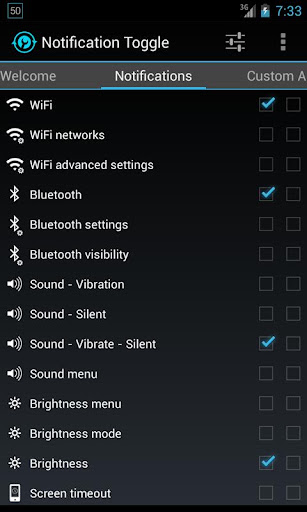
Notification Toggle creates notifications in the Android status bar to let you quickly switch WiFi, Bluetooth, Silent mode, Screen rotation and Flight mode on and off or to adjust the screen brigthness (and many more...)

You can also add shortcut to your own apps into the notification bar!

In the settings, you can choose which notifications should be active. All icons & colors can easily be changed through the app for full customization!
Notes:
  • not every toggle will work on every device
  • some settings aren't changeable by user apps, so it will bring you directly to the android settings
  • exclude from task-killers!
  • if your device is rooted, you can install the app in /system/app for direct GPS toggle even on Android 2.3+ and more
  • on Galaxy Note it seems to work only with the stylus on Android 2.x!
Available toggles & shortcuts:
  • WiFi
  • Bluetooth
  • Sound / Vibration, Sound / Silent, Sound menu
  • Brightness mode / menu / 5 predefined stages
  • Screen timeout dialog
  • Wake lock
  • Rotation
  • Flight mode
  • Mobile data
  • NFC
  • Flashlight (might require TeslaLED)
  • Sync & Sync now
  • WiFi- & USB-Tethering
  • Music: previous / next / pause
  • WiFi settings / advanced settings
  • Bluetooth settings, Bluetooth visbility
  • GPS
  • Mobile data settings
  • Data usage
  • Battery
  • Camera
  • next Wallpaper (requires WallpaperChanger)
  • Lockscreen (requires DelayedLock)
  • Shutdown & Reboot (requires root)
  • own apps & shortcuts
What's in this version : (Updated : Nov 29, 2014)
  • Fixes for Lollipop
  • fix: blank extra line when limiting number of toggles per line
  • silent mode = "priority mode" on 5.0
  • hiding the notification from lockscreen is only possible in "hide sensitive content" mode (Android setting)
  • fixed second line not shown on Android 5.0
  • fixed wrong icon size on toggles with text and icon size set to "2"
  • fixed "mobile data" toggle opening wrong setting on Android 5.0added "show on lockscreen" option on Android 5.0
Required Android O/S : 2.1+

Screenshots :


Download : 800Kb APK

 
Design by Free WordPress Themes | Bloggerized by Mespah - Premium Blogger Themes samples without surveys