Thursday, November 27, 2014

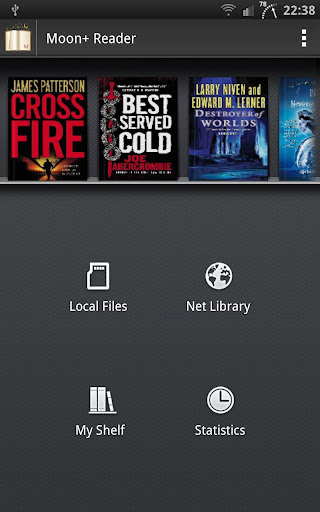
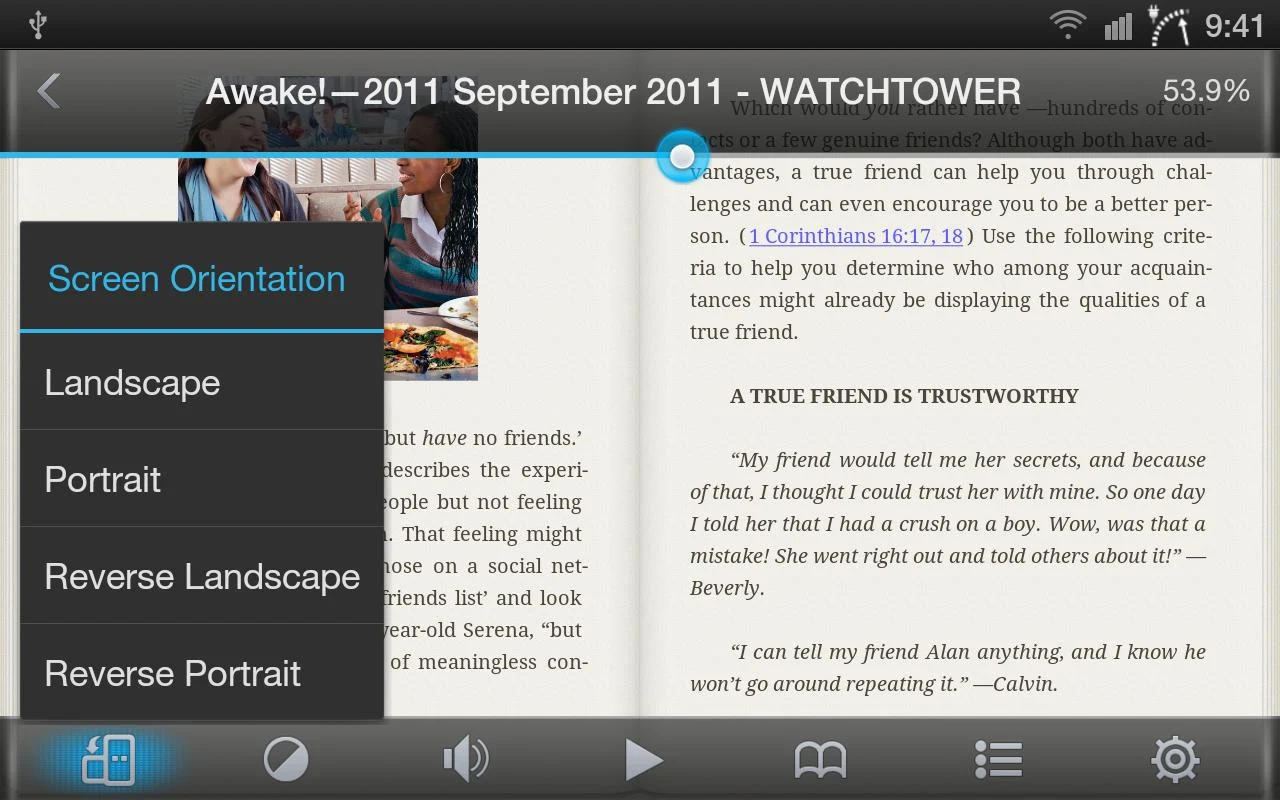
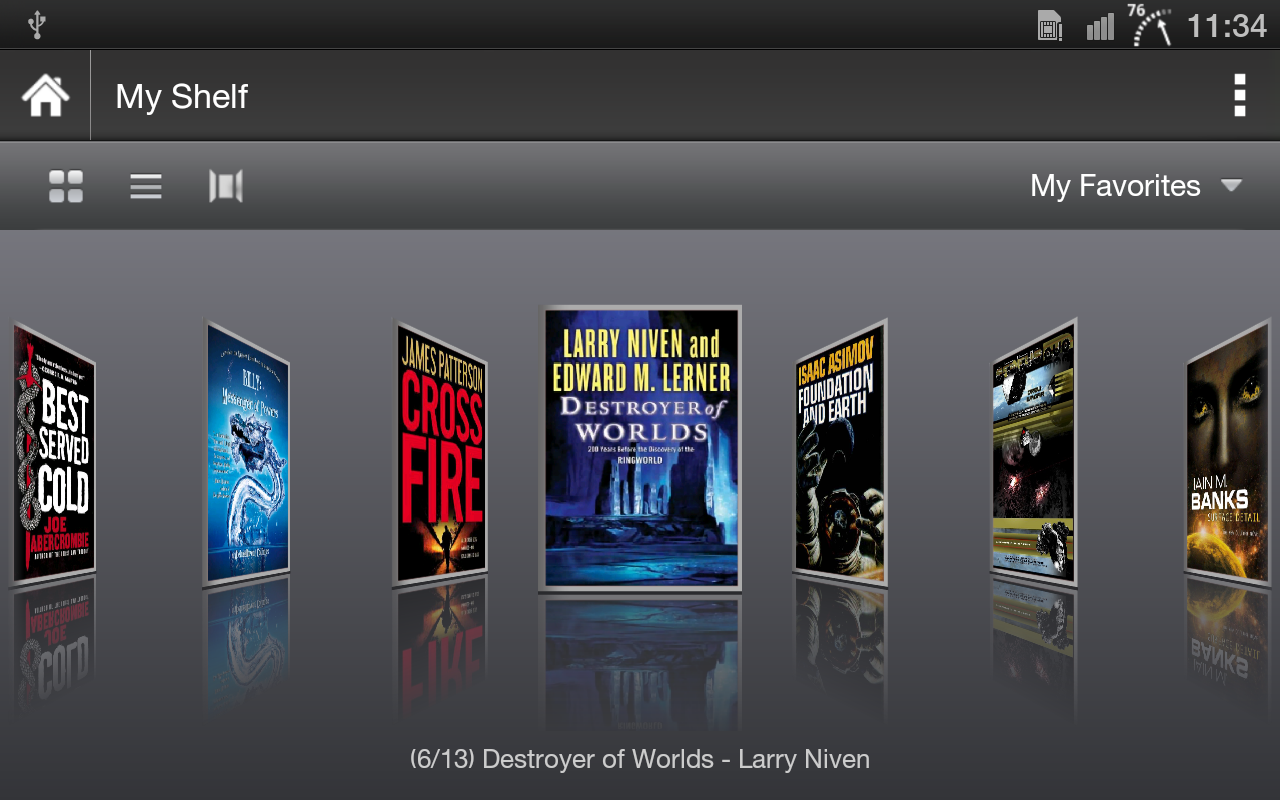
Moon+ Reader Pro v2.6.8 APK


Your finger ebook reader with fantastic reading experience!

Professional book reader with powerful controls & full functions.
*Support online ebook libraries and personal calibre ebook server.
*Read local books with smooth scroll and tons of innovation.
Support txt, html, epub, umd, fb2, chm, zip or OPDS, key features:
  • Full visual options: line space, font scale, bold, italic, shadow, alpha colors, fading edge etc.
  • 10+ themes embedded, includes Day & Night mode switcher.
  • Various types of paging: touch screen, volume keys or even camera, search or back keys.
  • 24 customized operations (screen click, swipe gesture, hardware keys), apply to 15 customized events: search, bookmark, themes, navigation, font size and more.
  • 5 auto-scroll modes: rolling blind mode; by pixel, by line or by page. Real-time speed control.
  • Adjust the brightness by sliding your finger along the left edge of the screen, gesture commands supported.
  • Intelligent paragraph; indent paragraph; trim unwanted blank spaces and lines options.
  • “Keep your eyes health” options for long-time reading.
  • Real page turning effect with customized speed/color/transparent; 5 page flip animations;
  • My Bookshelf design: Favorites, Downloads, Authors, Tags; self bookcover, search, import supported.
  • Justified text alignment, hyphenation mode supported.
  • Turn off softkey backlight in night mode option.
  • Backup/Restore options to cloud via DropBox, sync reading positions between phones and tablets.
  • Highlight, Annotation, Dictionary (Offline or Online, support Google, ColorDict, Fora, etc.), Translation, Share functions all in moon+ ebook reader.
Localized in 38 languages: English, العربية, հայերեն, Български, català, český, dansk, Nederlands, eesti, français, galego, საქართველოს, Deutsch, ελληνικά, עברית, magyar, Indonesia, italiano, 日本の, 한국의, македонски, persan, polski, português, português brasil, român, русский, српски, 简体中文, slovenských, slovenskega, español, Svenskt, 繁體中文, ภาษาไทย, Türk, Український, Việt

Additional benefits in pro version:
  • Ad-free
  • Shake the phone to speak (Text-to-speech, TTS engine support)
  • More beautiful themes, background images and fonts
  • Option for password protection at startup
  • Headset & Bluetooth keys control
  • Book to home screen shortcut
  • Customize reader bar function
  • Annotations, highlights & bookmarks share support
  • Customer email support
What's in this version : (Updated : Nov 27, 2014)
  • Fix a Chm file import bug
  • Fix a Epub chapter divider bug
  • Fix a Fb2 book image incompatible bug
  • Fix a Pdf crash issue in some devices, please install Pdf plugin if it still has problem
  • (Material UI will be available in next version, please be patient)
Required Android O/S : 1.6+

Screenshots :
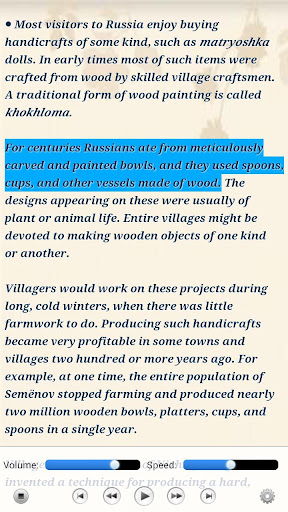
 
  
Moon+ Reader Pro (50% OFF) - screenshot
Download : 7Mb APK

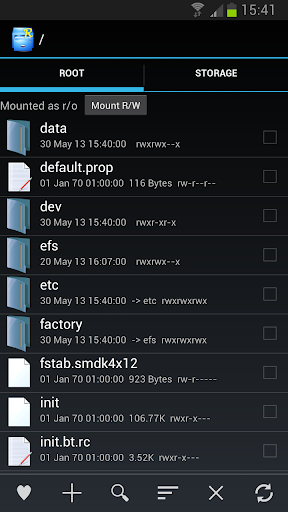
Root Explorer v3.3 APK


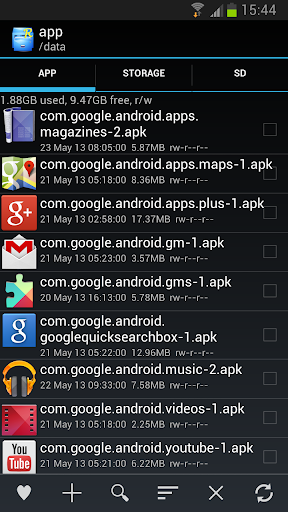
Root Explorer is the ultimate file manager for root users. Access the whole of android's file system !

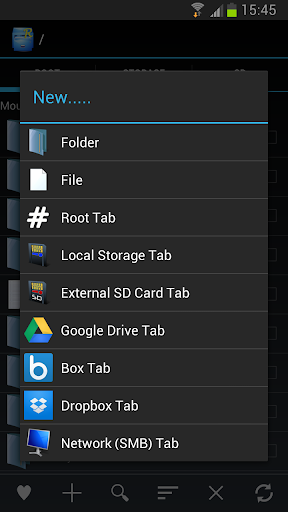
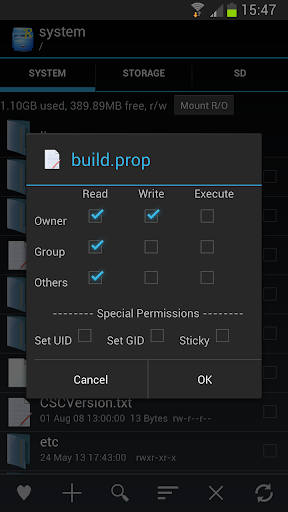
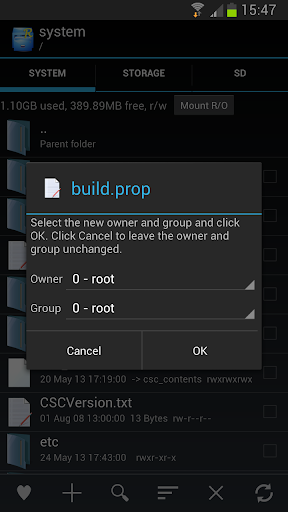
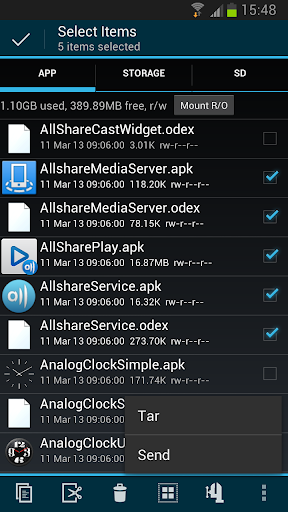
Features include SQLite database viewer, Text Editor, create and extract zip or tar/gzip files, extract rar archives, multi-select, execute scripts, search, remount, permissions, bookmarks, send files (via email, bluetooth etc), image thumbnails, APK binary XML viewer, change file owner/group, create symbolic link, "Open With" facility, MD5.

We will always try to help with any problem you may have with the app. If we can't help then you can have a refund, no questions asked.

Although 11,000+ five star ratings will tell you that most people are very satisfied customers. Make sure you read as many comments as possible to get a good idea of what most people think of the app.

We still respect the old 24 hour refund policy. So if you're not happy with the app just email us within 24 hours and you can have a refund. We'll need to know the order number, which you can find on the emails sent to you by Google when you downloaded.

Why compromise? Get the original and the best!

What's in this version : (Updated : Nov 27, 2014)
  • Allow write to external SD without root in Android 5.0 Lollipop
  • Display SE Linux context in file/folder properties (Android 4.3+)
  • Change SE context menu option (Android 4.3+)
Required Android O/S : 3.0+

Screenshots :


Download : 1.3Mb APK

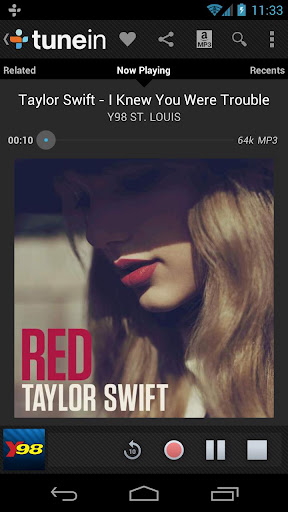
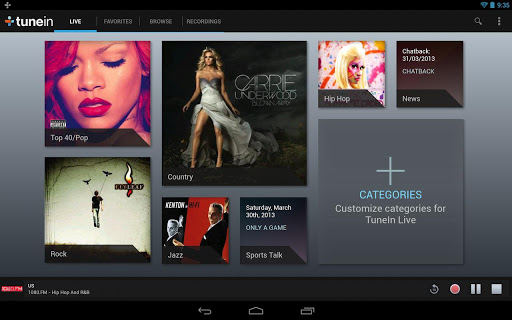
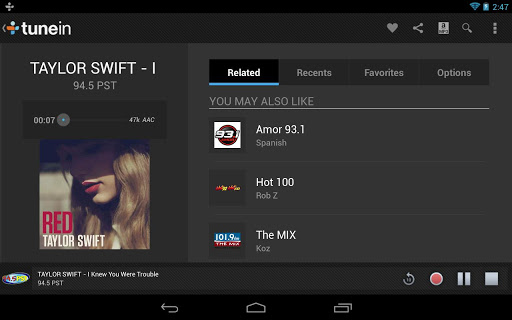
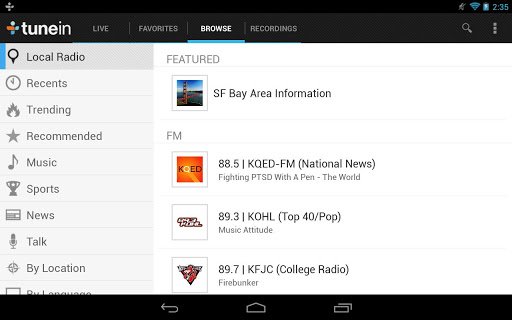
TuneIn Radio Pro v12.9 APK


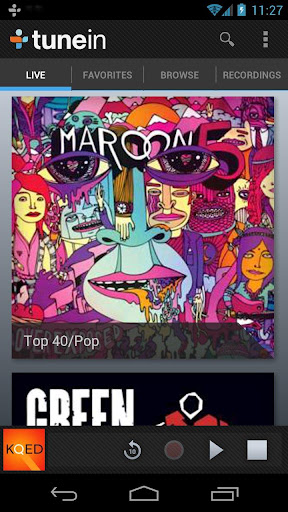
Browse and listen to radio -- live, local and global !

TuneIn is a new way to listen to the world through live local and global radio from wherever you are. Whether you want music, sports, news or current events, TuneIn offers over 50,000 stations and 1.2 million on-demand programs for you to choose from.

The TuneIn Radio Pro app for Android puts this entire experience in the palm of your hand with the added benefit of recording what you’re listening to (requires memory card).

Important Update: This new version of TuneIn (5.3) includes Car Mode, which lets you listen to your favorite music, sports and news simply by speaking a command into your Android phone or tablet. This update also includes extra large buttons for easy viewing and control.

What's in this version : (Updated : Nov 26, 2014)
  • The wait is over-- Google Chromecast support is now here!
  • Android Lollipop layout & design
  • Lock screen enhancements
  • Alarm improvements
  • General bug fixes
  • Android TV support
Required Android O/S : 1.6+

Screenshots :


Download : 8.6Mb APK

Neuroshima Hex v2.24 APK


In the world of Neuroshima you need to prove you have what it takes to survive!

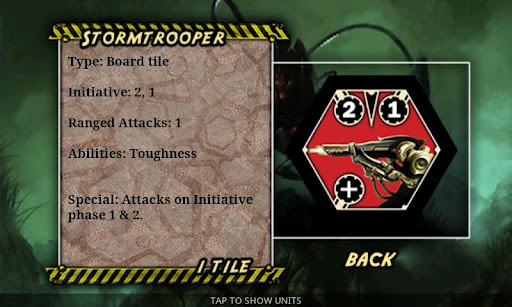
Neuroshima Hex is a fast paced, tactical board game where up to 4 players (human or AI) lead their troops to victory. Every player controls one of the four armies struggling for influence and survival in the world destroyed in a 30 years long war. March with the machines of Moloch, leading its army towards setting the new world order.

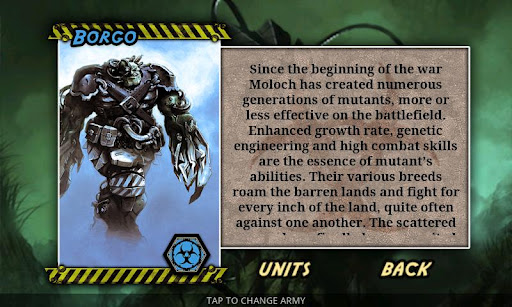
Become Borgo and unite the forces of the mutants who spread terror in the wastelands. Lead The Outpost - humanity's last and only hope and try to beat the machines in an uneven guerrilla war. Be the boss of The Hegemony - land of gangers not caring about the fate of others and living only for violence and their mad entertainment.

In the world of Neuroshima Hex you need to prove you have what it takes to survive.

Neuroshima Hex is well known in the board game community. Neuroshima Hex holds 100th place in the prestige BoardGameGeek ranking (which contains almost 50,000 games from around the world). In May 2007 Neuroshima Hex was awarded a special jury distinction for the Best Polish Designer Game published in 2006. Neuroshima Hex was also published in the US (by Z-Man Games) and France (by IELLO).

Features:
  • Official Neuroshima Hex game with original artwork
  • 4 different armies with unique strategies
  • Up to 4 players (human or AI)
  • 3 AI difficulty levels
  • In-game tutorial & manual
  • Tons of gameplay
  • Easy to learn, hard to master
What's in this version: (Updated : Nov 26, 2014)
  • New Army: Mississippi - units fixes
  • Fixed several small bugs
  • Fixes for in-app billing issues
  • Add better army select panel in custom game
Required Android O/S : 2.2+

Screenshots :


Download : 17Mb APK

SuperSU Pro 2.35 APK


SuperSU is the Superuser access management tool of the future!

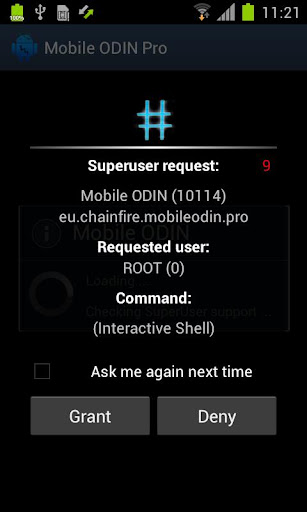
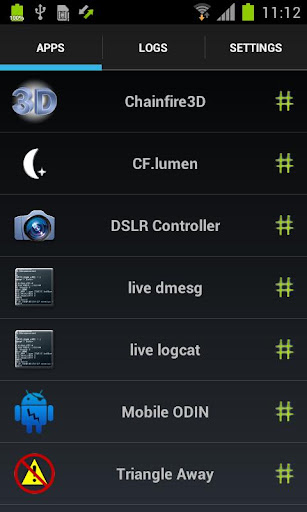
SuperSU allows for advanced management of Superuser access rights for all the apps on your device that need root. SuperSU has been built from the ground up to counter a number of problems with other Superuser access management tools.

!!! SuperSU requires a rooted device !!!

Features:
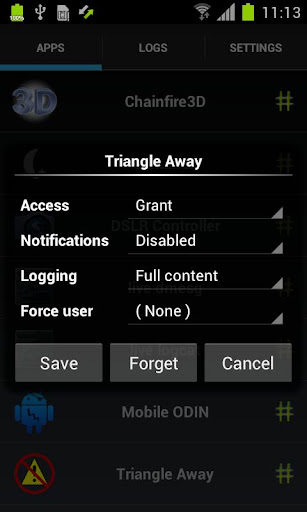
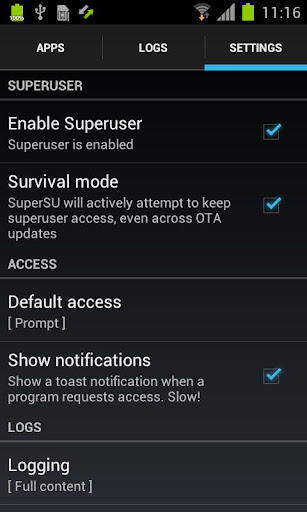
  • Superuser access prompt
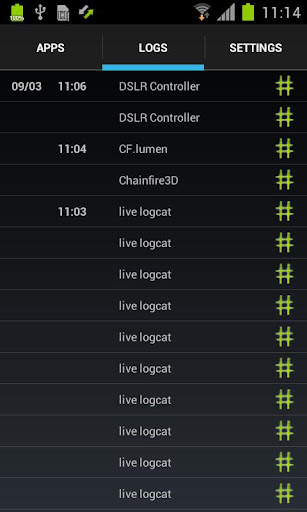
  • Superuser access logging
  • Superuser access notifications
  • Per-app notification configuration
  • Temporary unroot
  • Deep process detection (no more unknowns)
  • Works in recovery (no more segfaulting)
  • Works when Android isn't properly booted
  • Works with non-standard shell locations
  • Trusts ADB connection
  • Always runs in ghost mode
  • Wake on prompt
The Pro version additionally offers:
  • OTA survival mode (no guarantees)
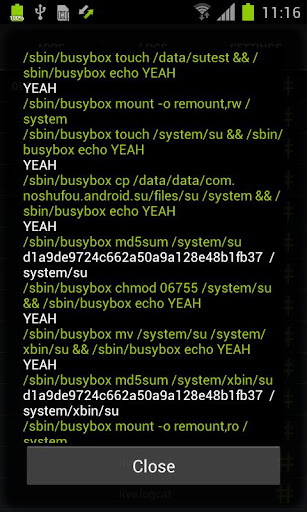
  • Full color-coded command content logging (input/output/error)
  • Per-app logging configuration
  • Per-app user override
  •  PIN protection
SUPERUSER
This is meant to replace Superuser (if installed), you use either one or the other. You cannot combine them. Statements that this breaks Superuser are therefore completely nonsensical.

NOTICE: 
A SPECIAL PROCEDURE IS NEEDED FOR UNINSTALLATION. IF YOU DO NOT LIKE THE APP, DO *NOT* JUST UNINSTALL IT, YOU *WILL* LOSE ROOT.

What's in this version : (Updated : Nov 25, 2014) 
  • Fix mount namespace separation somtimes being disabled
  • Donations via IAPs (user request)
  • Layout adjustments for Nexus Player
  • Installer adjustments for latest TWRPs
  • Hiding icon now also hides from Leanback launcher
  • Icon replacements
  • ACCESS_SUPERUSER permission is gone
Required Android O/S : 2.1+

Screenshots :


Download : 2Mb APK

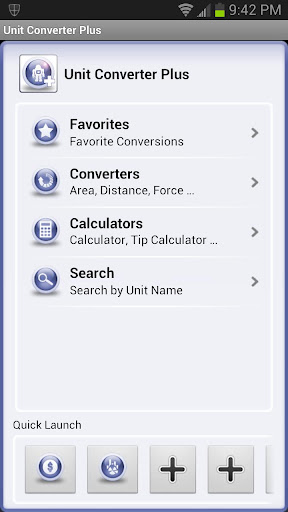
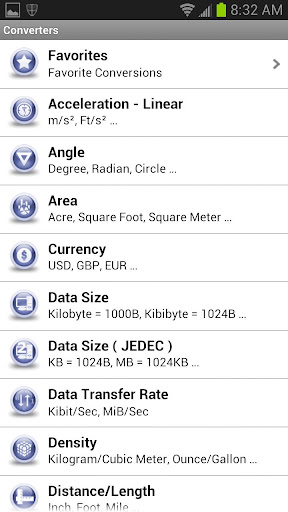
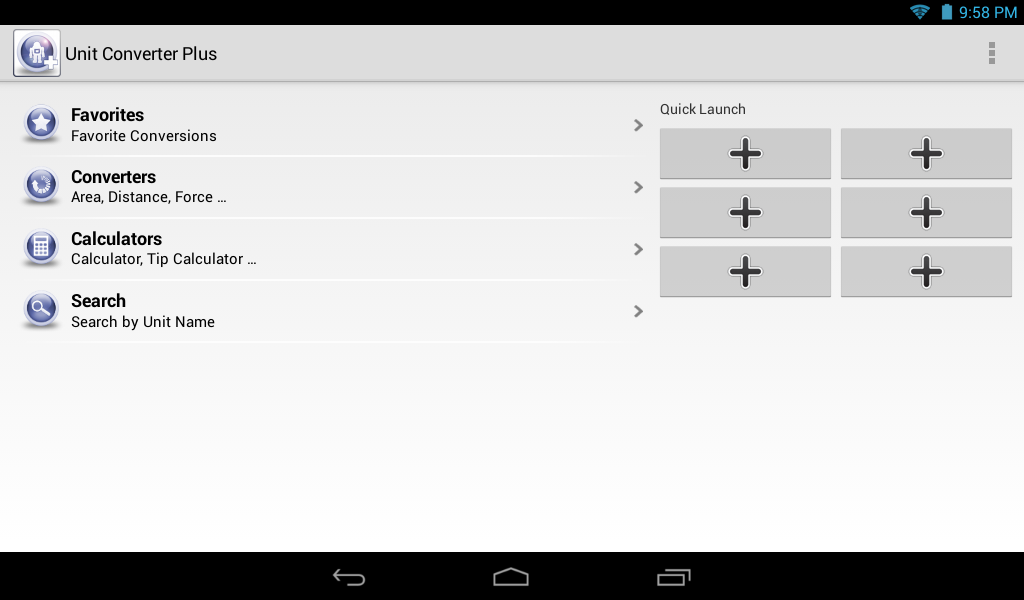
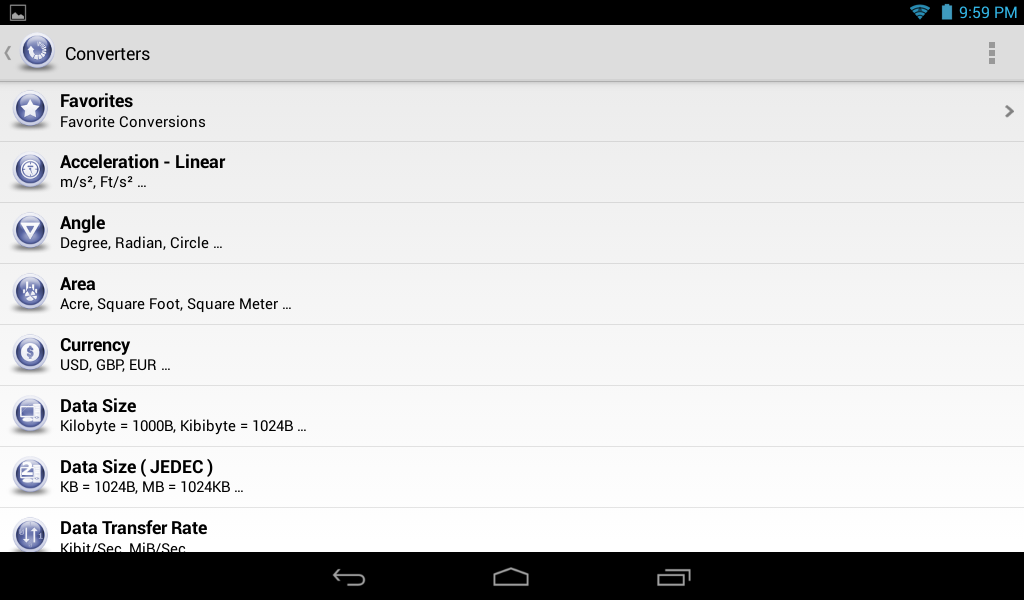
Unit Converter Plus v1.4.5.10 APK


A simple, fast and easy to use unit converter with 165 currency conversions!

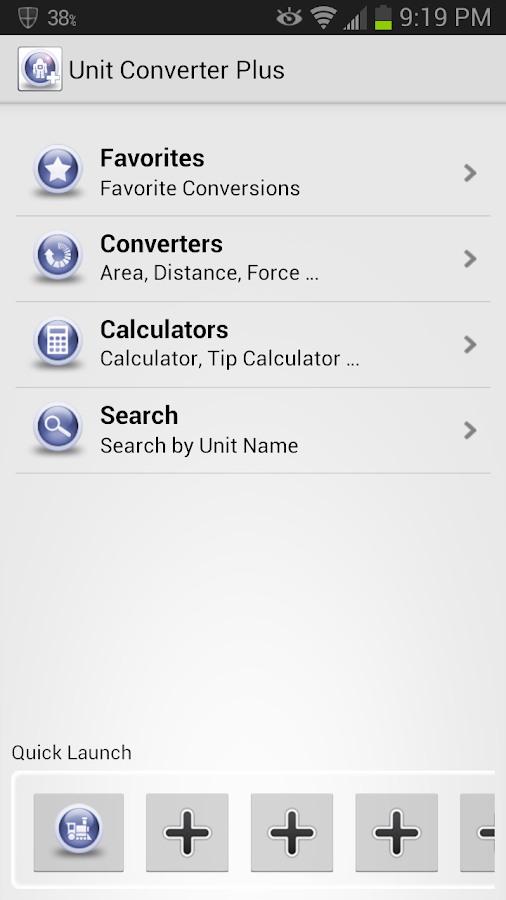
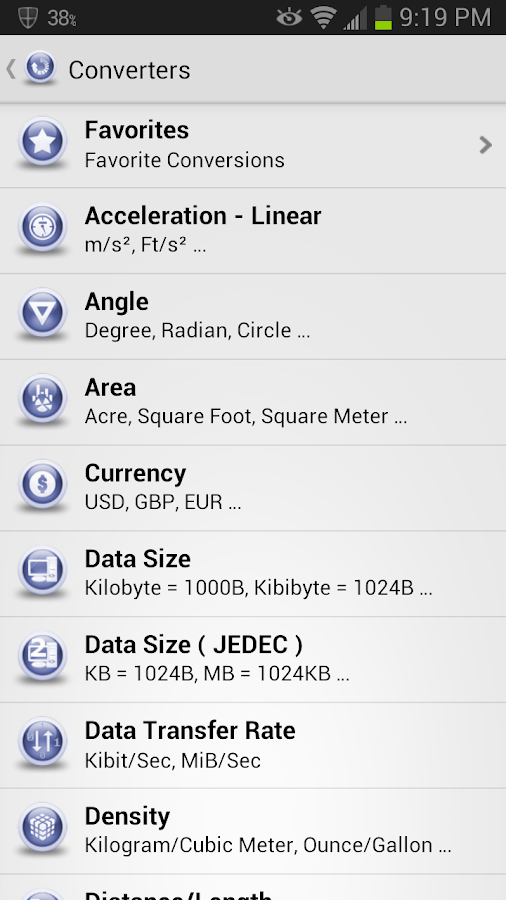
Unit Converter Plus is a simple and friendly unit converter with a clean user interface. Unit Converter Plus has everything you loved about the original Unit Converter and a whole lot more. Some of the new features include:

Features:
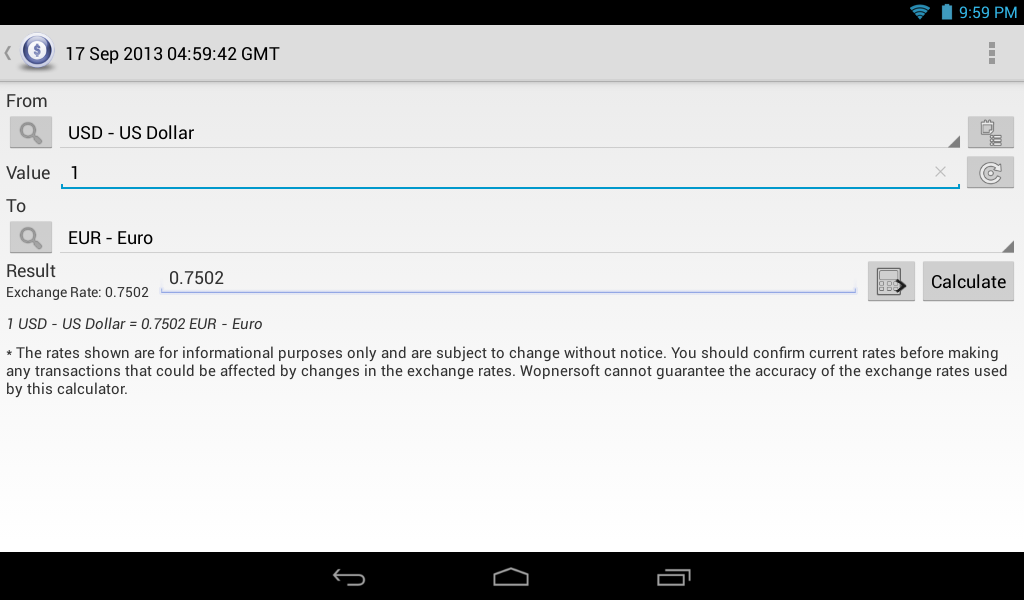
  • Currency conversions for 165 countries ( vs 60 in the original).
  • The ability to create custom units for nearly every category(**) ( so if a unit is missing and you know the conversion factor you can add it yourself). (**) there are a few categories that do not currently allow for custom units... please email me if you have questions.
  • A new Calculator section with a Tip Calculator and a simple 4 function calculator.
  • More preference options including setting the initial start up screen (to be able to jump to your favorite section automatically) and the option to show results in scientific notation.
  • The ability to search and filter units in the drop-down list.
  • Optimized to be faster and more efficient.
  • Works with Android 2.3 and has Apps2SD for Froyo (and above).
Please try out and read the 5900+ reviews for the original Unit Converter which has over 946,000 downloads. If you liked the original you will not be disappointed with Unit Converter Plus!

Tips & Tricks:
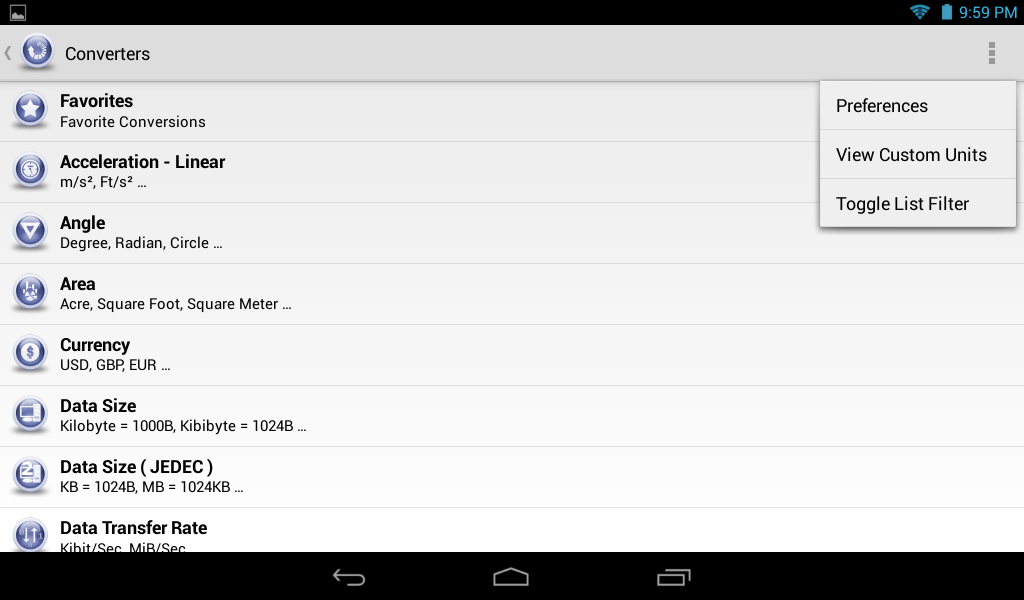
  • You can filter the main list of conversions to only show the ones you want by going to Preferences -> Filter Main List. Also, you can toggle the filter on/off with menu item.
  • To change or delete "Quick Launch" shortcut, Long Press the icon and a menu will pop-up to allow you to change or remove the shortcut.
  • If your on-screen keypad doesn't show a decimal point, you can try switching back to using the full keyboard layout by going to Preferences -> Use Full Keyboard Layout.
  • By default when you open the currency screen and it's been over a day since the rates have been downloaded, the app will attempt to download the current rates. You can turn this off by going to Preferences -> Auto Update Currency.
  • If you want to delete a particular favorite then on the Favorite conversion list Long-Press the one to delete and a pop-up will allow you to delete it.
  • If you would like to copy the output of a conversion Long-Press the result box and a pop-up will allow you to copy it to the clipboard. Then you can Long-Press the input value box and select paste.
What's in this version : (Updated : Nov 26, 2014)
  • Added Time Zone converter
  • Fixed reported bugs
Required Android O/S : 2.1+

Screenshots :
 
Unit Converter Plus - screenshot
Unit Converter Plus - screenshot Unit Converter Plus - screenshot

Download : 1Mb APK

GrooVe IP - Free Calls v2.0.7 APK

Voice without Minutes!

GrooVe IP is an android app that connects to Google Voice using Voice over IP (VoIP). What this means for you is you can make free unlimited calls to any phone in the US or Canada without using your voice minutes.

GrooVe IP works on any android device, phone or tablet, and allows you to make calls using the device’s data (WiFi or mobile data) connection. If you have a smartphone with Wi-Fi connectivity but no mobile plan, you can use this app to convert it to a free, full-featured working phone.

This app has a separate dialer that can be used to make calls. Alternatively, the native dialer, call-log, contacts, and favorite functionality can be shared between the phone and app on a call-by-call basis.

Notes:
  • Please ensure that your Google Voice account is associated with either a gmail or google apps account.
  • To receive incoming calls you MUST go into your Google Voice account and forward calls to Google Chat.
  • GrooVe IP uses 1.2 MB per minute during a call
For requirements, setup details, answers to frequently asked questions, known issues, or more information, please visit http://snrblabs.com/snrb/grooveIp.aspx

If you have any questions, feature requests, or run into any problems please contact us! We cannot help you if you only leave a comment.

What's in this version: (Updated : Nov 26, 2014)
  • Fix audio in android lollipop (5.0)
Required Android O/S : 2.1+

Screenshots :


Download : 1Mb APK

 
Design by Free WordPress Themes | Bloggerized by Mespah - Premium Blogger Themes samples without surveys