Friday, November 14, 2014

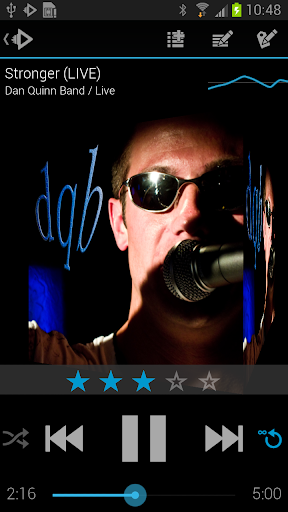
Music Player : Rocket Player Premium v3.2.0.20 APK


A Player for Music Lovers!

A Player for Music Lovers.
Rocket Player Premium Unlocker was designed with both the easy and advanced listener in mind. The Premium Unlocker unlocks advanced features built on top of the easy to use interface of the free Rocket Player.

Premium Features:
  • Album art downloading
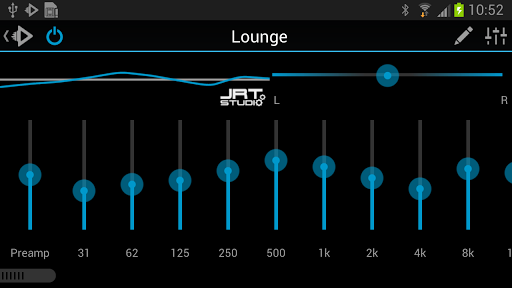
  • 10 band graphic equalizer
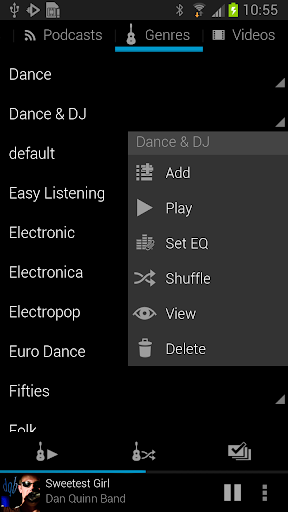
  • Assign an equalizer preset to a song, genre, playlist, artist, album, or podcast
  • Preamp
  • Right/Left balance control
  • Gapless playback
  • Crossfading
  • Play Apple Lossless (ALAC)
  • Albums marked gapless in iTunes will play gapless when used with iSyncr
  • Start/stop time from iTunes is used when used with iSyncr
In the works:
  • Folder view
  • Tag editing
Features:
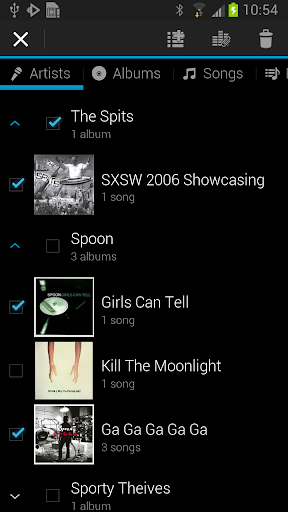
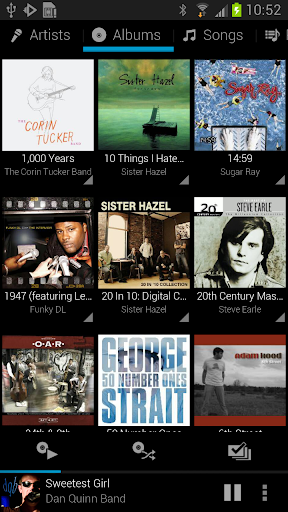
  • Browse and play your music by albums, artists, genres, songs, podcasts and playlists
  • Create and edit playlists within the player
  • 5 band graphic equalizer (Android 2.3+)
  • iSyncr Live Lists dynamically update while playing
  • Fade in and out when playing and stopping songs
  • Controllable from the lockscreen
  • Podcast bookmarking
  • 4x1 and 4x2 widget
  • Support for most scrobbling apps
When combined with iSyncr, an app for syncing your iTunes music with your Android device, Rocket Player allows you to:
  • Sync new playlists and playlist changes back to iTunes
  • Sync podcast bookmarks to and from iTunes
  • Sync song ratings to and from iTunes
  • iSyncr Live Lists dynamically update while playing
  • Need help? Visit http://www.jrtstudio.com for quick tips or to contact support.
What's in this version : (Updated : Nov 10, 2014)
  • FIXED: Bluetooth disconnect still resumes song
  • FIXED: Duration not changing
Required Android O/S : 2.1+
Screenshots :


Download : 5Mb APK

Animated Photo Frame Widget + v6.0.0 APK


The most gorgeous, the most powerful photo player application!

The best Photo Widget with lots of elegant photo frames on Google Play.
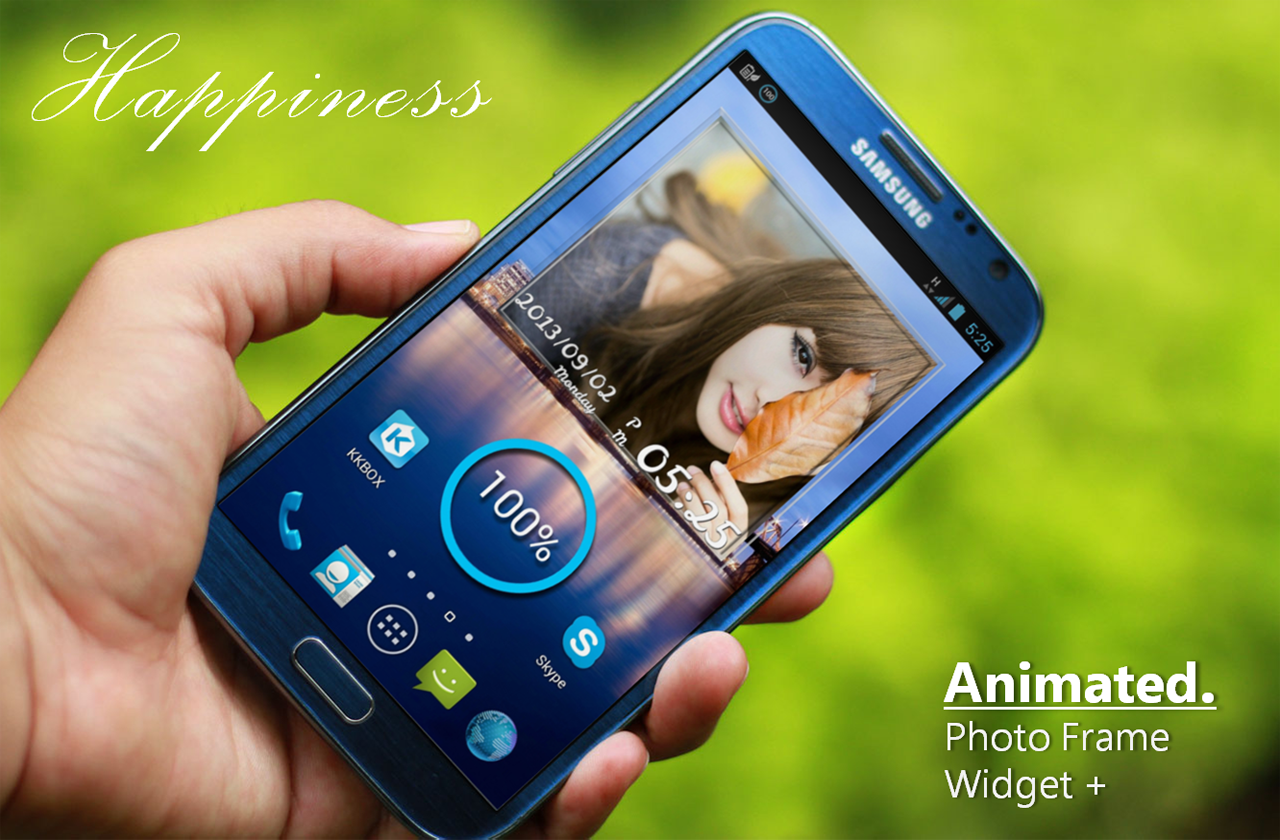
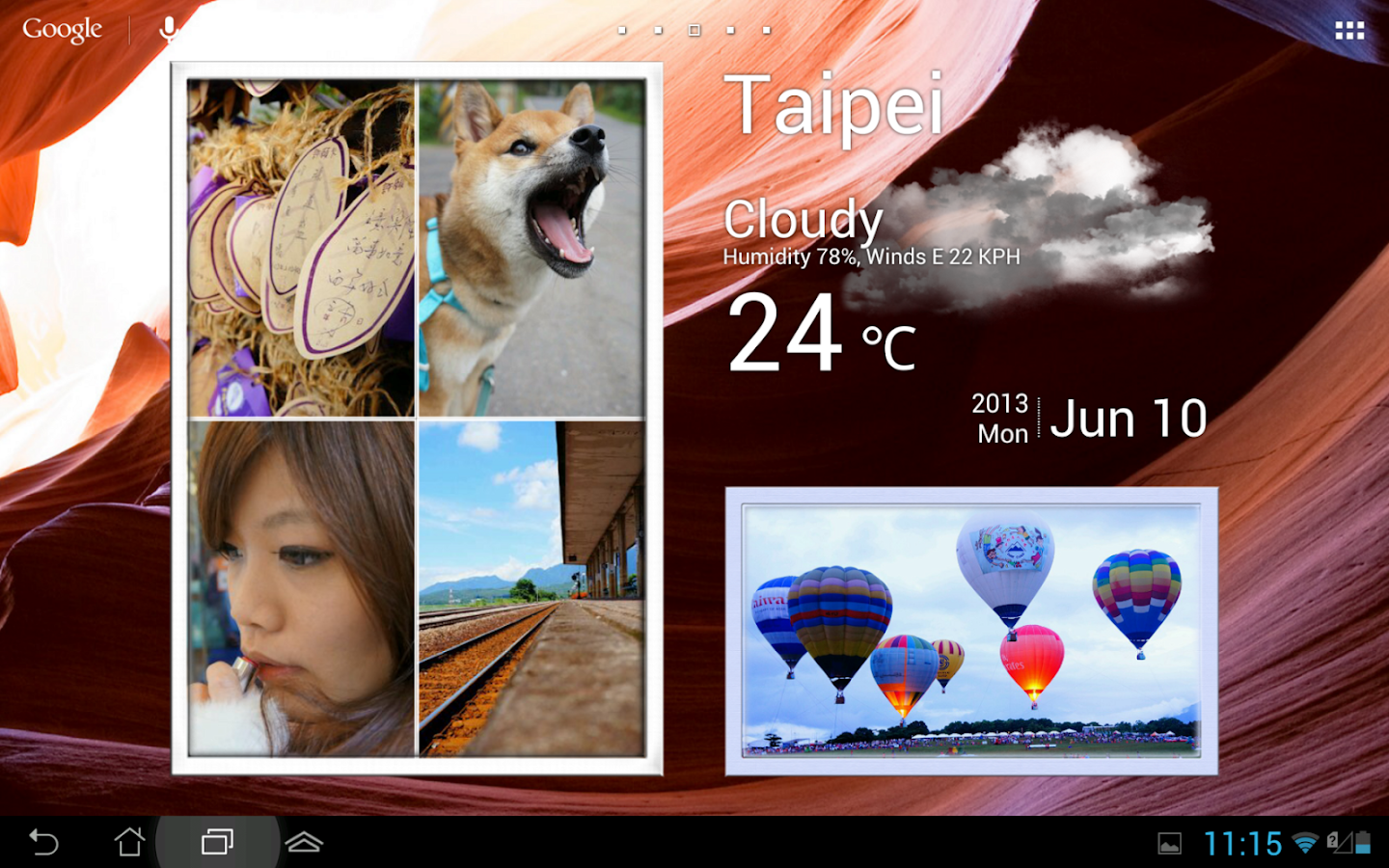
Animated Photo Frame Widget + can help you to create your own unique photo widget.
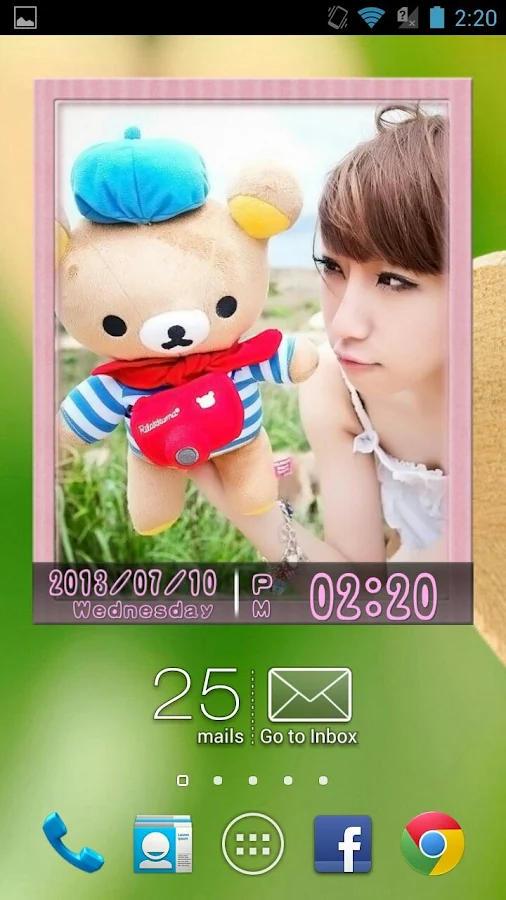
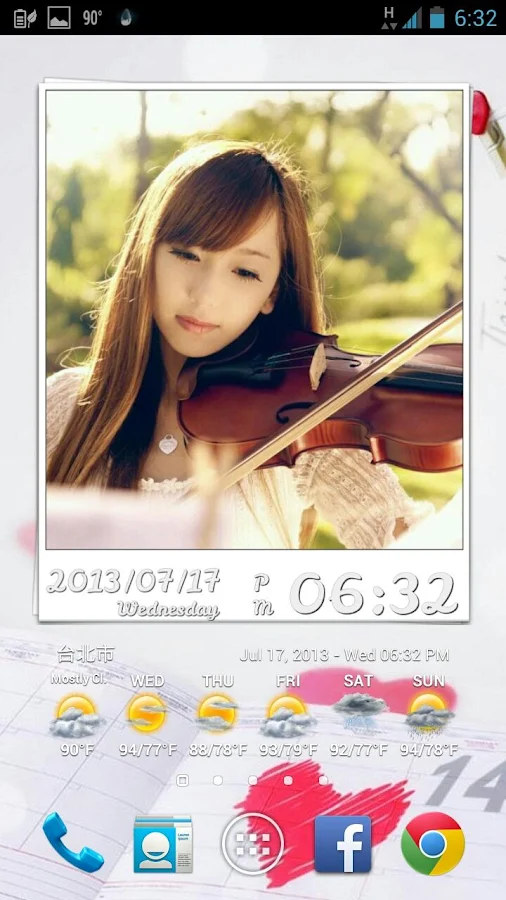
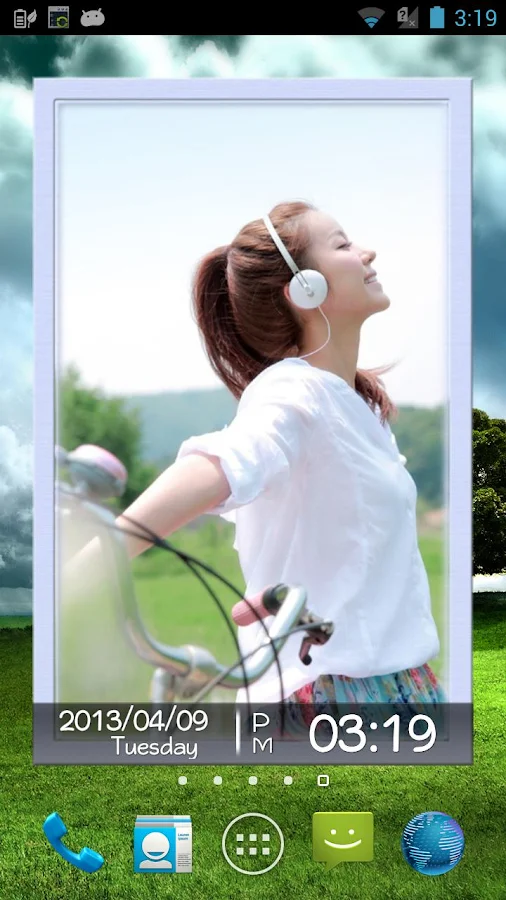
It differs from other photo widgets and offers up to 30 picture frames and 7 transition modes during slideshow process.

Pro Features:
  • Slideshow interval can be chosen.
  • One click shuffle all your photos.
  • 4 in 1 photo frame widget.
  • Future update functions and more than 30 kinds of different design photo frame.
  • New rich design sense of the time panel. (Show/Hide)
  • 10 kinds of rich design sense fonts.
  • Simultaneously select multiple albums playback.
  • Gallery Click Function.
  • No ads.
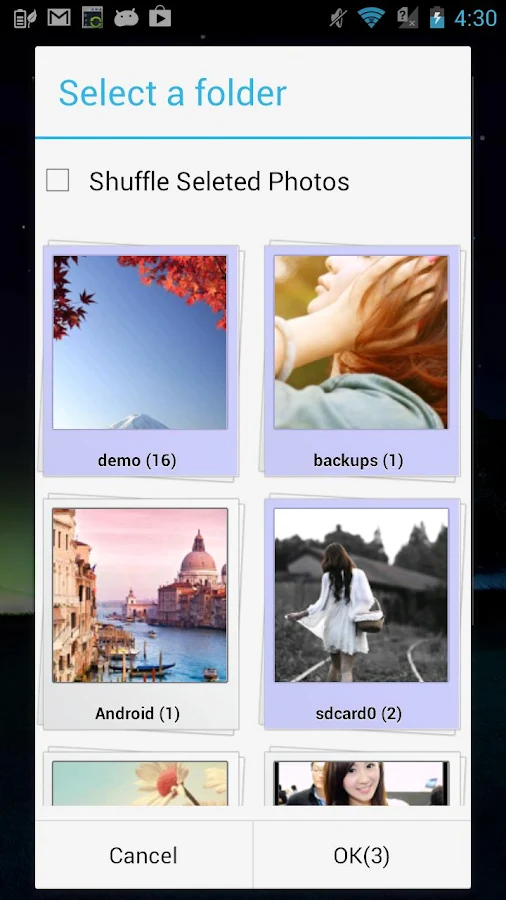
It can enhance the diversity of your desktop and make your album choosing more conveniently by its' photo selector.

Main Features:
Smooth in passing to next slide with wonderful transition effects: 
  • 7 options available
  • No Animation, Fade in/out, slide, scale, rotate, page down, page turning
Zooms in and out without damaging the image quality:
Any size can be supported by Animated Photo Frame Widget.
Free adjustment and place of your frame Personalization (2*2 minimum , no restriction on maximum )

Quick speed on selecting the whole album or photos : 
  • No need to assign specific path/route or to select photos by other tools.
  • Built-in album selector can list all of your photos in an easy way.
Considerate power-saving design: 
  • It would automatically stop updating when you close the screen without consuming the electricity of device.
  • It will automatically launch update function when you open the screen.
  • After comparison test of all photo widgets on Google Play.
  • Animated Photo Frame Widget + is the most energy-efficient photo widget.
  • So don't worry about it.
Console panel :
Easily stop the auto-play function anytime and skim photos manually by widget.

Random play / Shuffle : 
You can play any album in shuffle or directly play all photos saved in the device.

Independent Widget :
You can place some widgets on the desktop. Each of them works independently.

Image Observer :
You can edit/crop、add or delete photos in albums, image observer will auto rescan the photo list.

Attention:
  • After install app, you must start with few steps.
  • (It doesn’t exist in app list.)
  • Home -> Widget -> Animated Photo Frame Widget + -> Drag it to home
Or
  • Long click home -> Widget -> Animated Photo Frame Widget + -> Drag it to home
  • Notice ! It will check google play license at first start, 
  • make sure your network connection is on.
What's in this version : (Updated : Nov 13, 2014)
  • Add new icons !!!
  • Add new photo click action.
Required Android O/S : 3.0+

Screenshots :
Animated Photo Frame Widget + - screenshot
Animated Photo Frame Widget + - screenshotAnimated Photo Frame Widget + - screenshot

Download : 12Mb APK

SongPop Plus v1.24.04 APK


The best music trivia game.!

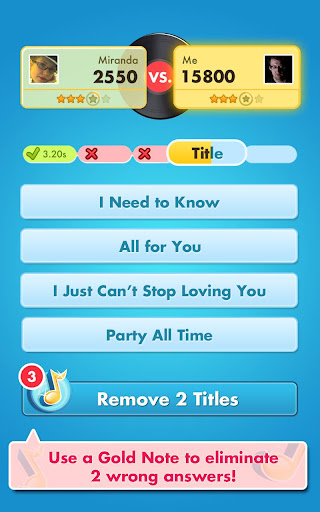
Are you ready to rock? Listen to song clips to test your music recognition - then send challenges to your friends! Prove that you're a true music master with Song Pop, the best music app!
Play with songs by your favorite artists, explore new genres, and rediscover nostalgic classics with our fun quizzes!

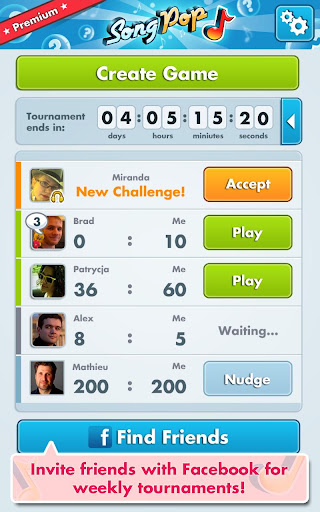
Connect with Facebook to find and play with your friends, or create random matches with music-loving strangers!

Premium Features:
  • Play with twice as many friends at once! 
  • Extended, HD quality music clips! 
  • Totally ad-free, forever!
Game Features:
  • From Today's Hits to Classic Rock, start with 6 basic playlists - there's something for everyone! 
  • Play with thousands of songs from the Golden Oldies to today! 
  • Invite your friends to quick challenges and see who has the best music memory! 
  • Unlock new playlists featuring more genres, more artists, and special song collections!
What's in this version : (Updated : Nov 13, 2014)
  • Bug fixes.
Required Android O/S : 2.2+

Screenshots :
 
 
Download : 12.6Mb APK

Vidstitch Pro - Video Collage v1.7.2 APK


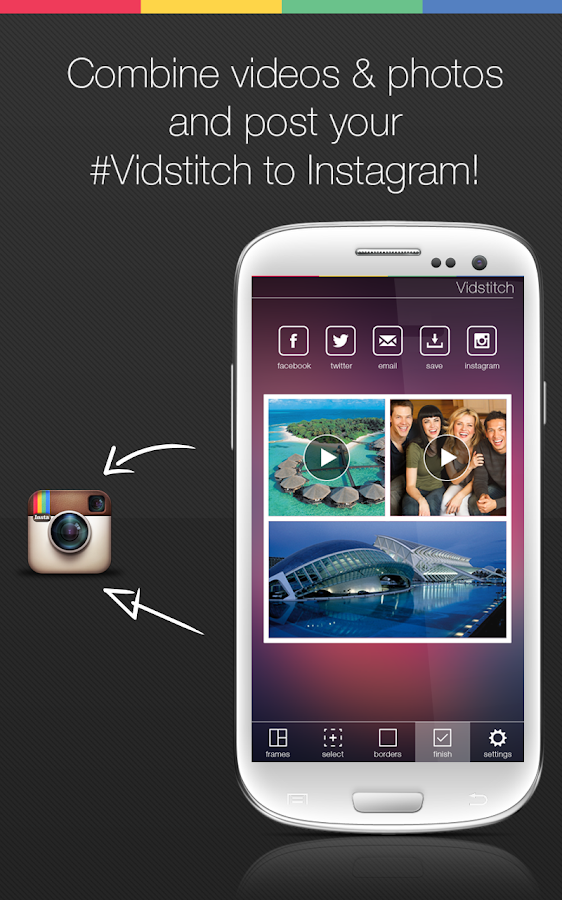
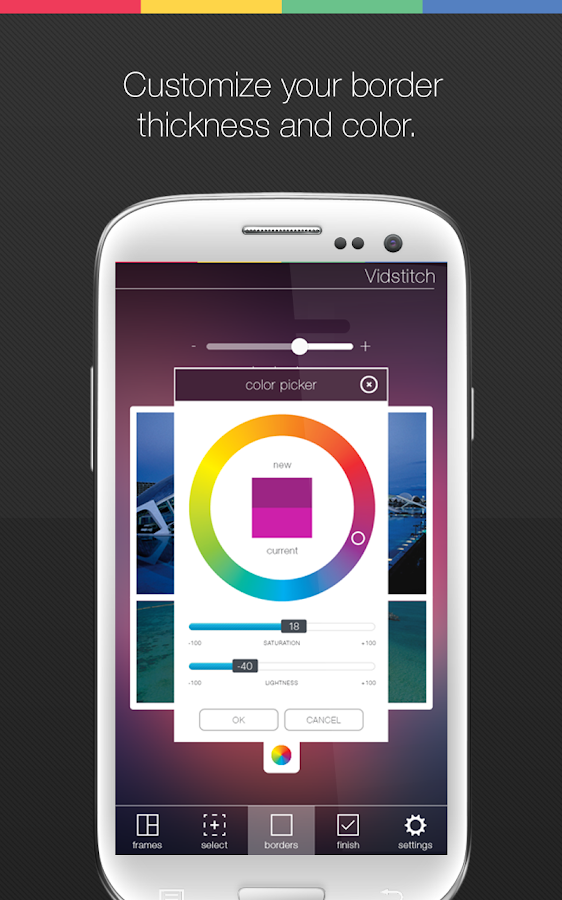
Vidstitch seamlessly combines your videos and photos to share your collage on Instagram. It's easy!

We engineered this app from the ground up to be an intuitive and effortless experience for you. #Vidstitch is intelligent and automagically optimizes for Instagram. Just choose your videos and photos and let #Vidstitch handle everything in the background.

≈ Less is More ≈
◎ Simple and intuitive user interface
◎ Choose your frame
◎ Combine your videos and photos
◎ Share your #Vidstitch on Instagram, Facebook, or Twitter

Features:
  • Combine videos and pics
  • Multiple frames to choose from
  • Rotate your video or pic (long press)
  • Play preview before saving
  • Post to Facebook, Twitter, and Instagram
  • Simple and Intuitive UI
  • Optimized for Android
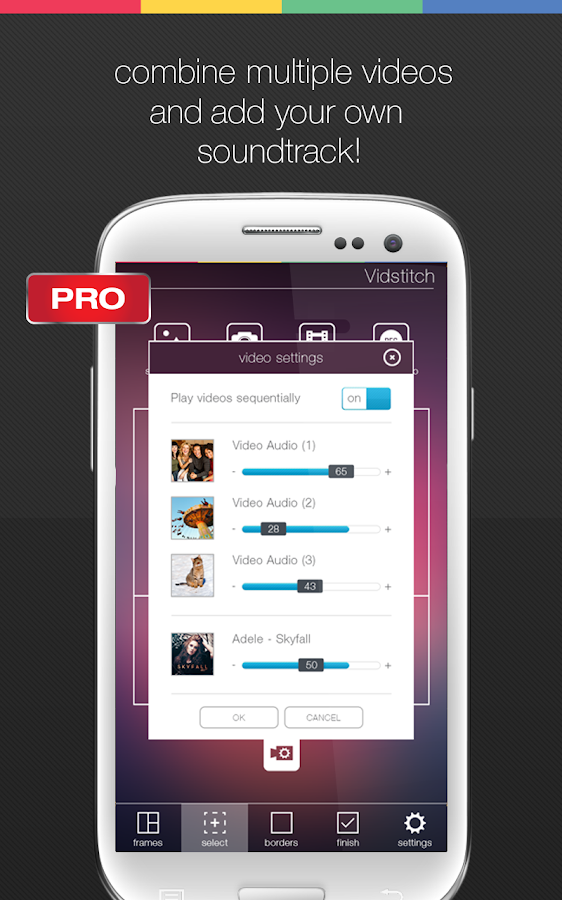
  • Add multiple video clips
  • Add your own soundtrack
  • GIF support!
What's in this version : (Updated : Nov 14, 2014)
  • Vine integration!
Required Android O/S : 4.1+

Screenshots :
Vidstitch Pro - Video Collage - screenshot
Download : 15Mb APK

Helium Premium - App Sync and Backup v1.1.3.4 APK


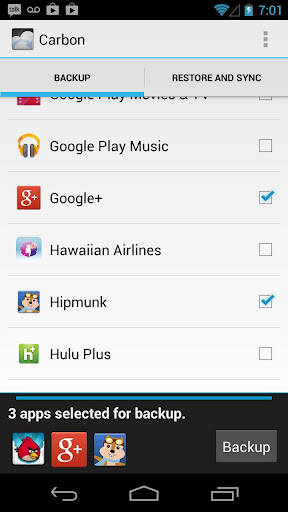
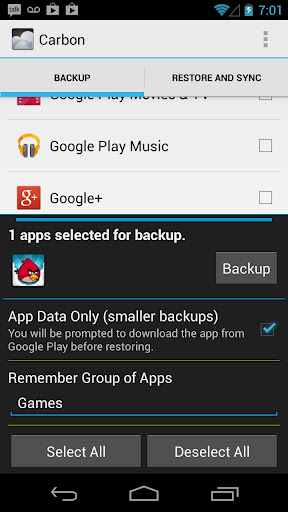
Carbon is the missing app sync and backup solution for Android!

Carbon does NOT require root. All Android users can use Carbon to backup and sync Android applications.

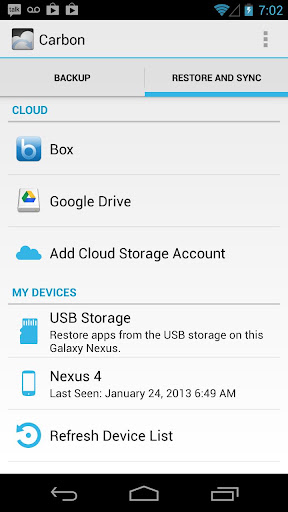
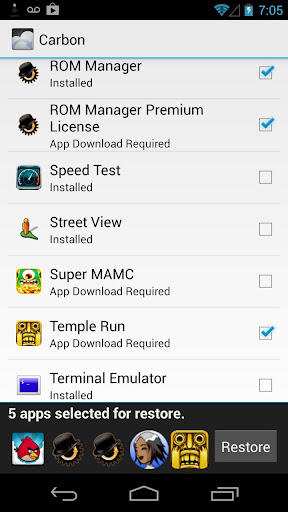
Carbon lets you backup your apps and data to your SD card or cloud storage. With Carbon, you can sync app data from your other Android devices-- even if they are not on the same network. Set up backup schedules with Carbon, and never lose data again.

Carbon Setup
  • Install Carbon on Android
    • Root user? You're done!
  • Install and run Carbon Desktop (link below)
    • Windows users must install their Android drivers as well
  • Connect Android to computer.
    • You may need to set your USB Connection Mode to "PTP". (Nexus 7, Nexus 10, etc)
  • Carbon on Android should now be enabled.
Carbon (Free) features:
  • Backup and restore to SD card
  • Backup and restore from PC
Carbon (Premium) features:
  • No ads
  • Automatic Backup schedules
  • Android to Android sync
  • Cloud backup and restore
    • Dropbox
    • Box
    • Google Drive
Note:
Carbon is NOT available to Motorola devices. This is because Motorola phones have a bug that break Android's backup mechanism. Until this is fixed by Motorola, Carbon will not work on those Androids.

What's in this version : (Updated : Nov 13, 2014)
  • Better keyguard handling
  • Fix PC Download
  • Crash fixes for Android Lollipop! If you're running the Android Lollipop preview, please make sure you are on the latest version released on October 16th!
  • Lollipop, lollipop
  • Oh lolli, lolli, lolli, lollipop, lollipop
  • Call my baby lollipop, tell you why
  • His kiss is sweeter than an apple pie
  • And when he does his shaky rockin' dance
  • Man, I haven't got a chance
Required Android O/S : 4.0+

Screenshots :


Download : 3Mb APK

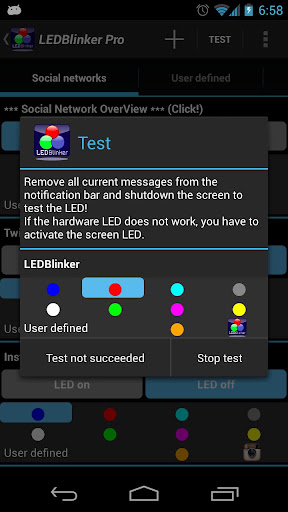
LED Blinker Notifications v6.1.4 APK


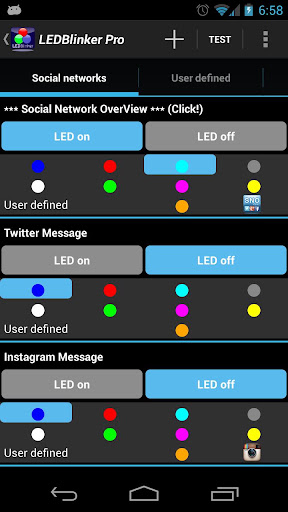
Let your LED show your missed calls, SMS, Facebook and Whatsapp messages!

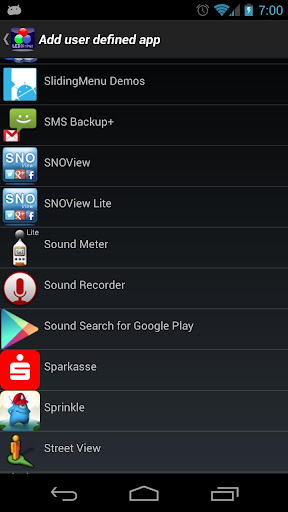
ALL apps are now supported, click on the + button on top
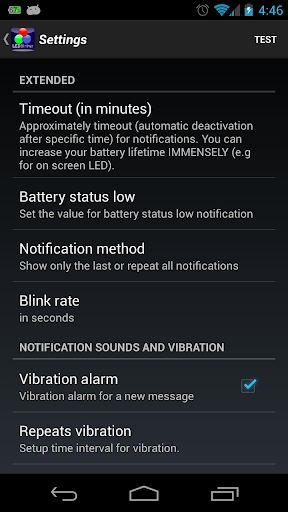
This app is very simple to use and not much configuration is needed!
Warning: Unlike other apps in this category you don't need 'ROOT' access to use LEDBlinker and this app is very battery friendly!

Hint:
If you have problems please do a full re-install and/or reboot your phone. Otherwise contact me over the in-app function or look for solutions here:

Warning:
If your phone speaks after install (Samsung S4, S3, S3 Mini, S2, Note1, Note2, LG Nexus 4) you have to disable Samsung TTS (text-to-speech) under settings -> apps manager -> all (on the right) and Google TTS (text-to-speech).
Only needed when you use the accessiblity service!

Another solution to fix talkback issue:
  • You can change the launcher by using another one from the Google Play Store. For example, Nova Launcher or Go Launcher (maybe Holo launcher). These launchers will not exhibit this bug.
  • For Samsung S4 users: If your phone speaks when opening your browser you have to use another browser like Chrome or Firefox.
  • Hint HTC users: Your phone is NOT supported, you have to use the on screen led!
  • And this app doesn't use internet permission, your data is SAFE!!!
  • Please try the lite version first to test the hardware led (on screen led is always working).
Functions:
  • ALL apps are now supported, click on the + button on top!!!
  • Let your LED show your missed calls and sms 
  • Battery status (LED notification for low battery, < 10%)
  • Google Mail 
  • Calendar reminder notifications
  • Google Talk/Google Hangouts
  • Standard Android EMail App now supported
  • Hike messages
  • SNOView - Social Network Overview notification
  • The Developer Checkout Manager (DCM)
  • Facebook messages 
  • WhatsApp messages 
  • Skype messages 
  • gReader messages 
  • Bluetooth messages 
  • Alternative On-Screen-LED 
  • Autostart function after device reboot
Other supported apps:
  • Web.de
  • Gmx.de
  • TapaTalk
  • Xing
  • AndLytics
  • Facebook Messenger
  • Twitter
  • Instagram
  • Web.de
  • Gmx.de
  • Tango
  • Handcent SMS
  • Kontakte+
  • AquaMail
  • GroupMe
  • FotMob
  • HeyTell
  • textPlus Free Text +
  • ChatOn
  • Kik Messenger
  • K9 Mail
  • Touch Messenger
  • mysms - SMS anywhere
  • Yahoo! Messenger
  • Viber : Free Calls + Messages
  • Gmail Priority Inbox
  • Any.DO Todo | Aufgabenliste
  • n-tv
  • N24
  • Yahoo Mail
  • Hotmail (Microsoft + SEVEN)
  • Wordfeud Pro/Lite
  • Business Calender
  • Ebay
  • MailDroid
  • Pakete
  • ColorNote
  • Blackboard
  • Geburtstage
  • CalenGoo
  • Notify My Android
  • ICQ
  • IM+
  • COL Reminder
  • TouchDown NitroDesk
  • comp SMS
  • K10 Mail
  • MailDroid Pro
  • Ruzzle
  • 1&1 Mail
  • Voxer
  • Forfone
Let your led blink with different lights!

What's in this version : (Updated : Nov 14, 2014)
  • Fixes for Android 4.2
  • Take a look at my other apps http://bit.ly/1BeFYV5
Required Android O/S : 2.1+

Screenshots :


Download : 1Mb APK

DW Contacts & Phone & Dialer v2.8.0.2-pro APK


Dialer, Phone, Contacts, Groups, SMS, MMS, Email, Organization, Ringtone, Call Filter, DW Contacts & Phonen !

DW Contacts & Phone is a powerful (MUST HAVE) replacement for your stock dialer, contacts and phone management application

Features :
  • multi-language support 
  • most functions are accessible by using the *LONG PRESS* (tap and hold) on any item or use *MENU* key 
  • very flexible to configure the design of every view (sort order, fonts size, color, transparency) 
  • quick-jump function, show a window, where you can click the first letter of your contact and quickly jump/scroll to it 
  • configurable contact view, how it should show the list (*show contacts as* / *sort order* for last name, first name, nick name, ...) 
  • support for all account types (local, Google, ms exchange, ...) 
  • tab bars: hide & sortable, include gesture switching to different views (phone, history, favorites, contacts, search, groups, organization, titles, events, toolbox) 
  • full management for your contacts (create, add, change, delete, copy contacts, copy to another account, groups, organization, titles in single- and multi select mode) 
  • batch mode for mass delivery with SMS, MMS, emails on single- and multi selection (contacts, groups, organizations, titles) 
  • search contacts by any attribute (name, nick name, phone number, organization, notes, address, email, relationships, websites, birthday, ...) + voice search 
  • support for layered groups, sub-groups (sub-group via Business.VIP = Business -> VIP) 
  • set ringtones on single- and multi select (contacts, groups, organizations, titles) 
  • contact event notification and contact event management (birthday, anniversary) + support for lunar calendar format 
  • easy sending event greetings to your contacts 
  • create shortcut to home on any contact item or on any tab via toolbox (phone, dialer, contacts, favorites, groups, organizations, titles, ...) 
  • extended incoming call view (background service: show organization, group, notes, group picture) 
  • share contacts (text,vcard) via SMS, email, ... 
  • call filter (blocking incoming calls on free definable date- and time zones) 
  • display call history with summary for single- or multi-select contacts, groups, organization, titles, ... 
  • dialer(phone) with T9-search - has many options to make it exactly to your wishes 
  • dialer and dialpad scalable and adjustable in size, background, color, font size can be changed 
  • full T9-search on all contacts fields and configurable 
  • icons for contact picture, dial, SMS, email 
  • quick dial manager (long press 0-9) 
  • quick dial last number 
  • display call history on dialer 
  • edit number before dialing 
  • voice dialer 
What's in this version : (Updated : Nov 13, 2014)
  • Add "Agenda tab" in the "Contact details". (in the settings, you can open the old "Event tab")
  • Add "Custom fields editor" in the "Contact details"
  • Add a menu item in the "Agenda tab", control whether to show the contact's events
  • Adding "Has photo contacts" auto group
  • Add "Save Image" and "Clear Image" option when in contact details click on the picture
  • Add a new call log filter "Has memo"
  • Using the "Contact Options" in the notification and alarm sound as a contact notification tone
Required Android O/S : 2.1+

Screenshots :


Download : 6Mb APK

 
Design by Free WordPress Themes | Bloggerized by Mespah - Premium Blogger Themes samples without surveys